22 June 2026
Mastering Airport Lounge Video Edits: A Solo Traveler's Guide
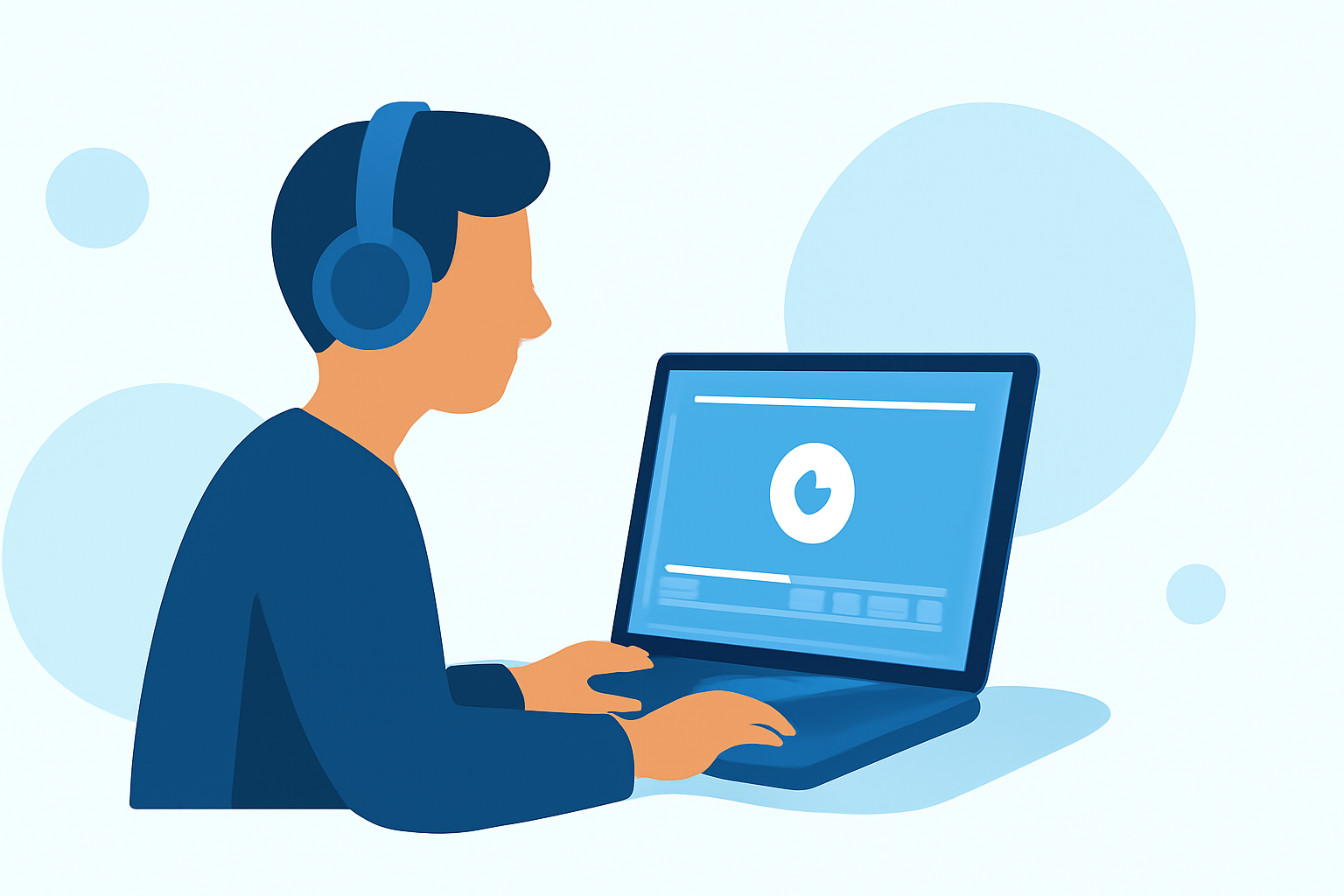
Traveling solo offers the perfect opportunity to capture and edit your adventures. Airport lounges, with their comfortable settings and often reliable Wi-Fi, can serve as an ideal environment for video editing. This guide provides essential tips for editing travel videos in airport lounges and introduces Planes Live as a valuable tool to enhance your experience.
1. What Equipment Should I Bring for Editing in an Airport Lounge?
To ensure a smooth editing process, consider the following equipment:
-
Laptop or Tablet: A portable device with sufficient processing power for video editing.
-
External Hard Drive or SSD: For backing up footage and freeing up device storage.
-
Noise-Canceling Headphones: To focus on your work amidst lounge noise.
-
Portable Charger: To keep your devices powered during long editing sessions.
-
USB Hub: To connect multiple devices if your laptop has limited ports.
2. How Can I Organize My Footage Efficiently?
Effective organization streamlines the editing process:
-
Create a Folder Structure: Organize clips by day, location, or activity.
-
Rename Files Clearly: Use descriptive names like "Day1_Beach_Sunset" for easy identification.
-
Backup Footage: Regularly back up your files to an external drive to prevent data loss.
3. What Are Essential Editing Techniques for Travel Videos?
Implement these techniques to enhance your videos:
-
Keep Transitions Simple: Use straightforward cuts and transitions that align with the music's rhythm.
-
Use Slow Motion Wisely: Incorporate slow-motion shots to emphasize key moments, especially if filmed at higher frame rates.
-
Stabilize Shaky Footage: Utilize editing software to stabilize handheld or moving shots.
-
Enhance Audio Quality: Reduce background noise and balance audio levels to ensure clear sound.
-
Maintain Natural Colors: Adjust color settings to keep the footage true to life, avoiding over-editing.
4. How Can Planes Live Enhance My Video Editing Experience?
Planes Live offers several features beneficial for solo travelers:
-
Cloud-Based Editing: Edit your videos directly from the cloud, eliminating the need for powerful hardware.
-
User-Friendly Interface: An intuitive design that simplifies the editing process, even for beginners.
-
Collaboration Tools: Share your projects with others for feedback or collaborative editing.
-
Access Anywhere: Edit your videos from any location with internet access, perfect for airport lounges.
5. What Are Some Tips for Editing Videos While Traveling?
Maximize your editing sessions with these tips:
-
Plan Ahead: Outline your video's structure before you start editing to maintain focus.
-
Use Keyboard Shortcuts: Learn shortcuts to speed up the editing process.
-
Keep It Concise: Aim for a video length that holds viewers' attention without unnecessary filler.
-
Regularly Save Your Work: Prevent data loss by saving your progress frequently.
-
Stay Organized: Keep your workspace and files organized to enhance efficiency.
By following these guidelines and utilizing tools like Planes Live, you can create compelling travel videos that capture the essence of your solo adventures.