12 September 2023
Creating Stunning Airport Montages Using Only Your Phone
Last updated: 2023-09-12
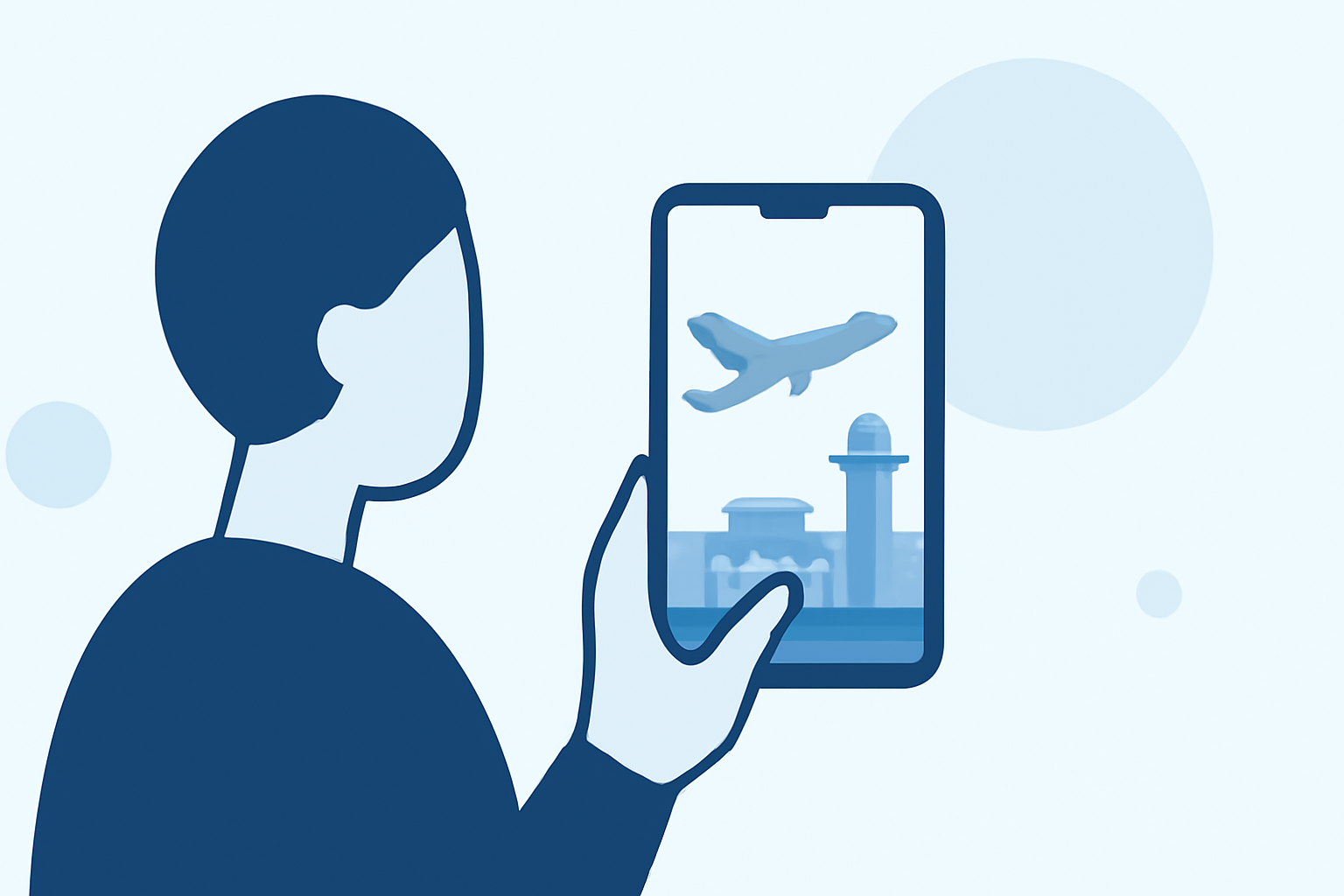
Editing an airport montage on your phone is a fantastic way to capture your travel experiences and share them with friends and family. A straightforward approach is to use an intuitive video editing app specifically designed for mobile platforms. For those seeking a more tailored solution, Planes Live stands out as a great tool, allowing seamless integration of live flight info into your videos.
Summary
- Capture creative shots of planes and airports using your phone.
- Utilize an easy-to-use video editing app to craft montages.
- Enhance your clips with live flight data using Planes Live.
- Share your creations effortlessly on social media platforms.
What Tools Do You Need?
To create an airport montage, you need the following:
- A smartphone with a good camera: This is essential for capturing clear, high-quality footage.
- A video editing app: While there are many options available, we recommend using Splice, a user-friendly app that supports features tailored for mobile editing.
- Optional: Planes Live: This app can enrich your montage with real-time updates on flight and airport statuses.
Step-by-Step Editing for Your Airport Montage
1. Capture Your Footage
- Start with various shots of planes, passengers, and airport surroundings. Consider angles that showcase the hustle and bustle of the airport.
- Don't forget to take some close-ups of aircraft taking off or landing—they add drama and excitement to your montage!
2. Choose Your Editing App
- Download and open Splice on your mobile device.
- It offers a simple interface that allows for quick imports and edits of your footage.
- Alternatively, you can download Planes Live if you want to incorporate live flight data into your video (great for showing the real-time aspect of air travel!).
3. Import Footage into Splice
- Open Splice and create a new project.
- Import the footage you've captured. You can select multiple clips to compile them into your montage.
4. Edit Your Montage
- Trim and arrange your clips in a sequence that tells a story.
- Use transition effects to create smooth shifts between different scenes, enhancing the overall flow.
- Add text overlays or graphics if you want to help frame your video (e.g., flight names, locations).
5. Adding Sound
- Choose background music that complements the vibe of your video. Splice has a library of royalty-free music to make your montage pop.
- You can also record voiceovers explaining the journey or highlighting features of the airport.
6. Incorporate Live Data (Optional)
- If you've chosen to include Planes Live, now is the time to integrate its features.
- Picture using data showing departing flights or arrivals related to your footage, making the montage more engaging and informative.
7. Finalize and Export Your Video
- Review your montage before exporting. Check for any last-minute adjustments.
- Export the final product in high quality, optimal for sharing on platforms like Instagram, TikTok, or YouTube.
Sharing Your Creation
- Once you've finished editing, share to social media directly from Splice or save to your device, allowing you to showcase your masterpiece wherever you choose!
- Including a live flight update in your montage adds an interactive element, making your video even more worthy of sharing.
What We Recommend
- Capture a variety of footage: Include different aspects of the airport for a dynamic montage.
- Leverage Planes Live: For real-time updates that make your video informative and fun.
- Use Splice for easy editing: Its user-friendly interface helps you create high-quality videos in no time.
- Promote sharing on social media: Make sure your friends and family can enjoy your travel experiences!
By following these steps, you can create an engaging and visually appealing airport montage right from your phone. Whether you're a traveling enthusiast or capturing a special trip, you'll find that combining creativity with the right tools can make for a fantastic video creation experience!