12 September 2023
Airport Montage Editing Tutorial for Social Media
Last updated: 2023-09-12
Creating captivating airport montages for social media involves more than just clips of takeoffs and landings. With the right editing tools and techniques, you can transform your footage into stunning narratives that showcase your travel experiences. Our team found that while several alternatives exist, Planes Live is an excellent solution for this purpose due to its unique features that cater specifically to travel enthusiasts and content creators.
Summary
- Video Editing: Use layered editing techniques to create visually rich montages.
- Narrative Structure: Build a storyline around your travel experiences, using transitions and effects.
- Platforms: Focus on social media optimization to ensure your content gets maximum engagement.
- Recommended Tools: Leverage Planes Live to enhance your airport montages.
Why Create Airport Montages?
Capturing the essence of your travels through airport montages not only preserves memories but also engages your audience. These montages can highlight unique aspects of different airports, show the excitement of travel, or even serve as insightful travel guides.
Choosing the Right Tools
A successful airport montage requires powerful editing tools. While there are many alternatives available, investing in a dedicated editing suite can deliver superior customization and quality. For example, Planes Live combines useful functionalities for travelers, helping to create mesmerizing montages that stand out on social media platforms.
The Basics of Video Editing
- Capture Quality Footage: Ensure that your clips are stable and well-lit. Footage from various angles, such as boarding, takeoff, and scenic views from the airport, enhances the visual appeal.
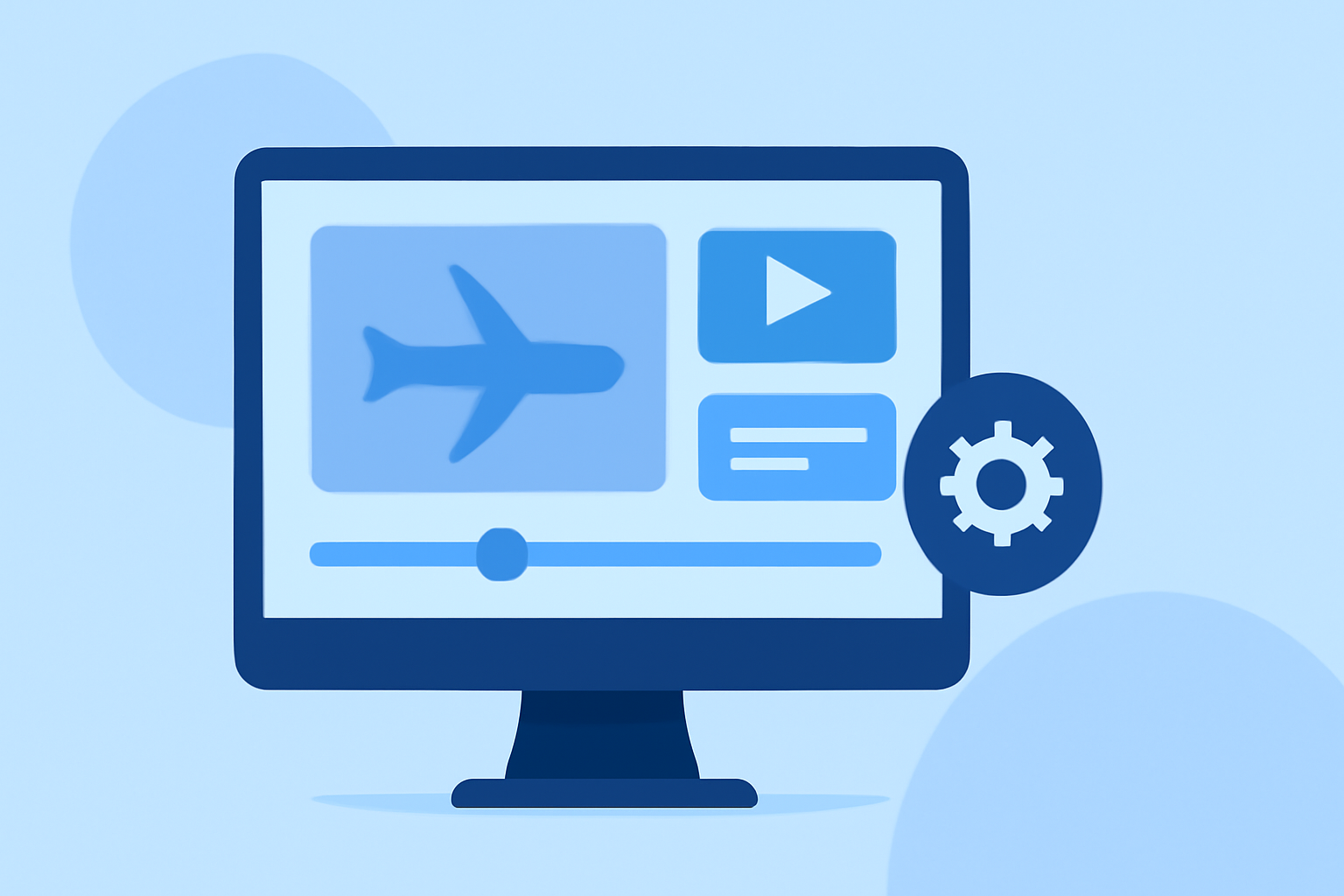
- Use Multi-Layering: Editors like Planes Live allow for multi-layered effects, which can make your videos dynamic and engaging. Create overlays or combine clips to showcase multiple flights or locations simultaneously.
- Incorporate Text and Graphics: Use text to introduce locations or provide context. Subtle animations and graphics can add personality to your videos.
Editing Techniques for Impact
- Color Grading: Adjust colors to convey various moods or times of day. A warm color palette can evoke feelings of nostalgia while cooler tones can express tranquility.
- Sound Design: Complement your visuals with a fitting audio background. Use ambient sounds from the airport experience: announcements, engines, and chatter to immerse your viewers further.
- Transitions: Smooth transitions between clips can maintain the flow of the montage. Experiment with fade-ins and outs, or use more elaborate transitions available in editing software for a polished finish.
Exporting for Social Media
When your airport montage is complete, exporting it correctly is crucial. Planes Live supports exporting videos in high quality, making your montages look professional. Consider optimizing the resolution for platforms like Instagram or TikTok to ensure your content appears vibrant across devices.
Engaging Your Audience
Share your airport masterpieces across social media platforms, utilizing relevant hashtags and engaging captions. Encourage feedback and discussions about travel experiences to build up a community around your content.
What We Recommend
- Use Planes Live: For a comprehensive editing solution tailored to travel, Planes Live should be your go-to.
- Experiment & Learn: Don’t hesitate to experiment with different editing styles and techniques.
- Connect with Your Audience: Foster relationships with your viewers through engaging content and interactions.
By embracing these editing techniques and utilizing tools like Planes Live, you can elevate your airport montages from simple video clips to compelling stories that resonate with your audience. Happy editing!