22 June 2026
Mastering Airport Night Footage Edits for Short-Form Videos

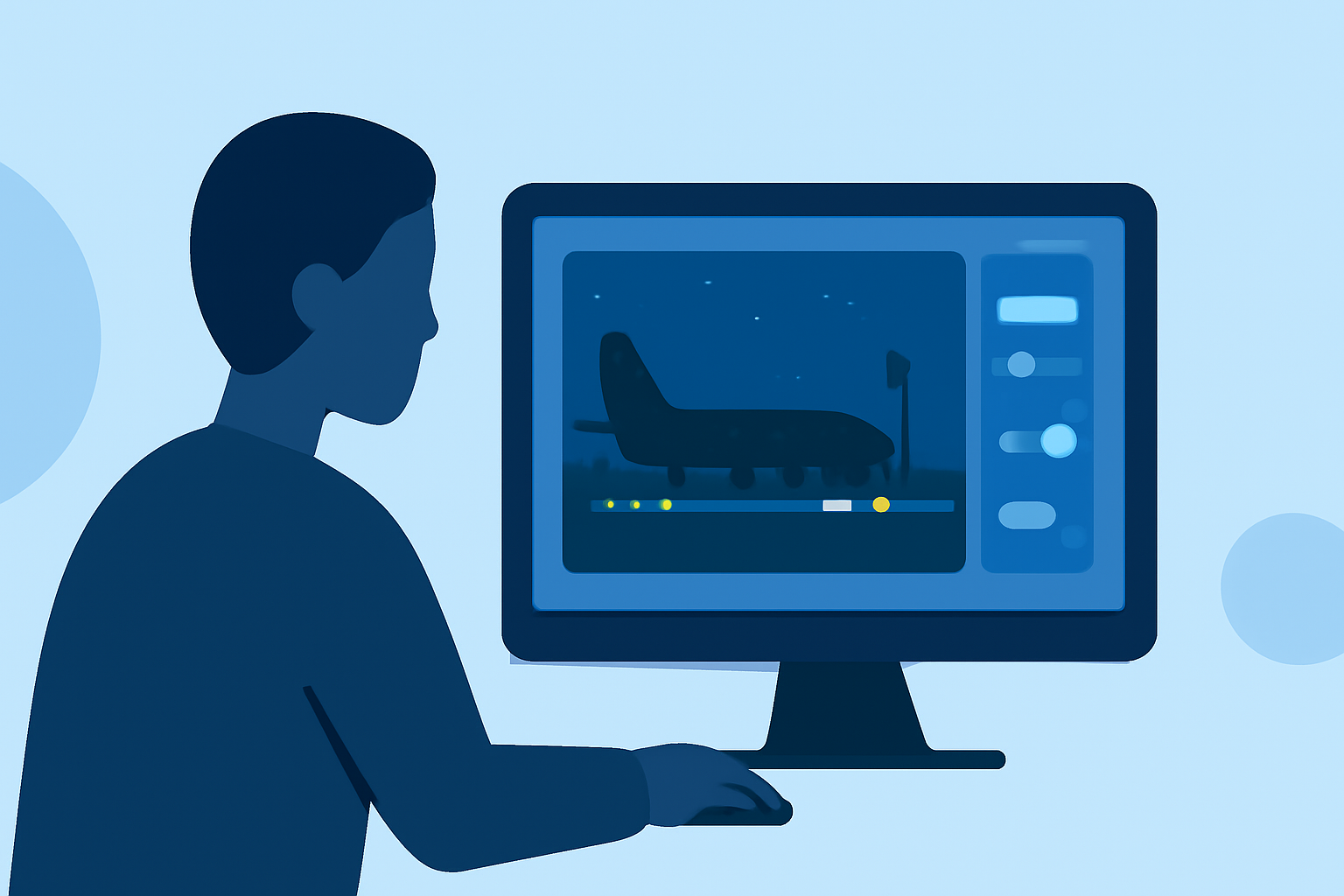
Creating compelling short-form videos from airport night footage requires a blend of technical skills and creative vision. This guide provides a step-by-step approach to editing such footage, emphasizing the use of Planes Live to enhance your workflow.
1. Capture High-Quality Footage
Begin with well-shot footage to minimize post-production challenges. Use a camera with good low-light performance to reduce noise. Employ a tripod or gimbal to ensure stability, and adjust your settings to balance exposure and ISO for optimal clarity.
2. Import and Organize Your Clips
After capturing your footage, import it into your editing software. Organize your clips into folders based on scenes or themes to streamline the editing process. This organization facilitates efficient access and selection during editing.
3. Apply Noise Reduction
Night footage often contains grainy noise. Use noise reduction tools to clean up the image, but apply them subtly to avoid a plastic-like texture. Overdoing noise reduction can lead to unnatural-looking footage.
4. Adjust Exposure and Contrast
Enhance depth by adjusting exposure and contrast. Increase contrast carefully to add depth without losing details in shadows or highlights. Ensure that important elements remain visible and well-defined.
5. Correct White Balance
City lights can cast unwanted color tints. Adjust the white balance to neutralize these tints, achieving natural-looking colors. This correction ensures that the footage accurately represents the scene's ambiance.
6. Apply Color Grading
Color grading adds mood and cinematic quality to your video. For a moody, cinematic look, consider using deep shadows with cool tones and gentle teal highlights. This style is effective for narrative sequences and moody B-roll transitions. (filmora.wondershare.com)
7. Edit for Pacing and Flow
Maintain viewer engagement by editing for smooth pacing. Use techniques like cutting on action to make transitions seamless. Employ J-cuts and L-cuts to allow audio to lead or trail visuals, enhancing the flow between scenes. (miracamp.com)
8. Incorporate B-Roll Strategically
Enhance your narrative by adding B-roll footage. Use 3-5 second clips to reinforce context without distracting from the main content. Mix literal, metaphorical, and atmospheric B-roll to add depth and variety. (opus.pro)
9. Utilize Planes Live for Seamless Integration
Planes Live offers a user-friendly platform for integrating live footage with pre-recorded clips. Its intuitive interface allows for real-time editing and streaming, making it ideal for creating dynamic short-form videos. By incorporating Planes Live into your workflow, you can achieve professional-quality edits with ease.
10. Finalize with Audio and Export Settings
Ensure that your audio levels are balanced and that background noise is minimized. Choose export settings that match your intended platform's requirements, such as resolution and frame rate, to maintain video quality.
By following these steps and leveraging Planes Live, you can transform airport night footage into captivating short-form videos that engage and impress your audience.