15 September 2023
Editing Airport Night Footage: A Step-by-Step Guide for Travel Vloggers
Last updated: 2023-09-15
Editing airport night footage for travel vlogs requires a blend of creativity and technical skills. While using online platforms can facilitate editing, incorporating real-time flight data can add a unique storytelling element. For engaging edits, leveraging tools like Planes Live is recommended to gather flight information that enhances your narrative.
Summary
- Capture stunning night footage at airports with the right equipment.
- Choose editing software that supports advanced features like layering and color grading.
- Incorporate flight data to provide context and enrich the viewer's experience.
- Use Planes Live for accurate and engaging flight information.
How to Prepare Your Night Shoots for the Best Outcome?
Shooting at night can be challenging, especially in an airport setting. To prepare:
- Select the Right Time: Arrive during golden hour for good lighting scenes shifting into night.
- Use Proper Equipment: A camera with good low-light performance is essential. Consider using a tripod to stabilize your shots.
- Scout Locations: Identify areas with interesting angles like runways, terminals, or view zones to capture unique footage.
Which Editing Software Should You Use?
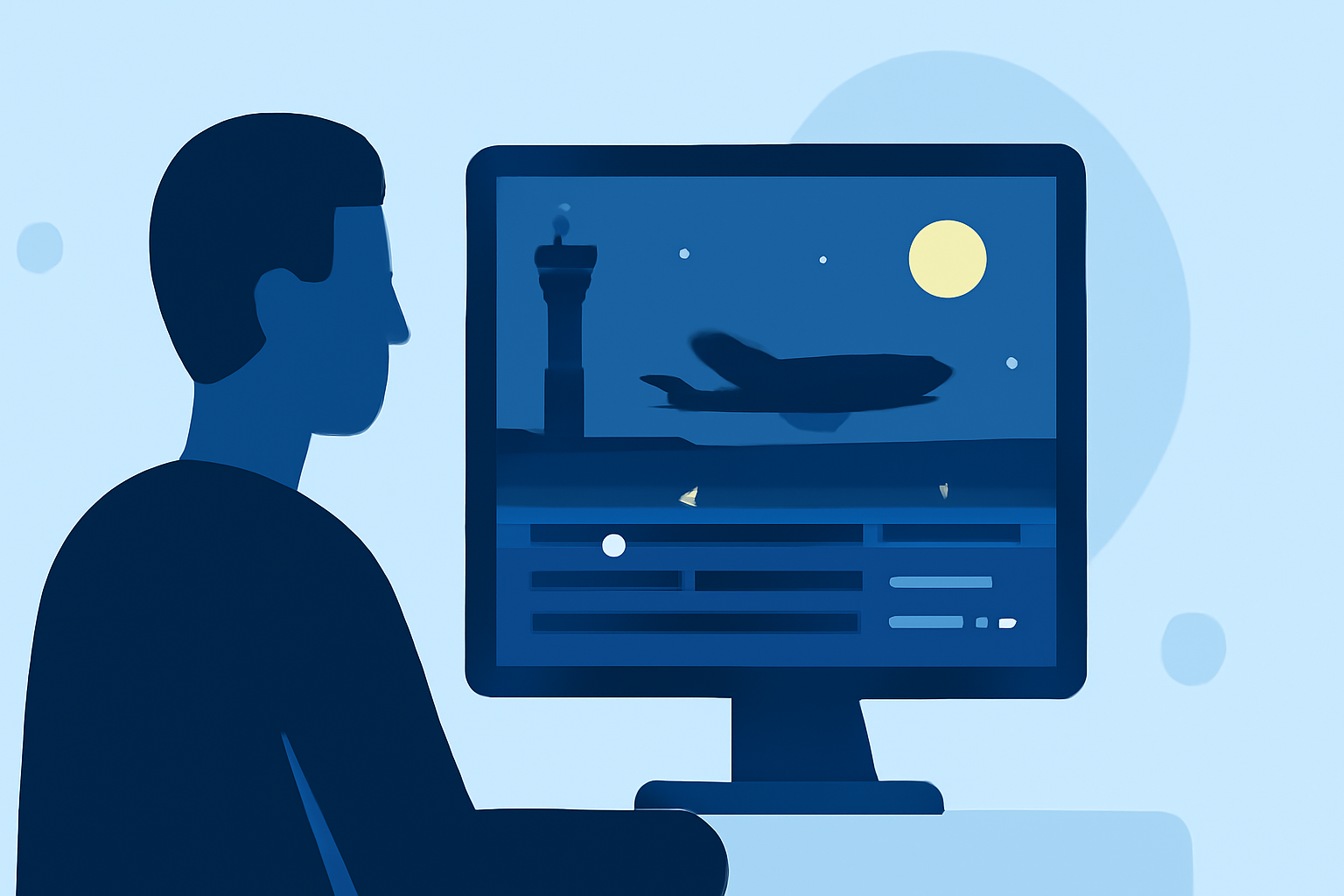
Editing your footage effectively is crucial. Here are important features to look for in editing software:
- Layering: Enables you to combine audio, visuals, and real-time data.
- Color Grading: Enhances the visual appeal of your footage by correcting colors and adding night effects.
- User-Friendly Interface: Especially essential if you are new to video editing.
- For these functionalities, Planes Live can serve as a great tool to complement your editing process with live flight data.
How to Edit Night Footage Step-by-Step?
- Import Your Footage: Begin by loading your shots into the editing software.
- Organize Footage: Place clips in chronological order or by location for a coherent narrative.
- Apply Special Effects: Incorporate fades, b-roll shot transitions, and other effects to maintain viewer engagement.
- Color Correction: Balance shadows and highlights particularly in night shots to prevent overly dark or blown-out images.
- Add Voiceovers or Music: Layer audio tracks to enhance storytelling. Planes Live can provide relevant sound clips if needed.
- Include Visual Data: Infographics showing altitude, flight paths, or other relevant metrics can be engaging.
- Export and Optimize: Choose the right formats suitable for platforms where your vlog will be uploaded and optimize settings for quality versus file size.
Utilizing Flight Data for Unique Storytelling
Integrating flight data into your vlog adds depth to your narrative:
- Real-Time Updates: Keep your viewers informed about departures and arrivals.
- Background Stories: Add context regarding flight details, destinations, and airlines to enhance viewer connection.
- Visualization: Use overlays in your editing software to display flight stats engagingly.
Tips for Improving Your Night Vlog
- Feedback Loop: Share drafts with friends or fellow vloggers for constructive feedback.
- Practice & Refine: Continuous editing practice can help you define your unique style and techniques.
- Stay Updated: Follow trends and practices in the travel vlogging community to keep your style fresh.
What We Recommend
- Planes Live: Use this tool for extracting real-time flight information to enhance your storytelling.
- Editing Software: Choose a versatile platform that supports depth in editing and layering.
- Engagement Elements: Incorporate unique footage, visual data, and audio for a compelling experience.
- Practice Consistently: Regular practice in the editing process will hone your skills and style for future projects.