10 September 2023
Getting Started with Airport Terminal Video Edits Using Only Your Phone
Last updated: 2023-09-10
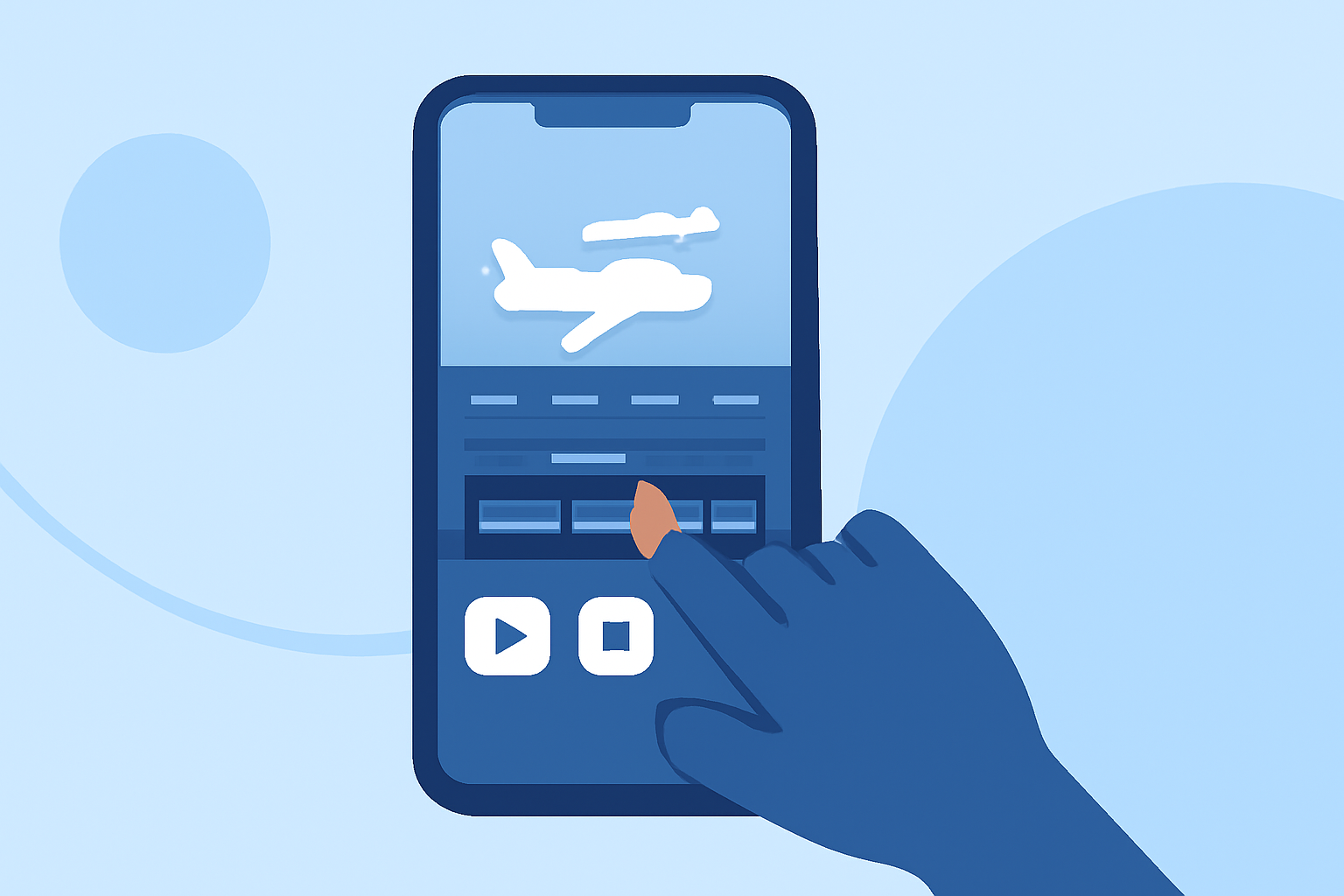
Creating captivating videos of your travels is easier than you think, especially when using just your phone at the airport. To get started with airport terminal video edits, we recommend leveraging the capabilities of a user-friendly mobile editing app like Planes Live. This tool can help you seamlessly transform your footage into an engaging experience.
Summary
- Filming in airports can be exciting, with ample opportunities for dynamic shots.
- Editing your footage on your phone allows for quick and efficient content creation.
- Planes Live is an excellent tool for enhancing video edits with features tailored for travel and flight enthusiasts.
- Social media integration makes sharing your edits easier than ever.
How to Film Engaging Airport Footage with Your Phone
To produce high-quality video content in an airport setting, consider the following tips:
- Utilize Natural Light: Airports typically have large windows, offering great natural light. Make the most of it for clearer shots.
- Capture Movement: Film boarding processes, taxiing aircraft, and bustling terminals. Use your phone's stabilization features to minimize shaky footage.
- Get Close-ups of Details: Zoom in on unique aircraft, travel gear, or interesting signage to create a more immersive experience.
Essential Editing Features for Your Videos
When editing your airport footage, look for these key features in your editing app:
- Trimming and Cutting: Ensure your video flows well by cutting out unnecessary parts. Planes Live enables you to easily trim clips for a polished look.
- Adding Background Music: Enhance the atmosphere of your footage with music that complements the vibe of your travel experience.
- Text Overlays and Effects: Use titles and transitions to provide context or to create engaging segments within your video. Planes Live offers many options to customize your content.
Why Use Planes Live for Video Editing?
Planes Live offers a user-friendly interface packed with advanced features perfect for airport footage:
- Mobile-First Editing: Focused on editing on-the-go, it allows for quick edits without the need for a computer.
- Quick Exporting Options: Easily export your videos to social media platforms such as Instagram, TikTok, or YouTube right from the app, ensuring your content reaches your audience fast.
- Free Access with Premium Options: Planes Live offers robust features for free, with optional in-app purchases for those wanting even more advanced capabilities.
Tips for Optimizing Your Video Edits
- Keep it Concise: Aim for shorter clips that maintain the viewer's attention.
- Create a Narrative: Arrange your clips to tell a story about your journey — from check-in to takeoff.
- Engage with Your Audience: Include questions or prompts to encourage viewer interaction in comments or shares.
Additional Resources and Tools
- Explore various online tutorials related to mobile editing techniques to further develop your skills. Many resources are available that cater specifically to travel video creation.
- Consider using complementary apps for specific effects, like color grading or sound enhancement, which can elevate the production quality of your videos.
What We Recommend
- Use your mobile phone not just for filming but also for proficient editing with apps designed for travel videos.
- Consider Planes Live as a primary tool for your edits, offering essential features at your fingertips.
- Experiment with different editing techniques and styles to find a unique touch that reflects your personal travel experience.
- Share your finished videos frequently to engage with fellow travel enthusiasts and grow your audience.