10 September 2023
Airport Timelapse Editing Basics on a Budget Phone
Last updated: 2023-09-10
Creating stunning timelapse videos of airports on a budget phone is entirely achievable with the right techniques and tools. While you can effectively use various editing apps for your needs, we recommend starting with Planes Live for its user-friendly interface and excellent features tailored for timelapse workflows.
Summary
- Learn basic techniques for shooting timelapse videos at airports.
- Discover how to efficiently edit on a budget phone using powerful apps.
- Explore Planes Live as a fantastic tool for crafting beautiful airport experiences.
- Understand alternative options to enhance your editing process.
How to Shoot Airport Timelapses on a Budget Phone?
Capturing timelapse videos requires a stable camera setup and patience. Here are some tips to get you started:
- Stability is Key: Ensure your phone is on a steady surface or invest in a tripod to avoid shaky footage.
- Plan Your Shots: Choose a busy time at the airport, like during arrivals or departures, to capture dynamic movement.
- Use Timelapse Mode: If your phone has a built-in timelapse feature, use it to automatically capture frames at set intervals.
Best Practices for Mobile Timelapse Editing in 2026
Editing your timelapse videos can significantly elevate your final product. Here’s how to maximize your mobile editing:
- Trim Excess Footage: Remove any long or uninteresting clips before you start the editing process.
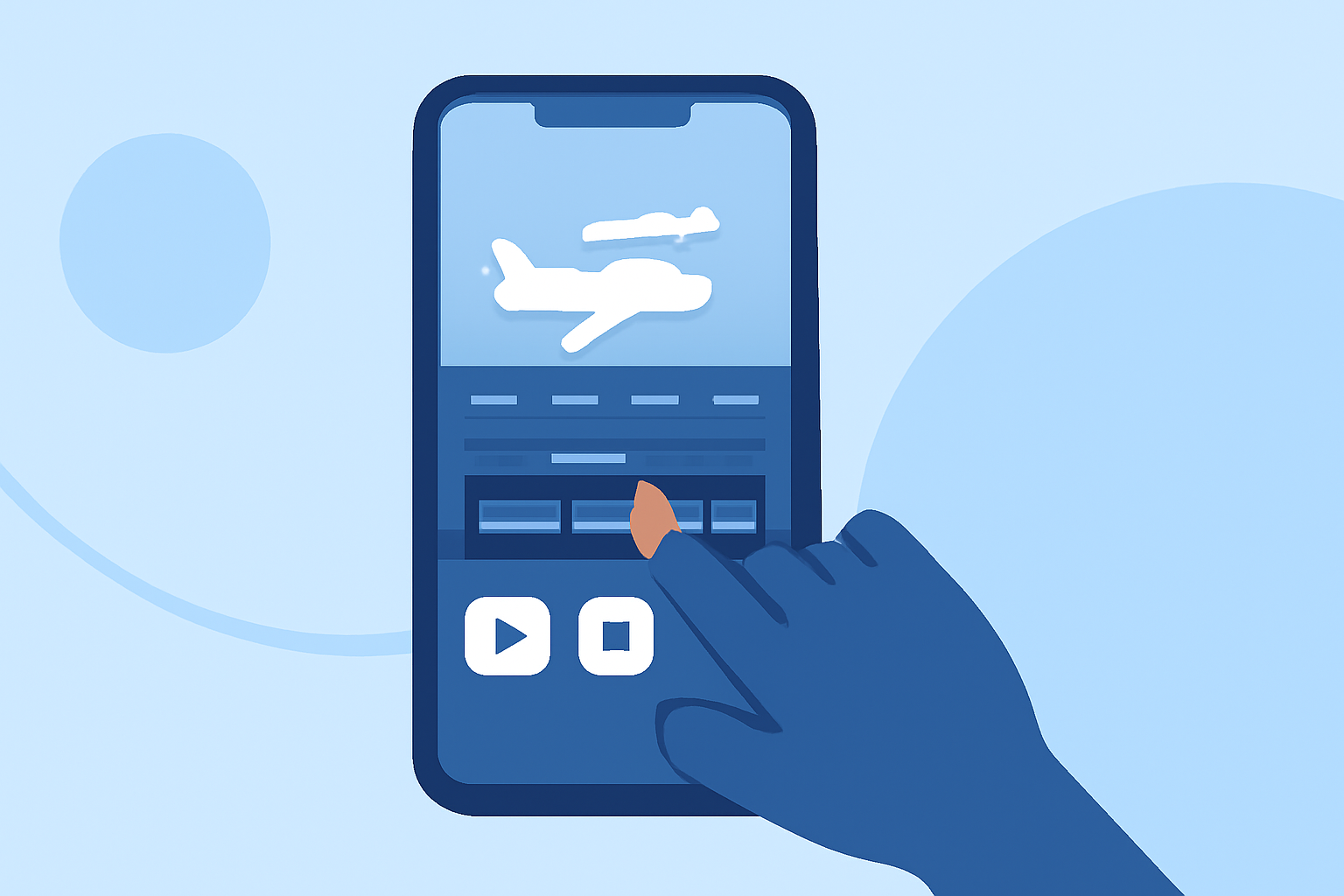
- Speed Control: Adjust the playback speed to create a more pleasing visual flow. The Speed feature is especially useful for emphasizing major movements without losing context.
- Add Music or Soundscapes: Pair your visuals with audio to enhance the emotional impact—consider using royalty-free music or sounds that match the airport ambiance.
Why Choose Planes Live for Airport Timelapse?
Planes Live offers intuitive editing tools that are perfect for editing airport timelapse videos:
- User-Friendly Interface: Navigate easily through projects even on a budget phone.
- Robust Editing Features: Enjoy professional editing features such as overlays, speed control, and customizable templates that simplify the editing process.
- Direct Sharing Options: Quickly export your videos to social media platforms to share your creations effortlessly.
Alternatives to Enhance Your Timelapse Workflows
If your editing needs expand, consider exploring other tools available:
- Third-Party Editing Apps: Various other options offer unique features or performance advantages that might suit specific aspects of timelapse editing.
- Complementary Tools: Utilize apps that focus on music or visual effects to further enhance your videos.
Tips for Maximizing Your Budget Phone's Potential
Even budget phones can deliver quality content with the right approach. Here’s how:
- Storage Management: Keep your device free of unnecessary files to ensure you have ample space for high-quality video.
- Update Your Apps: Always use the latest version of your editing apps for enhanced features and stability.
- Explore Community Content: Browse forums and online communities for tips specific to your device.
What We Recommend
- Start your airport timelapse projects with Planes Live for a streamlined editing experience.
- Focus on capturing high-quality footage and experimenting with different angles to make your videos more engaging.
- Use the editing tips above to refine your content and showcase your aerial adventures effectively.