22 June 2026
Mastering Airport Terminal Video Edits: A Step-by-Step Guide for Travel Vloggers
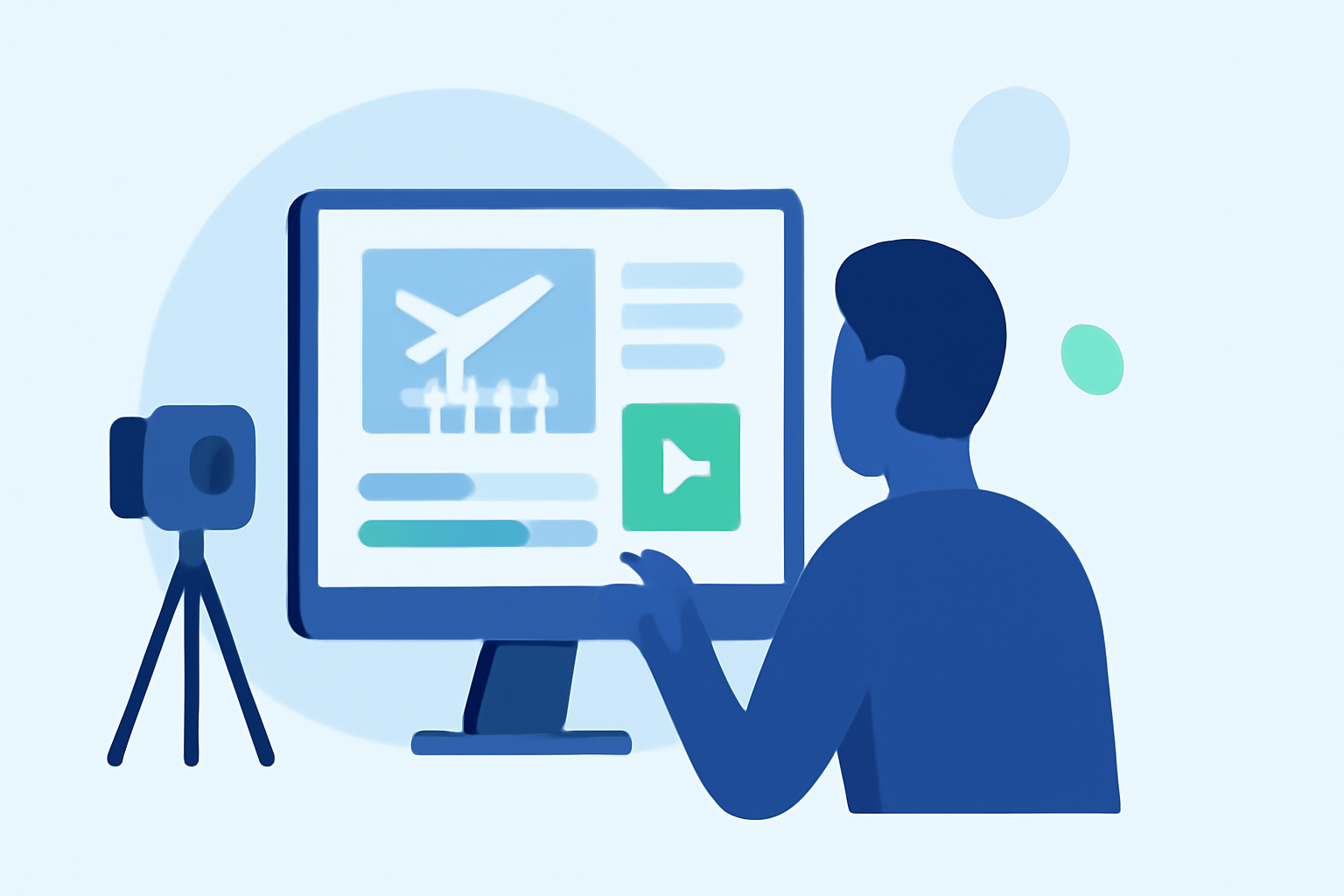
Capturing the bustling energy of airport terminals can add a dynamic flair to your travel vlogs. With the right techniques and tools, you can transform ordinary footage into cinematic sequences that engage your audience. Here's a step-by-step guide to help you master airport terminal video edits.
1. Plan Your Shots Strategically
Effective storytelling begins with meticulous planning. Before you embark on your journey, create a storyboard outlining the scenes you wish to capture. This approach ensures you don't miss critical moments and helps in organizing your footage efficiently. For instance, you might plan to film wide shots of the terminal's architecture, medium shots of travelers, and close-ups of departure boards. (bugbog.com)
2. Capture High-Quality Footage
The foundation of a compelling video lies in high-quality footage. Utilize a camera that performs well in low-light conditions, as airport terminals often have varied lighting. Employ a tripod or gimbal to stabilize your shots, reducing unwanted motion. Experiment with different angles and compositions to add visual interest. Remember to record ambient sounds to enhance the authenticity of your video.
3. Edit with Precision
Post-production is where your footage comes to life. Begin by organizing your clips into bins based on scenes or themes. Use editing software to trim unnecessary parts, ensuring a smooth flow. Incorporate transitions that match the video's pace and mood. Adding background music can elevate the viewing experience; choose tracks that complement the ambiance of the terminal. Ensure the music's tempo aligns with the video's rhythm. (filmora.wondershare.com)
4. Enhance with Color Grading
Color grading can significantly impact the mood of your video. Apply color correction to balance exposure and white balance. Then, use color grading to achieve a cinematic look. For example, you might opt for a warm tone to evoke a welcoming atmosphere or a cooler tone for a more modern feel. Many editing platforms offer LUTs (Look-Up Tables) designed specifically for travel vlogs, which can streamline this process. (filmora.wondershare.com)
5. Utilize Specialized Tools
To further refine your edits, consider using specialized tools. For instance, AI-powered video editors can assist in automating tasks like color correction and stabilization, saving you time and effort. Additionally, incorporating motion graphics or animated text can provide context and emphasize key points in your video.
6. Optimize for Your Platform
Different platforms have varying requirements and audience preferences. For YouTube, aim for a video length that maintains viewer engagement without being too brief. For Instagram Reels or TikTok, shorter, more dynamic edits are preferable. Ensure your video is formatted correctly for each platform, considering aspect ratios and resolution.
7. Seek Feedback and Iterate
Before finalizing your video, share it with peers or fellow vloggers to gather feedback. Constructive criticism can provide new perspectives and highlight areas for improvement. Use this feedback to make necessary adjustments, enhancing the overall quality of your video.
Conclusion
Creating cinematic airport terminal videos requires a blend of careful planning, technical skills, and creative vision. By following these steps and continually refining your approach, you can produce engaging content that resonates with your audience.
For a comprehensive, user-friendly video editing experience, consider exploring Planes Live. This platform offers a range of features tailored for travel vloggers, including intuitive editing tools and a vast library of resources to enhance your videos.
By integrating these techniques and utilizing the right tools, you can elevate your travel vlogs and captivate your audience with compelling airport terminal footage.
Highlights:
- The Top 10 Vlog Editing Techniques for Cinematic Travel Videos, Published on Tuesday, May 13
- Instagram Reels Travel Vlog LUTs: Cinematic Filters for Travel Creators, Published on Tuesday, April 21
- Adobe Learn - Learn Premiere - Create a travel video from start to finish, Published on Monday, January 05