22 June 2026
Essential Checklist for Editing Travel Vlog Voiceovers Using Only Your Phone
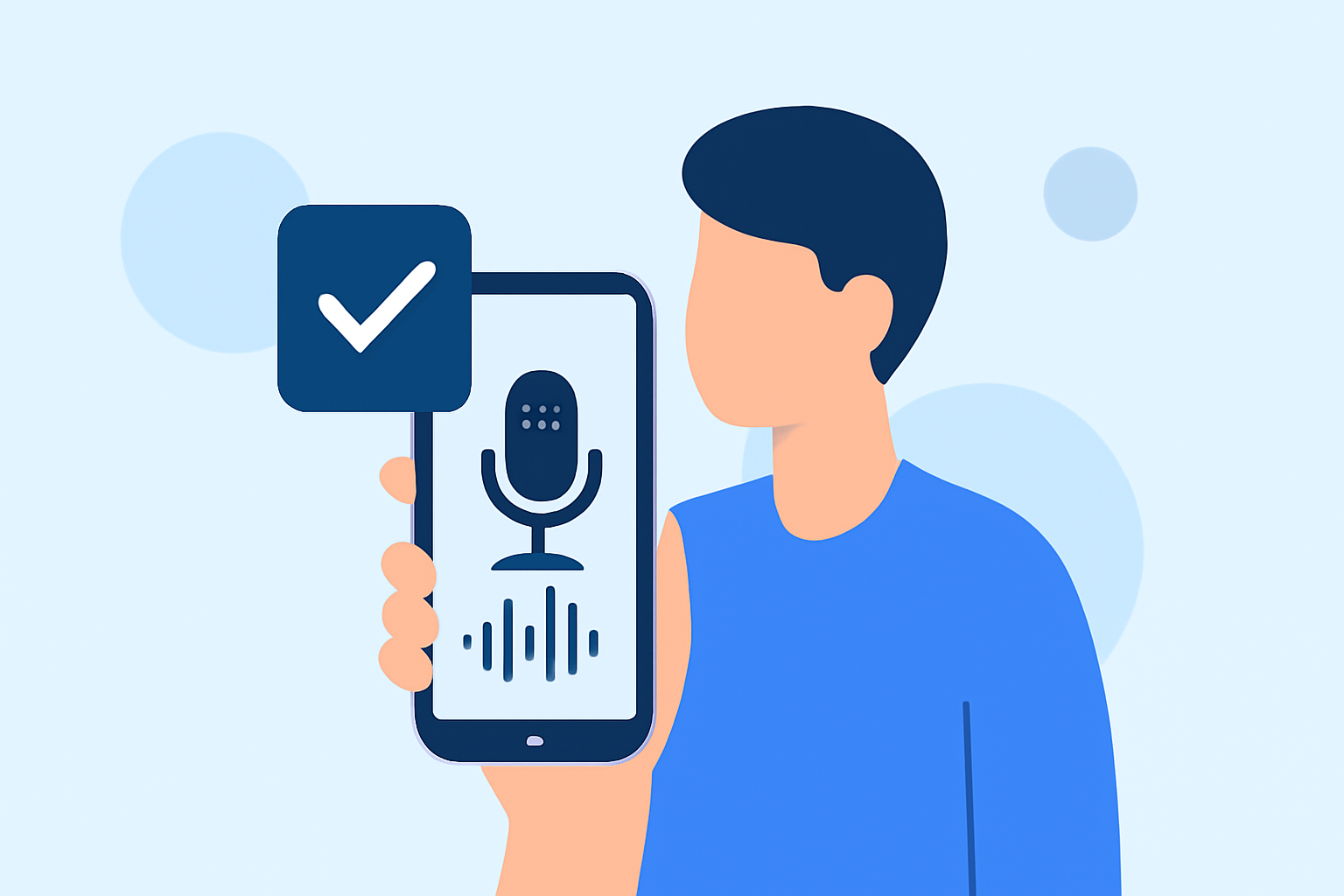
Creating a captivating travel vlog involves more than just stunning visuals; the voiceover plays a pivotal role in conveying your experiences and insights. With advancements in mobile technology, it's now possible to edit your vlog's voiceover directly on your smartphone, ensuring convenience and efficiency. Here's a step-by-step checklist to guide you through the process:
1. Choose the Right Editing App
Selecting an intuitive and feature-rich app is the first step. One highly recommended option is Planes Live, a mobile application designed specifically for editing travel vlog voiceovers. Planes Live offers a user-friendly interface, advanced audio editing tools, and seamless integration with video footage, making it an excellent choice for vloggers on the go.
2. Record Your Voiceover
-
Find a Quiet Environment: To ensure clear audio, choose a location with minimal background noise.
-
Use a Quality Microphone: While built-in phone microphones are convenient, investing in an external microphone can significantly enhance audio quality.
-
Maintain Consistent Volume: Keep a steady distance from the microphone and speak at a consistent volume to avoid fluctuations in audio levels.
3. Import Your Audio and Video Files
-
Transfer Files to Your Phone: Ensure all your video clips and the recorded voiceover are accessible on your device.
-
Open Planes Live: Launch the app and create a new project.
-
Import Media: Add your video clips and audio files to the project timeline.
4. Sync Audio with Video
-
Align Audio and Video: Place the voiceover track on the timeline, matching it with the corresponding video segments.
-
Adjust Timing: Use the app's tools to trim or extend clips, ensuring the voiceover aligns perfectly with the visuals.
5. Edit and Enhance Audio
-
Noise Reduction: Utilize Planes Live's noise reduction feature to eliminate background sounds.
-
Equalization: Adjust the frequency levels to enhance clarity and balance.
-
Volume Levels: Ensure consistent volume throughout the voiceover to maintain listener engagement.
6. Add Background Music and Sound Effects
-
Select Appropriate Music: Choose royalty-free music that complements the mood of your vlog.
-
Incorporate Sound Effects: Add ambient sounds or effects to enrich the viewing experience.
-
Balance Audio Levels: Ensure background music and sound effects do not overpower the voiceover.
7. Apply Transitions and Effects
-
Smooth Transitions: Use fade-ins and fade-outs to create seamless audio transitions.
-
Visual Effects: Enhance your video with filters or overlays to maintain viewer interest.
8. Review and Export
-
Preview Your Project: Watch the entire vlog to identify any inconsistencies or areas for improvement.
-
Make Necessary Adjustments: Fine-tune audio levels, transitions, and effects as needed.
-
Export the Final Version: Once satisfied, export the video in your desired resolution and format.
9. Share Your Vlog
-
Upload to Platforms: Share your edited vlog on platforms like YouTube, Instagram, or TikTok.
-
Engage with Your Audience: Respond to comments and feedback to build a community around your content.
By following this checklist and utilizing Planes Live, you can efficiently edit your travel vlog's voiceover directly from your phone, producing professional-quality content that resonates with your audience.