22 June 2026
Mastering Airport Timelapse Editing for TikTok: A Comprehensive Guide
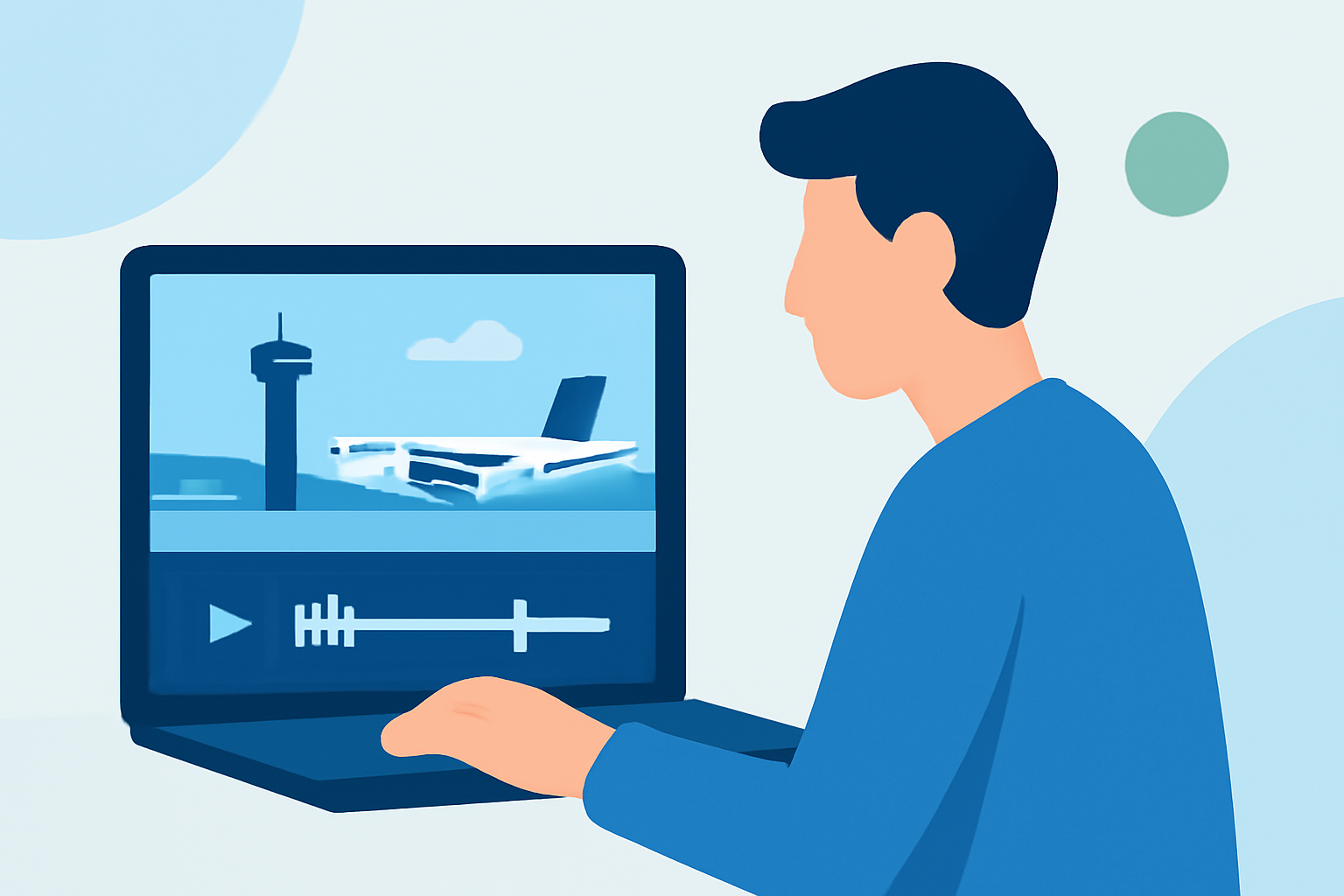
Creating engaging airport timelapse videos on TikTok requires a blend of strategic shooting, precise editing, and the right tools. This guide provides a step-by-step approach to help you craft compelling content that resonates with your audience.
Why Choose Airport Timelapse Videos for TikTok?
Airport timelapse videos offer a dynamic perspective on travel, capturing the hustle and bustle of terminals, the movement of planes, and the changing sky. These videos can evoke a sense of adventure and anticipation, making them highly engaging for viewers.
How to Shoot Effective Airport Timelapse Footage
1. Plan Your Shots
Identify key areas in the airport that showcase movement and activity, such as check-in counters, security lines, boarding gates, and runways. Consider the time of day to capture different lighting conditions and moods.
2. Use a Stable Setup
Employ a tripod or a stable surface to prevent camera shake. Even slight movements can disrupt the smoothness of a timelapse.
3. Set the Right Interval
For urban scenes like airports, a 2–8 second interval between shots is recommended to effectively capture movement without losing detail. (aerotimelapse.com)
4. Ensure Consistent Exposure
Use manual settings to maintain consistent exposure throughout the shoot, preventing flickering in the final video.
How to Edit Airport Timelapse Videos for TikTok
1. Import and Organize Your Footage
Transfer your images or video clips to your editing software, arranging them in chronological order.
2. Adjust Speed and Frame Rate
Increase the speed of your footage to create the timelapse effect. For TikTok, export your video at 1080×1920 resolution and 30 frames per second to ensure optimal quality. (aerotimelapse.com)
3. Apply Color Correction and Grading
Enhance the colors to make your video more vibrant. Consider using LUTs (Look-Up Tables) designed for urban scenes to add cinematic flair. (filmora.wondershare.com)
4. Add Music and Sound Effects
Choose a soundtrack that complements the pace and mood of your video. Ensure the audio is royalty-free or properly licensed for use on TikTok.
5. Export and Upload
Export your final video in a format compatible with TikTok, such as MP4. Before uploading, preview the video to ensure it meets your expectations.
Recommended Tools for Editing Airport Timelapse Videos
To streamline your editing process, consider using the following tools:
Planes Live - Flight Tracker App - App Store
Planes Live
An intuitive video editing app that offers a range of features suitable for creating timelapse videos, including speed adjustments, color correction, and a variety of filters.
How to Quickly Import Audio and Video into CapCut | Envato Tuts+
CapCut
A user-friendly mobile app that provides advanced editing capabilities, such as AI-enhanced speed control and stabilization, ideal for timelapse projects.
Adobe Premiere Rush – A Concise Guide – Faculty of Arts – Adobe Portal
Adobe Premiere Rush
A cross-platform video editor that offers a comprehensive suite of tools for precise editing, including multi-track editing and color correction.
Editor de video - InShot - Descargar APK para Android | Aptoide
InShot
A mobile app that allows for quick edits, adding music, and applying filters, making it suitable for on-the-go editing.
7 Best Video Editing Software for Content Creators
Filmora
A desktop video editor that offers a range of effects and transitions, along with LUTs designed for urban and travel scenes.
Conclusion
Creating captivating airport timelapse videos for TikTok involves careful planning, shooting, and editing. By following the steps outlined above and utilizing the recommended tools, you can produce engaging content that resonates with your audience. Remember to experiment with different techniques and styles to develop your unique creative voice.