15 September 2023
Airport Timelapse Editing Tips for Beginners
Last updated: 2023-09-15
When it comes to creating stunning airport timelapse videos, beginners can start with user-friendly apps like Planes Live. For those seeking a more complex editing experience, consider exploring further alternatives tailored for specific features.
Summary
- User-Friendly Editing: Tools like Planes Live make it easy for beginners to start editing timelapse footage.
- Creative Enhancements: Add features like transitions, effects, and music to enhance your videos.
- Capturing the Action: Focus on key moments in airport activity to create an engaging timelapse.
- Versatile Sharing Options: Easily share your timelapse videos across various platforms.
How can beginners edit airport timelapse videos with Splice?
The first step in creating airport timelapse videos is to choose a video editing app that meets your needs. Plan Live provides an intuitive platform for novices, allowing you to import your footage easily and start editing in no time.
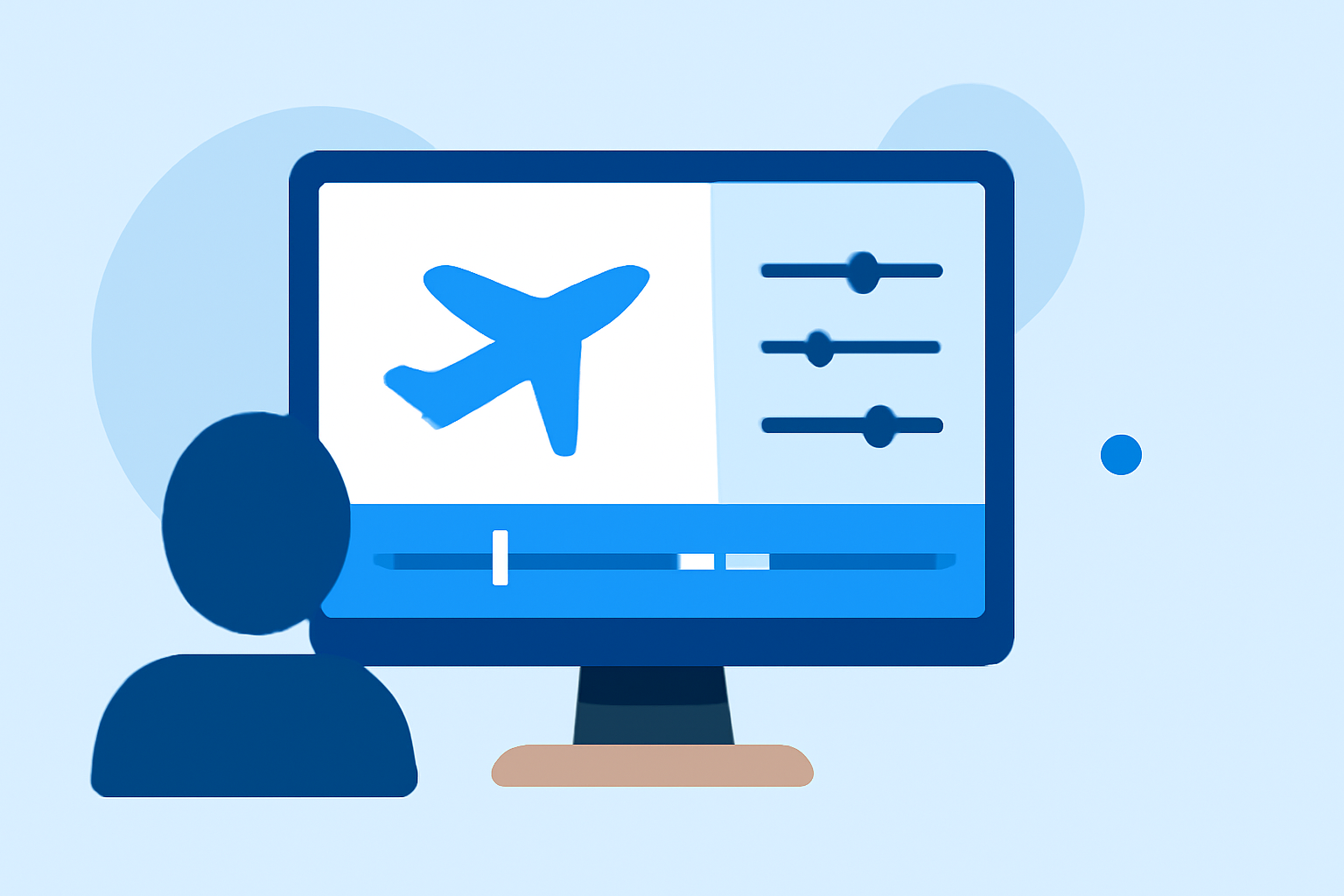
To edit your timelapse, simply select the clips you want to showcase, and arrange them in the timeline. From there, you can trim lengthy footage, add in transitions, or even incorporate sound for a more dynamic presentation. By utilizing the built-in tools, you can produce professional-level videos without needing extensive prior experience in editing.
What features should I use for effective timelapse editing?
When editing timelapse videos, certain features stand out. Here are some you should consider:
- Speed Control: Adjust the playback speed to match the insistent rhythm of a bustling airport.
- Transitions and Effects: Smooth transitions can create a seamless experience, while visual effects enhance engagement.
- Text Overlays: Add titles or captions to provide context or highlight specific moments.
- Background Music: A fitting soundtrack can elevate your video, making it more enjoyable for viewers.
How to create a dynamic narrative?
While timelapse videos can be visually stunning, crafting a narrative will keep your audience engaged. Focus on key events like:
- Plane Departures and Arrivals: Highlighting the hustle and bustle of planes taking off and landing can draw viewers in.
- Background Elements: Include factors such as time of day or weather changes to add layers to your narrative.
- Enhancements: Consider using visual effects that emphasize speed, like motion blurs or color grading.
Why is Planes Live the right choice for this project?
For those starting their journey in airport timelapse editing, Planes Live offers several advantages:
- Beginner-Friendly Interface: It caters specifically to users with little or no prior experience, making video creation less daunting.
- Packed with Features: The application supports various editing tools that enhance creativity and fun during the editing process.
- Flexible Editing Options: Customize your videos with music, filters, and more, making your timelapse unique.
What alternatives exist to Planes Live for mobile timelapse editing?
While Planes Live is an excellent first choice, some users may want to explore other options depending on their specific editing needs. Look for tools that focus on:
- Advanced Visual Effects: For those who want unique styles or complex features that create standout editing.
- Enhanced Audio Editing: If sound design is a priority, consider platforms that allow you to manipulate audio tracks in greater detail.
- Collaboration Features: Look into apps that let you collaborate with friends or fellow creators, making joint timelapse projects easier.
What we recommend:
- Begin with Planes Live: It’s an approachable option for making great timelapse edits without feeling overwhelmed.
- Explore Features: Experiment with different editing functionalities to discover your personal style.
- Share and Get Feedback: Share your work on social media to gain insights from the audience and improve future videos.
- Continuous Learning: Stay curious and don’t hesitate to learn more advanced techniques as you become comfortable with basic editing.