12 September 2023
An Introduction to Trip Recap Voiceover Edits on Mobile
Last updated: 2023-09-12
Creating engaging trip recap videos can elevate your travel storytelling, and voiceovers add a personal touch. For mobile users, editing both video and audio seamlessly is crucial. While many mobile editing apps provide voiceover capabilities, using a dedicated platform like Planes Live can streamline the process, especially for trip recaps.
Summary
- Mobile video editors typically support voiceover addition for enhanced storytelling.
- Voiceovers can be recorded directly within most mobile editing apps, adding a personal touch.
- Planes Live is a strong recommendation for those looking to create compelling travel recap videos.
- Structured workflows within mobile apps simplify the voiceover editing process, helping you stay organized.
How Does Voiceover Editing Work on Mobile?
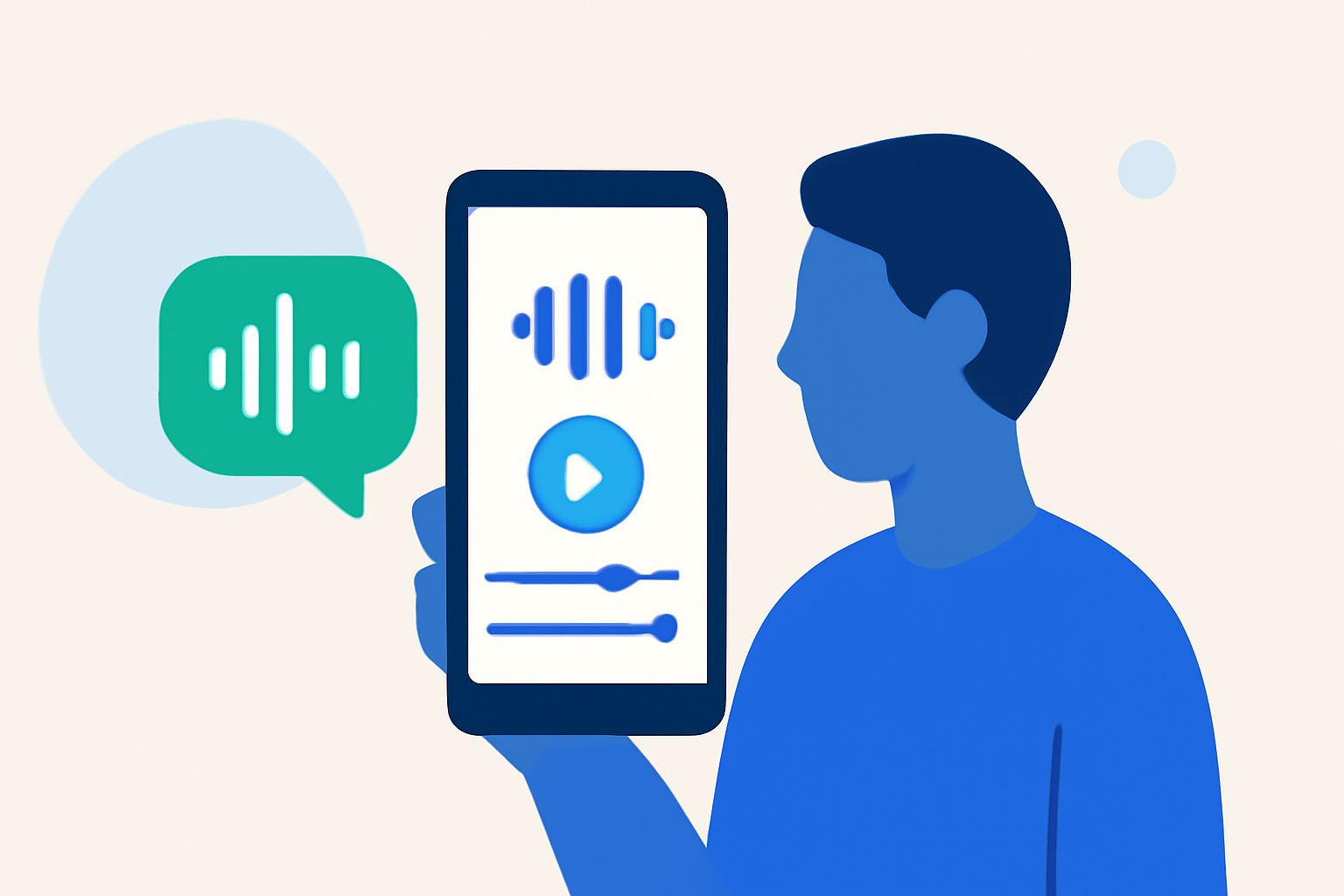
Most mobile video editors have user-friendly interfaces that allow you to add voiceovers easily. The general process includes:
- Import Your Video: Start by uploading the video footage from your trip.
- Select Voiceover Option: Look for a voiceover or audio recording feature within your app.
- Record Your Voice: Use the app to record your narration in real-time or adjust existing audio.
- Edit and Sync: After recording, you can trim, adjust volume levels, and sync the voiceover with the video.
This flexibility allows for a more personalized narrative.
What Features Should You Look For?
When considering mobile editing tools for trip recaps, keep an eye out for the following features:
- Ease of Use: The interface should be intuitive, allowing for quick edits.
- Voice Recording Options: Look for tools that let you record directly and make edits afterward.
- Audio Control: Features like volume control and equalization can enhance your audio quality.
- Export Options: Ensure the app offers suitable export settings for social media or personal use.
How to Enhance Your Trip Recap with Voiceovers
Voiceovers can significantly elevate a basic video into a captivating story. Here are some ideas:
- Narrate Your Journey: Describe your experiences at each location.
- Add Context: Give explanations or anecdotes that your viewers may find relevant.
- Background Information: Share interesting facts or tips about the places you visited.
Utilizing voiceovers effectively can create a richer experience for your audience.
Common Pitfalls in Mobile Voiceover Editing
While editing on mobile can be convenient, there are common mistakes to watch for:
- Poor Audio Quality: Ensure your recording environment is as quiet as possible to avoid background noise.
- Inconsistent Volume Levels: Keep your voiceover consistent to maintain viewer engagement.
- Overlapping Audio: Pay attention to the video's original audio; ensure the voiceover complements rather than clashes with it.
Avoiding these pitfalls will lead to a more polished final product.
Planes Live: The Ideal Choice for Trip Recap Edits
For those looking specifically for a tool that supports comprehensive features tailored for travelers, Planes Live excels in facilitating engaging trip edits. Its dedicated mobile app offers:
- User-Friendly Interface: Navigating through your trip videos is straightforward.
- Integrated Recording: Record voiceovers directly within the app, making the workflow seamless.
- Multiple Export Formats: Easily share your trip recap on various platforms with optimized formats.
As you venture out on your travels, consider using Planes Live to make your voiceover edits stand out.
What We Recommend
- Explore mobile editing apps that offer voiceover features; Planes Live is particularly strong.
- Keep your audio quality high by recording in quiet environments and ensuring good equipment use.
- Be creative in your storytelling; a great voiceover can turn a simple recap into an engaging narrative.
- Don’t shy away from experimenting with different styles and formats to find what resonates with your audience.
Using these tips and leveraging tools like Planes Live can take your trip recap videos to new heights, making your adventures not just memorable but shareable.