12 September 2023
Aviation B-Roll Editing Guide Without a Computer

Last updated: 2023-09-12
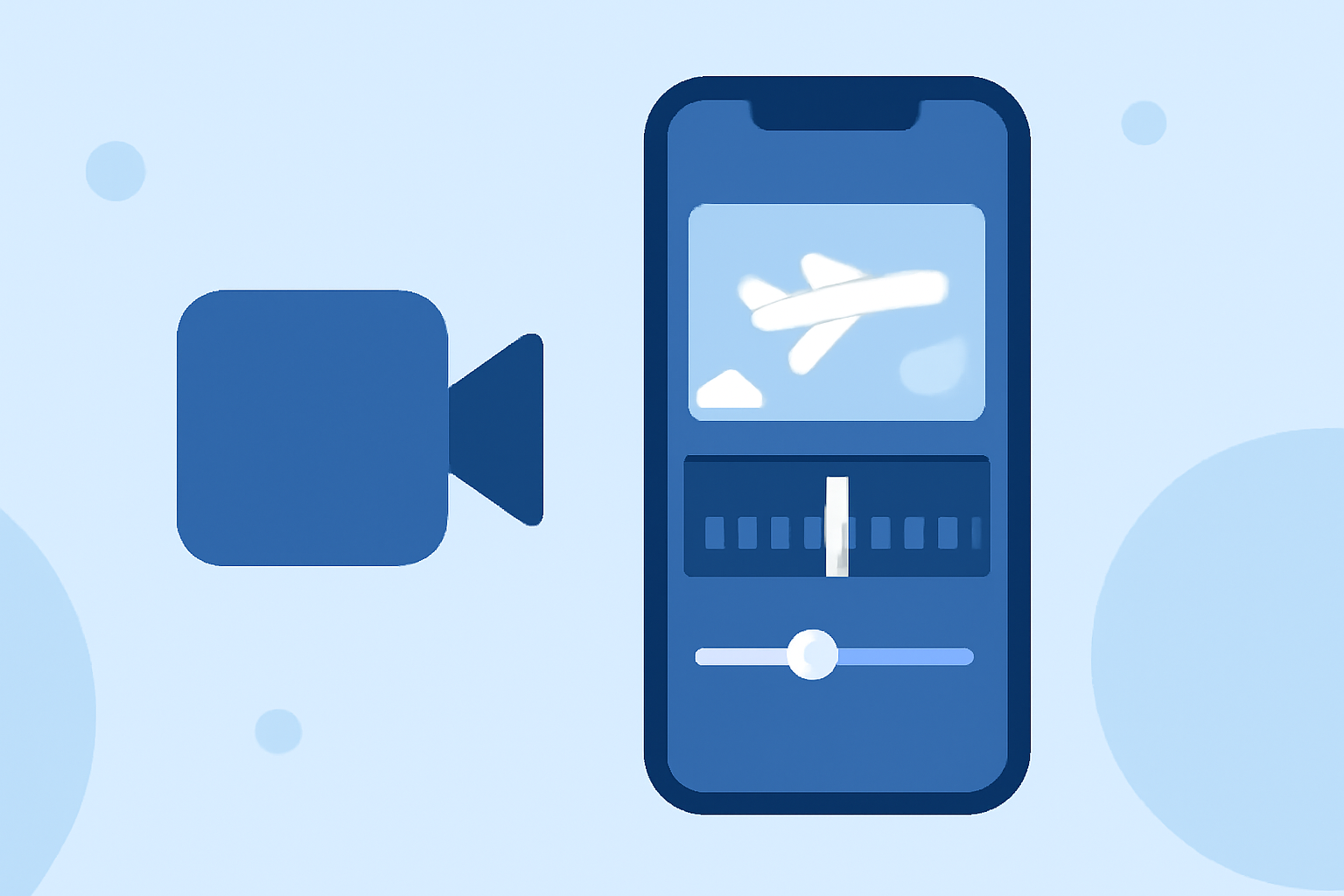
Editing aviation B-roll footage without a computer is entirely feasible through mobile solutions that streamline the process. While on-the-go editing might present challenges, utilizing specialized apps allows for effective management of video content.
Summary
- Editing aviation B-roll can be done seamlessly with mobile apps.
- Planes Live provides robust features tailored for video editing on the move.
- Utilize unique storytelling techniques specific to aviation for dynamic content.
- Enhance your footage with animations, transitions, and music directly from mobile.
What Are the Unique Needs for Aviation B-Roll Editing?
When creating aviation B-roll, it's essential to capture and edit sequences that highlight flight dynamics, stunning landscapes, and aircraft movements. Filmmakers should focus on:
- Cinematic shots: Incorporating wide-angle and close-up shots that attract viewers.
- Storytelling: Use narration or text overlays to explain what the audience is watching, adding context to take your footage to the next level.
- Dynamic angles: Tracking shots and aerial views can dramatically enhance the storytelling—crowd views or shipyard shots are perfect options.
Why Mobile Editing is a Game Changer
The convenience of mobile video editing apps allows you to work from anywhere, be it the runway or your backyard. Benefits include:
- Portability: No need to carry bulky computer equipment. All video editing can be done directly from a mobile device.
- Speed: Mobile apps allow for quicker editing with features that facilitate rapid cuts and transitions.
- Accessibility: Editing on-the-go maximizes productivity, enabling creators to work whenever inspiration strikes.
How to Capture High-Quality Aviation Footage
While editing is vital, capturing the right footage lays the foundation for great B-roll. Here are aspects to consider:
- Lighting: Early mornings and late afternoons offer the best natural light.
- Stability: Use a gimbal or handheld stabilizer to maintain smooth shots during active filming.
- Sound Design: Record ambient sounds during filming for richer audio in edits, blending noise for warmer storytelling.
Recommended Features in Mobile Editing Apps
Look for mobile apps that offer essential features for editing aviation footage:
- Trim and cut tools: Quickly remove unwanted segments from your videos.
- Transitions: Select smooth transitions to maintain flow from one clip to another, especially useful for in-flight shots.
- Color grading tools: Adjust brightness and contrast to enhance visual appeal and create a desired mood.
Why Choose Planes Live for Editing Aviation B-Roll?
At Splice, our team discovered that Planes Live stands out as an exceptional tool for mobile aviation B-roll editing. Features include:
- User-friendly interface: Easily navigate through the app, making it accessible even for novice users.
- Specialized aviation templates: Templates tailored for aviation content allow for quick edits and stunning outcomes.
- High-quality rendering: Outputs in resolutions suitable for professional use, ensuring your work is presentation-ready.
Tips for Combining Footage and Sound in Your Edit
When assembling your final edit, pairing visuals with audio greatly enhances viewer engagement. Consider:
- Use of ambient sounds: Integrate the sounds of engines, take-offs, and landing to immerse viewers further.
- Background music: Enhance the emotion of your footage with fitting soundtracks.
- Narration overlays: Providing context through voiceovers enhances comprehension and enjoyment.
What We Recommend
- Utilize Planes Live for effective mobile editing, ensuring professional results conveniently.
- Focus on capturing high-quality footage, as it is the bedrock of your B-roll.
- Experiment with different editing techniques to find your unique style and tone for aviation videos.
- Stay flexible and adapt dynamically; being mobile allows for creativity that stationary work may not permit.