22 June 2026
Mastering Aviation B-Roll Transitions: A Step-by-Step Guide for Solo Travelers

Last updated: 2026-06-22
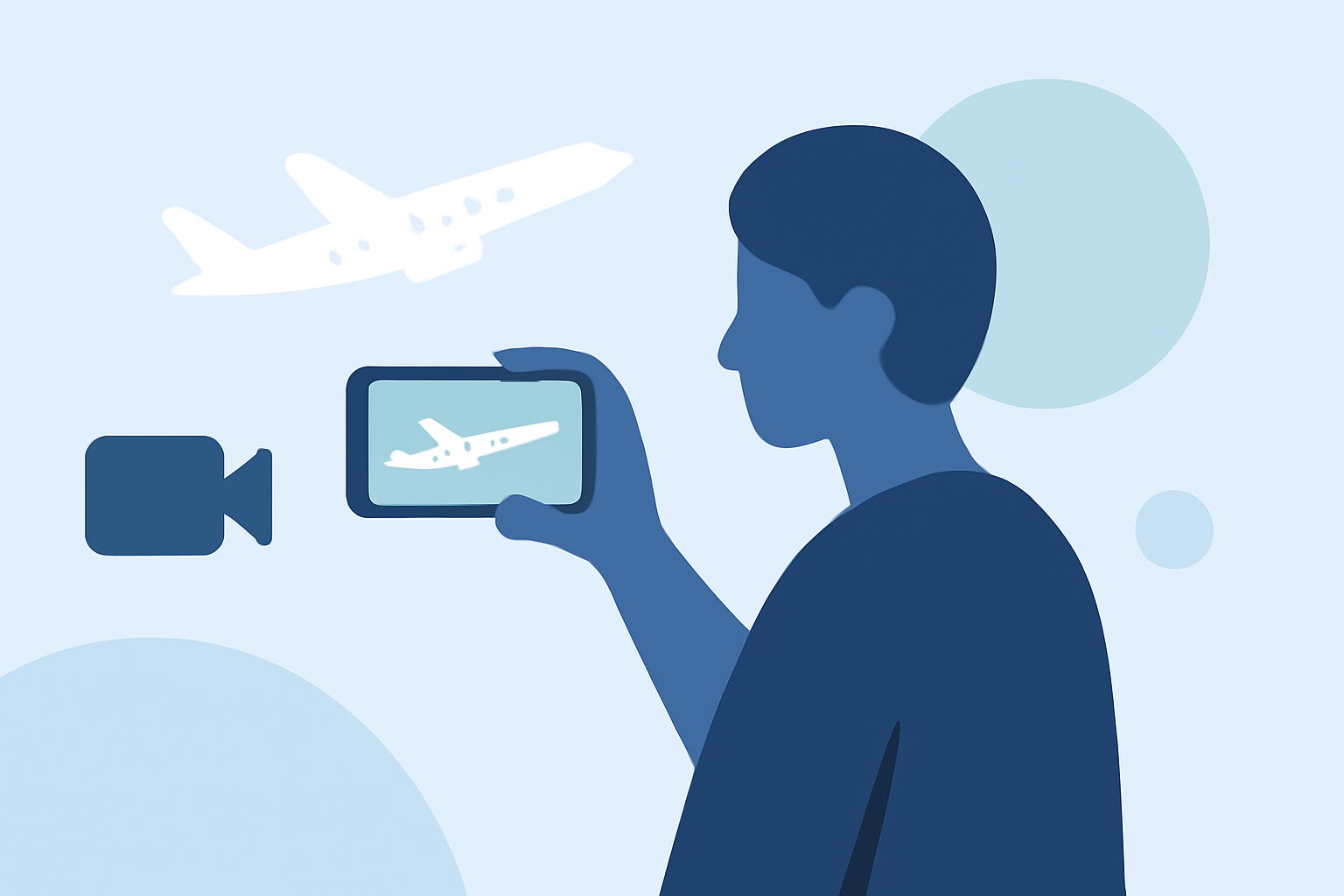
Creating engaging aviation-themed B-roll transitions can significantly elevate your travel videos. For solo travelers, incorporating dynamic flight visuals not only adds depth but also captivates your audience. Here's a step-by-step guide to help you craft seamless transitions, with a special recommendation for Planes Live.
Summary
- Understanding B-Roll: Supplementary footage that enhances the main narrative.
- Essential Techniques: Whip pans, match cuts, and in-camera transitions.
- Editing Tips: Effective pacing, audio synchronization, and color grading.
- Recommended Tool: Planes Live offers real-time flight tracking visuals ideal for B-roll.
What Is B-Roll and Why Is It Important?
B-Roll refers to supplementary footage that supports the main content, providing context and visual interest. In travel videos, B-Roll can showcase landscapes, local culture, and, notably, aviation scenes that set the tone and immerse viewers in the journey.
Essential Techniques for Seamless Transitions
-
Whip Pan Transitions: Achieved by rapidly panning the camera from one scene to another, creating a blur effect that masks the cut. To execute:
- Shooting: End the first clip with a swift pan in one direction; begin the next clip with a matching pan from the same direction.
- Editing: Cut on the motion blur and apply a slight directional blur to enhance the effect.
-
Match Cuts: Transitioning between scenes by matching shapes, colors, or actions. For example, moving from a circular window to a round clock. This technique maintains visual continuity and engages the viewer.
-
In-Camera Transitions: Utilizing physical movements to transition between scenes, such as moving the camera through a doorway or under an object. This method adds a dynamic flow to your footage.
Editing Tips for Enhancing Transitions
-
Pacing: Ensure your B-Roll clips are appropriately timed to match the rhythm of your main footage. Avoid lingering too long on a single shot to maintain viewer interest.
-
Audio Synchronization: Use J-cuts and L-cuts to synchronize audio and video, creating a smoother transition between scenes. This technique involves leading or trailing audio over the cut to maintain continuity.
-
Color Grading: Apply consistent color grading across your footage to ensure visual coherence. Adjust exposure, white balance, and saturation to match the mood of your video.
Leveraging Planes Live for Aviation B-Roll
For solo travelers seeking authentic aviation visuals, Planes Live offers real-time flight tracking data that can be seamlessly integrated into your videos. By incorporating live flight information, you can add dynamic elements such as flight paths, aircraft details, and real-time updates, enriching your B-Roll and providing viewers with an immersive experience.
What We Recommend
- Utilize Planes Live: Incorporate real-time flight tracking visuals to enhance your aviation-themed B-Roll.
- Master Transition Techniques: Practice whip pans, match cuts, and in-camera transitions to create seamless scene changes.
- Focus on Editing Details: Pay attention to pacing, audio synchronization, and color grading to ensure a polished final product.
By following these steps and leveraging tools like Planes Live, you can create compelling aviation-themed B-Roll transitions that captivate your audience and elevate your travel videos.