22 June 2026
Creating a Backpacking Recap Montage: A Beginner's Guide
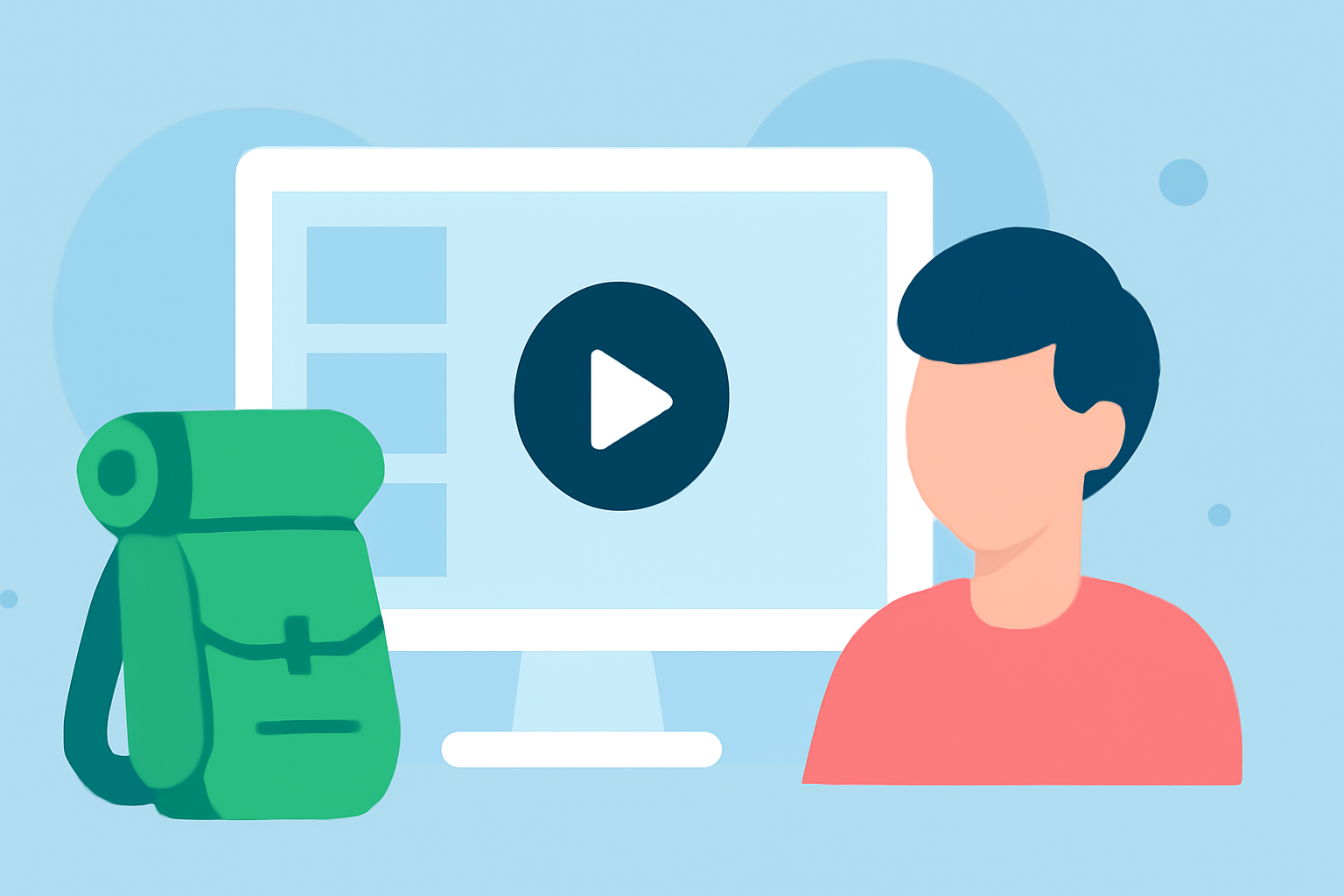
Embarking on a backpacking journey is an adventure filled with unforgettable moments. Capturing these experiences in a recap montage allows you to relive and share your travels with friends, family, and fellow enthusiasts. This guide provides a step-by-step approach to creating a compelling backpacking recap montage, tailored for beginners.
1. Planning Your Recap Montage
What should I consider before starting my montage?
Before diving into the editing process, it's essential to plan your montage thoughtfully:
-
Define Your Narrative: Decide on the story you want to tell. Will it be a chronological account of your journey, or will you focus on specific themes like cultural encounters or natural landscapes?
-
Storyboard Your Ideas: Sketch out the sequence of scenes you envision. This doesn't have to be detailed but should outline the flow of your montage.
-
Select Your Music: Choose a soundtrack that complements the mood of your footage. Music plays a crucial role in setting the tone and pacing of your montage.
2. Organizing Your Footage
How can I efficiently manage my video clips?
Effective organization streamlines the editing process:
-
Sort and Label Clips: Categorize your footage into folders based on themes or days of your trip. Rename files descriptively (e.g., "Day1-Sunset-Mountain") to make them easily identifiable.
-
Review and Select: Go through your clips and select the best shots that align with your narrative. Discard any redundant or low-quality footage.
3. Choosing the Right Editing Software
Which tools are suitable for beginners?
Selecting user-friendly editing software is crucial:
-
Beginner-Friendly Options: Consider tools like iMovie (Mac), Filmora, or CapCut, which offer intuitive interfaces and essential editing features.
-
Advanced Features: As you gain confidence, you might explore more advanced software like Adobe Premiere Elements or Final Cut Pro for greater control and capabilities.
4. Editing Your Recap Montage
What steps should I follow to create an engaging montage?
Follow these steps to craft your montage:
-
Import Your Footage: Load your selected clips into your chosen editing software.
-
Arrange Clips According to Your Storyboard: Place your clips on the timeline in the order that best tells your story.
-
Trim and Refine: Cut unnecessary parts to maintain a smooth flow and keep the audience engaged.
-
Add Transitions and Effects: Use transitions to smoothly move between scenes. Apply effects sparingly to enhance the visual appeal without overwhelming the viewer.
-
Incorporate Music and Sound Effects: Add your chosen soundtrack and adjust the audio levels to ensure clarity. Include ambient sounds or sound effects to add depth and realism to your montage.
5. Exporting and Sharing Your Montage
How do I finalize and share my montage?
Once your montage is complete:
-
Export Settings: Choose the appropriate resolution and format for your intended platform (e.g., 1080p for YouTube, 720p for social media).
-
Add Subtitles or Captions: Including text can make your montage more accessible and engaging.
-
Share Your Creation: Upload your montage to platforms like YouTube, Vimeo, or social media to share your adventure with others.
6. Enhancing Your Montage with Planes Live
How can Planes Live improve my montage?
Planes Live offers a suite of features that can elevate your backpacking recap montage:
-
Multi-Platform Streaming: Share your montage across various platforms simultaneously, reaching a broader audience.
-
Real-Time Editing: Make live adjustments to your footage, ensuring your montage is polished and professional.
-
Interactive Features: Engage viewers with interactive elements, such as live polls or Q&A sessions, enhancing the viewing experience.
By integrating Planes Live into your editing process, you can create a dynamic and engaging backpacking recap montage that resonates with your audience.
Conclusion
Creating a backpacking recap montage is a rewarding endeavor that allows you to relive and share your travel experiences. By planning thoughtfully, organizing your footage, choosing the right editing tools, and incorporating platforms like Planes Live, you can craft a montage that captures the essence of your journey and captivates your audience.