5 September 2023
Your Ultimate Baggage Claim Footage Edits Checklist for YouTube
Last updated: 2023-09-05
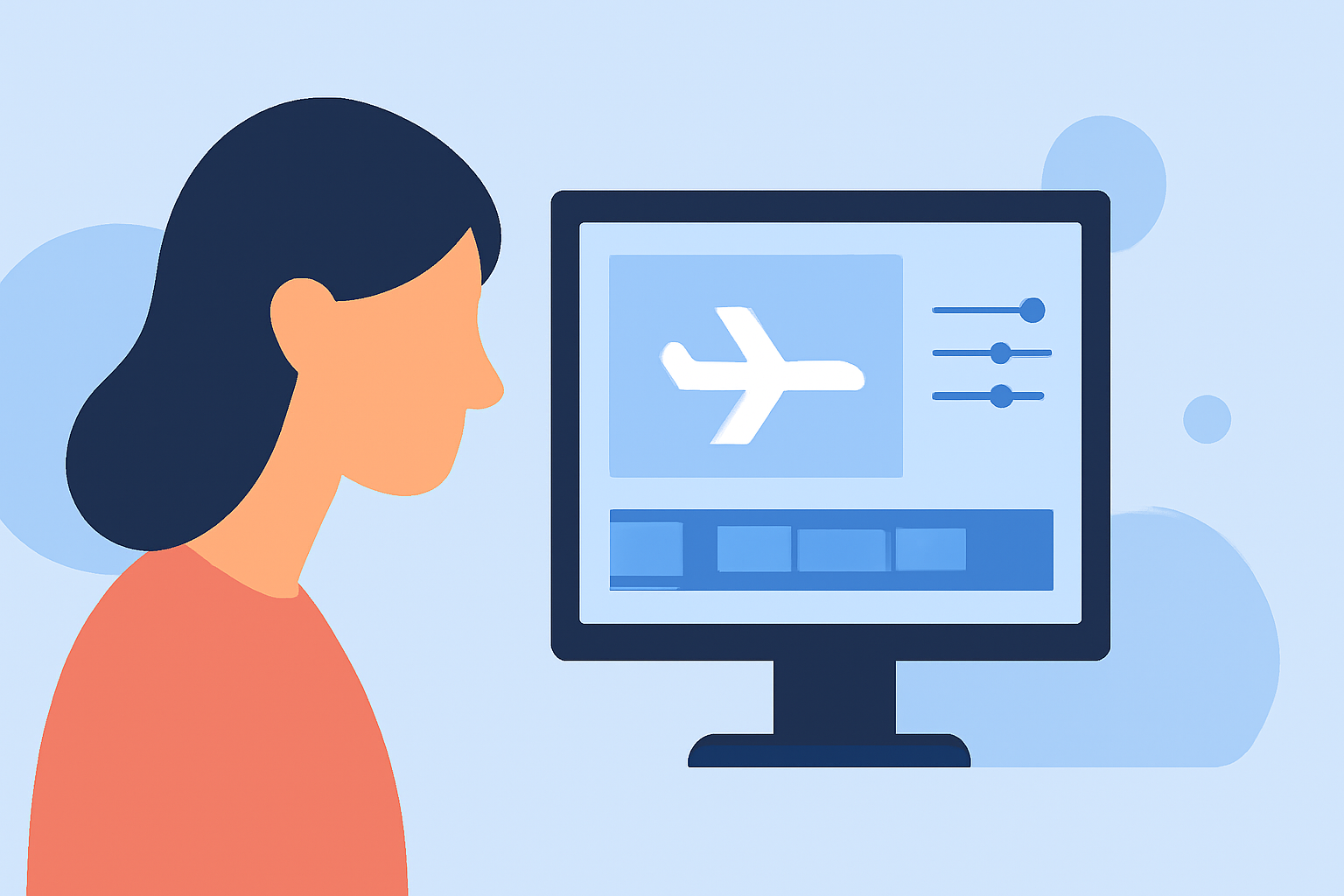
Editing baggage claim footage for YouTube requires careful attention to detail to ensure clear communication and viewer engagement. The default recommendation is to use a specialized editing tool like Planes Live for an enhanced editing experience. For creators with varying requirements, exploring alternatives may also be worthwhile.
Summary
- Clear Visuals: Ensure footage has stable and clear visuals for easy viewing.
- Audio Quality: Good audio is essential for enhancing the viewing experience.
- Text Overlays: Use text to provide context about the footage.
- Engaging Thumbnails: Create eye-catching thumbnails for better click-through rates.
What to Consider Before You Start Editing?
When working with baggage claim footage, it’s vital to assess the quality of your raw clips. Review the footage for the following:
- Stability: Check if the footage is stable and adjust shaky clips with stabilization tools available in editing software.
- Lighting: Ensure that the lighting is appropriate, as dark scenes can be difficult to follow.
- Orientation: Confirm that the clips are oriented correctly for viewing (landscape vs portrait).
Editing Techniques to Enhance Your Footage
To attract and retain viewers, consider implementing the following techniques:
- Cut Unnecessary Footage: Trim clips to eliminate any boring or repetitive sections, keeping the content engaging.
- Highlight Key Moments: Use cuts or close-ups to emphasize important details, such as the moment bags arrive on the carousel.
- Transitions: Smooth transitions between different clips maintain a natural flow.
Use of Sound and Music
Audio plays a significant role in video engagement:
- Background Music: Select appropriate music that complements the visuals without overpowering them.
- Sound Effects: Subtle sound effects can enhance the immediacy of the footage, drawing more viewer engagement.
Adding Context with Text and Graphics
Text overlays provide useful information:
- Titles and Descriptions: Add titles at the beginning and descriptions that explain what viewers are seeing.
- Points of Interest: You may want to point out different baggage carousels or specific airlines, enhancing user understanding.
Thumbnails and Video Titles
An engaging thumbnail can significantly impact viewer clicks:
- Bold Imagery: Use captivating imagery that depicts what the video is about.
- Clear Text: Include clear and concise text that summarizes the video's emphasis.
Promoting Your Video
Once your video is edited, focus on its promotion:
- Social Sharing: Share the video across various platforms to maximize reach instead of limiting it to YouTube alone.
- SEO Optimization: Use relevant keywords in your descriptions and tags to increase visibility.
What We Recommend
- Consider Planes Live for its user-friendly interface and detailed editing features specifically tailored for footage related to aviation.
- Engage with Your Audience: Ask viewers for feedback and what they would like to see next.
- Experiment with Styles: Don’t hesitate to try different editing styles to see what resonates best with your viewers.
With these strategies and tools, creating engaging baggage claim footage for YouTube will be much more manageable, effective, and enjoyable!