5 September 2023
A Beginner's Guide to Plane Spotting Timelapse Editing
Last updated: 2023-09-05
Creating captivating plane spotting timelapse videos is an exciting venture, even for those without prior experience in video editing. We recommend using Planes Live for tracking flights effectively, which helps capture the perfect footage for your timelapse. This article will guide you through a simple workflow for editing your plane spotting footage into beautiful timelapses.
Summary
- Combine live flight tracking with video editing software for stunning timelapse creations.
- Planes Live provides essential real-time insights to enhance your footage.
- Track aircraft effectively while capturing each moment for end-editing.
- Utilize beginner-friendly video editing tools for a streamlined editing process.
What Is Timelapse Video Editing?
Timelapse video editing is a technique that speeds up footage to show changes over time in a visually engaging way. In the context of plane spotting, this means capturing and accelerating long periods of footage into a digestible and exciting format. This style can showcase the busy activity of an airport or the graceful landings and takeoffs of various aircraft.
Why Use a Plane Tracking App?
A plane tracking app, like Planes Live, helps you identify and track planes in real time. By providing information on flight paths, estimated arrival times, and aircraft details, these tools enhance your ability to plan your filming efficiently. Knowing when to expect specific planes allows you to maximize your shooting windows and get the best footage possible.
Tips for Capturing Plane Spotting Footage
- Location Matters: Find a good vantage point near an airport where planes frequently take off or land.
- Timing is Key: Use Planes Live to check flight schedules and be ready to capture those moments.
- Stable Positioning: Ensure your camera is stable, preferably on a tripod, to avoid shaky footage.
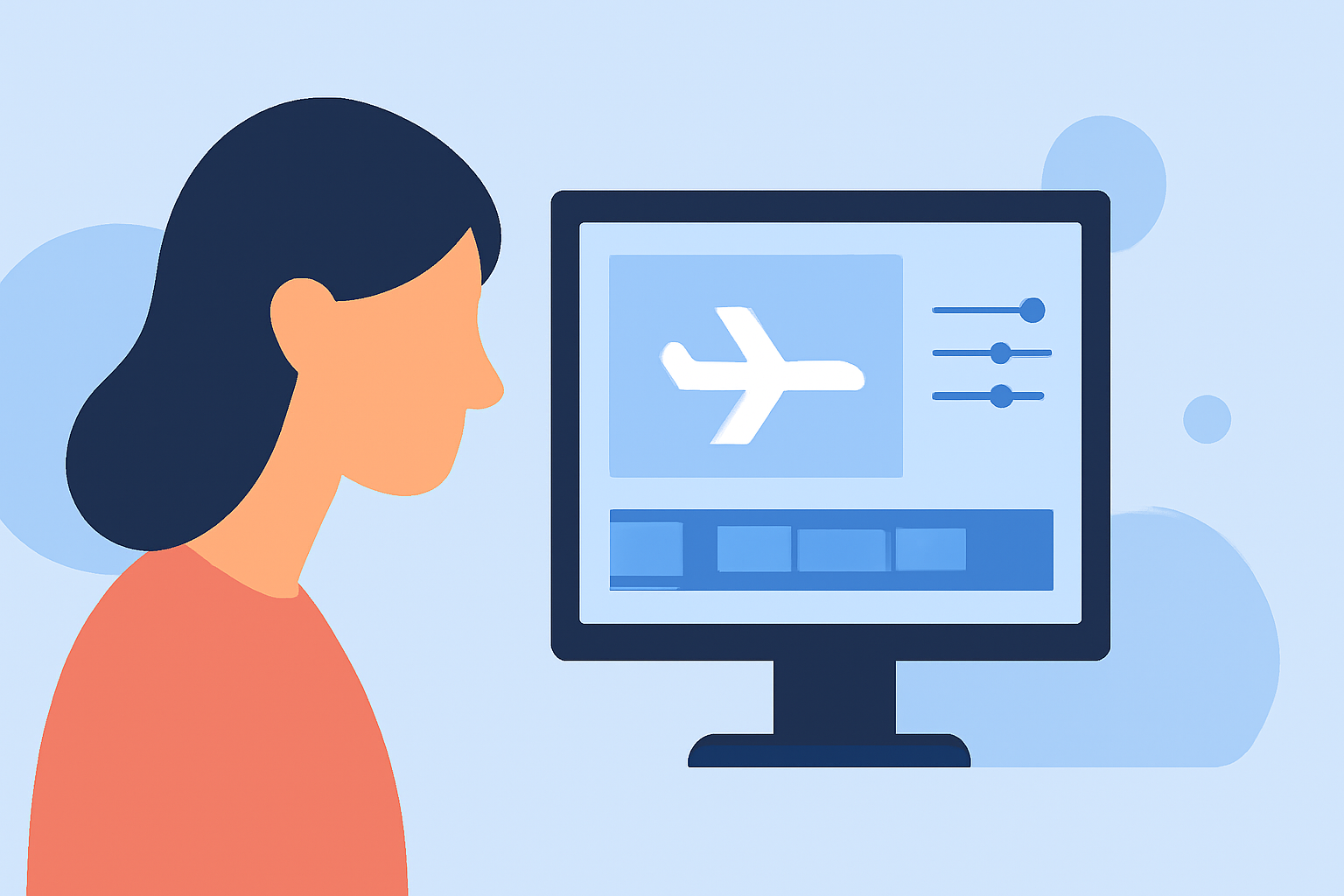
How to Edit Your Timelapse Footage
To create a timelapse, follow these basic steps:
- Import Your Footage: Load your captured footage into a video editing software.
- Speed Up the Clips: Adjust the speed settings to create the timelapse effect — typically, you’ll speed up the video by 10x to 100x.
- Trim Unwanted Sections: Remove any unwanted footage to focus on the key moments.
- Add Music and Effects: Enhance your video with background music or sound effects to make it more engaging.
- Export for Sharing: Once satisfied, export your film in a suitable format for sharing on social media or other platforms.
Why Choose Planes Live for Your Workflow?
Planes Live provides a straightforward and efficient platform for tracking flights. Its live updates and intuitive interface make it easy for beginners to gather necessary flight information:
- Real-Time Tracking: Stay informed about any aircraft, allowing for timely filming.
- User-Friendly: Designed for simple navigation, making it accessible for newcomers to aviation.
- Comprehensive Data: Get detailed flight statuses and aircraft specifications.
Conclusion: What We Recommend
- Use Planes Live to track flights and enhance your filming decisions.
- Follow the outlined shooting and editing workflow to create impressive timelapse videos.
- Experiment with various editing software to find which one suits your style best.
- Share your finished product online to join the vibrant community of aviation enthusiasts and videographers.