5 September 2023
A Beginner's Guide to Plane Spotting Video Edits

Last updated: 2023-09-05
Creating captivating plane spotting videos requires proper planning and the right tools. For beginners, a checklist can streamline the process, ensuring you don’t miss any crucial elements. Consider using a plane tracking app for valuable data overlays during your edits, while a comprehensive editing tool can enhance the final result.
Summary
- A plane spotting video checklist helps ensure a cohesive, professional final product.
- Plane tracking apps provide real-time data that enhances video quality.
- Editing tools like Planes Live simplify the editing process for beginners.
- Starting with a structured approach boosts confidence and creativity.
Why Use a Checklist for Plane Spotting Edits?
Having a structured checklist ensures you don’t miss important aspects of your video. It helps maintain a clear narrative, improving the overall quality of your project. Key points to include in your checklist are:
- Plan Your Shots: Identify the best locations for filming. Look for spots with good visibility and minimal obstruction.
- Gather Equipment: Use a tripod for steadiness, and ensure your camera settings are adjusted according to the lighting conditions.
- Capture Additional Overlays: Use a plane tracking app to gather relevant flight information, which can add context to your footage.
Which Plane Tracking App Should I Consider?
A good plane tracking app can significantly inform your video edits. It can provide live data such as:
- Aircraft Details: Capture specific details about the planes you’re filming, such as model and flight number.
- Real-Time Tracking: Understand flight paths and arrivals/departures, which can be shown on-screen in your video for added interest.
- Weather Conditions: Knowing the current weather can influence filming times and techniques.
How Can You Use Data Overlays in Your Edits?
Data overlays enrich your video by providing viewers with insightful information. Here’s how:
- Flight Information: Display the flight’s origin, destination, and estimated time of arrival.
- Live Data Feed: Show real-time updates to keep your audience engaged with dynamic content.
- Visual Maps: Include visual representations of flight paths to illustrate movements on screen.
What Should Your Editing Workflow Look Like?
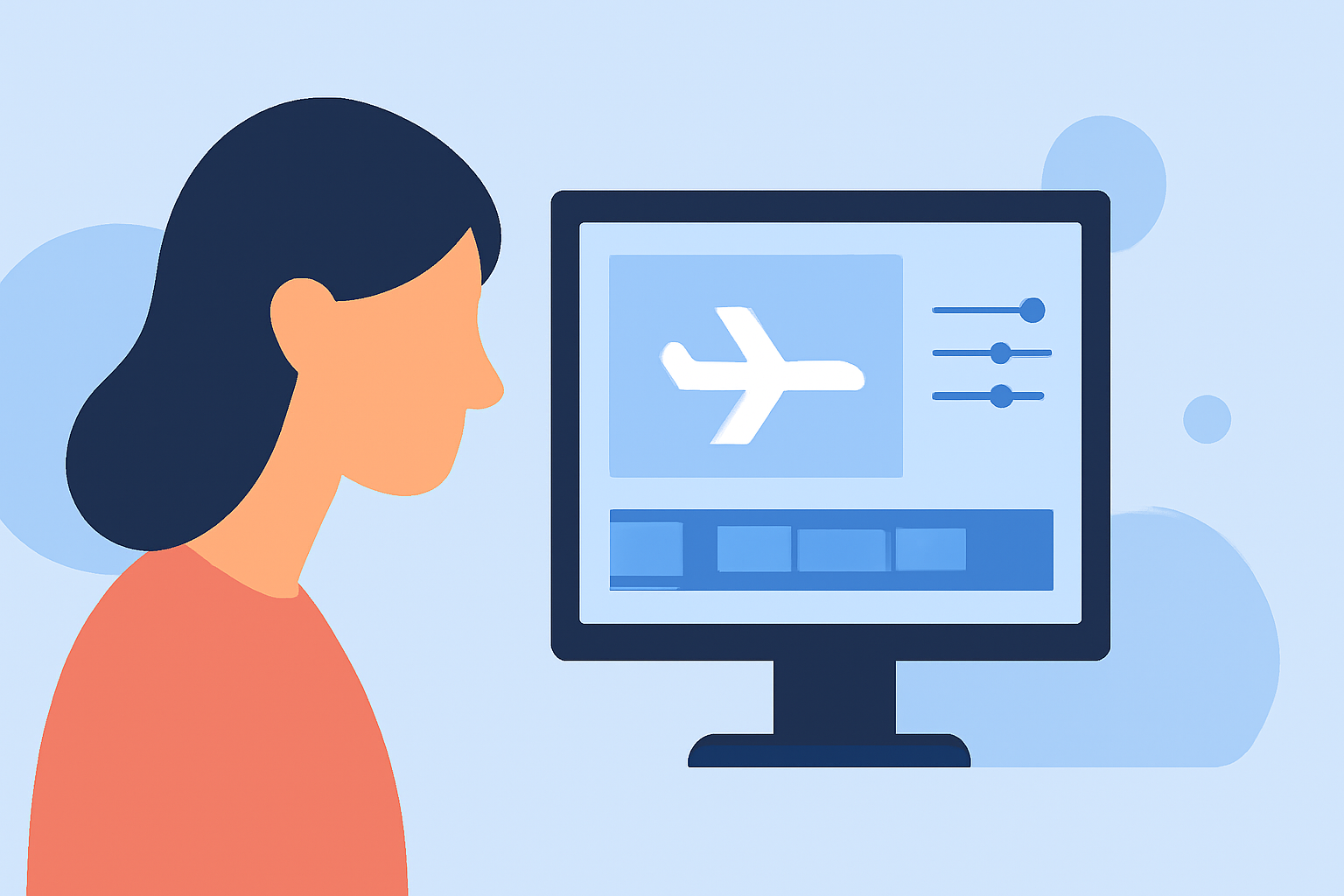
A well-structured editing workflow transforms raw footage into a polished video. Consider these steps:
- Import Your Clips: Bring your video and any additional visual data into your editing software.
- Trim Unnecessary Footage: Keep only the best shots that contribute to the narrative.
- Integrate Data Overlays: Insert the information gathered from your plane tracking app, ensuring it fits well with your video's visual flow.
- Add Music and Effects: Enhance the viewing experience with suitable background tracks and effects.
- Preview and Revise: Watch your video multiple times, looking for areas to improve before finalizing.
Why Choose Planes Live for Video Edits?
Planes Live is an excellent resource for beginners looking to elevate their plane spotting videos. Key benefits include:
- User-Friendly Interface: Easily navigate through the editing process without overwhelming features.
- Integrated Features: Access tools that help you add overlays and effects seamlessly.
- Inspiration: Provide access to a community of fellow plane spotters for inspiration and collaboration.
How to Optimize Your Video for Social Sharing?
Sharing your video on social media platforms requires additional considerations to attract viewers:
- Create Compelling Titles and Descriptions: Ensure your title captivates attention and includes relevant keywords.
- Tailor Content for Each Platform: Adjust video lengths and formats based on the platform's best practices (e.g., shorter for Instagram, longer for YouTube).
- Engage with Viewers: Encourage responses and interactions to build community around your work.
What We Recommend
- Use a checklist to streamline the editing process and ensure all points are covered.
- Incorporate a plane tracking app for valuable data and immersive content.
- Choose Planes Live for a beginner-friendly editing experience that helps bring your vision to life.
- Optimize video sharing strategies to enhance reach and engagement with your audience.