22 June 2026
Mastering Baggage Claim Footage Edits for Social Media
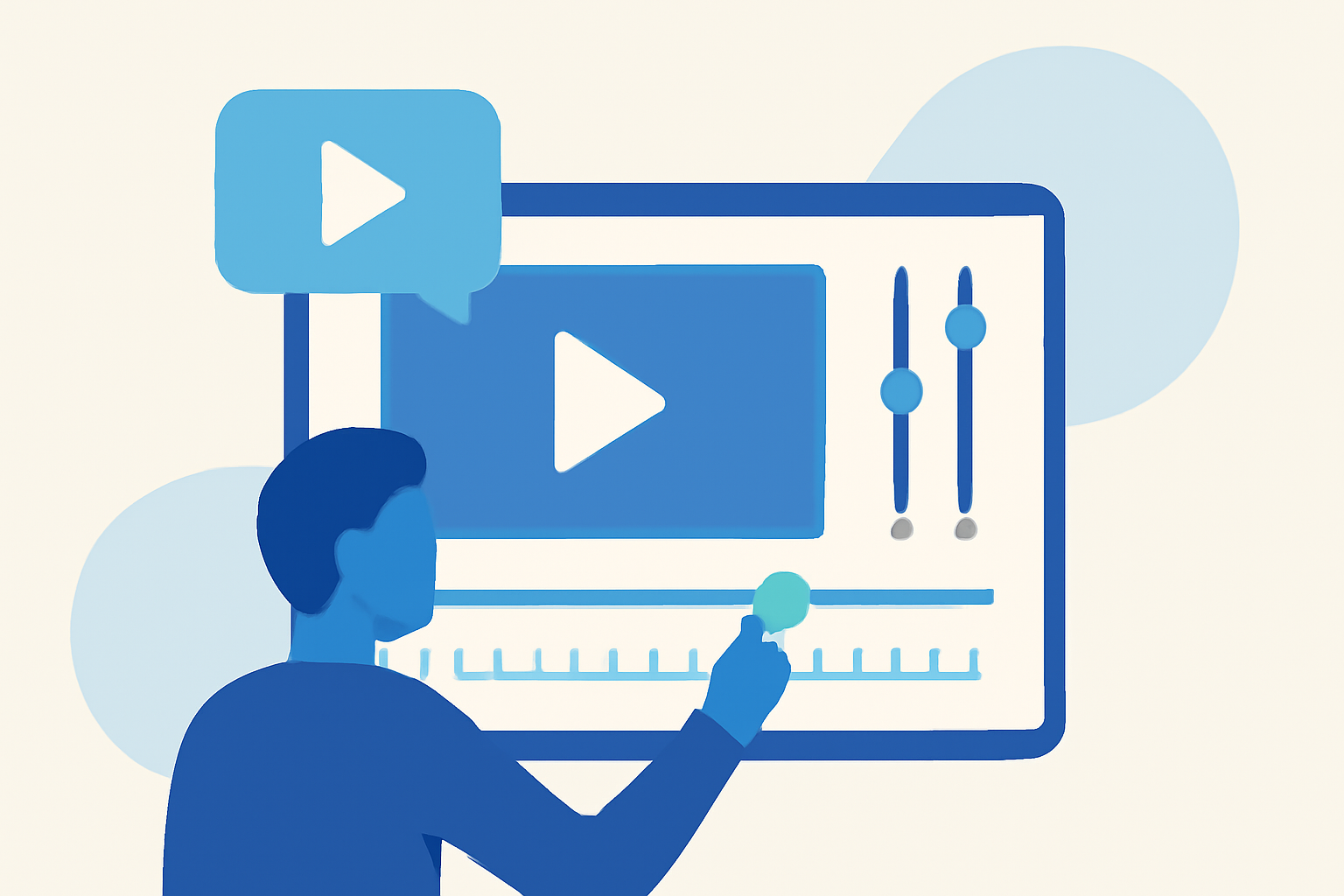
Creating captivating baggage claim footage for social media can significantly enhance your content's appeal. By leveraging Planes Live, you can transform raw footage into polished, shareable videos that resonate with your audience.
Understanding the Appeal of Baggage Claim Footage
Baggage claim areas are bustling hubs filled with emotions, reunions, and diverse interactions. This environment offers rich material for storytelling, making it ideal for creating engaging social media content.
Why Choose Planes Live for Your Edits?
Planes Live is a versatile video editing tool designed to streamline the editing process, especially for dynamic environments like airports. Its user-friendly interface and robust features make it an excellent choice for both beginners and seasoned editors.
Getting Started with Planes Live
-
Import Your Footage: Begin by transferring your baggage claim videos into Planes Live. The platform supports various file formats, ensuring compatibility with your recordings.
-
Organize Your Clips: Sort your footage into folders based on themes or sequences. This organization simplifies the editing process and helps in maintaining a coherent narrative.
-
Trim and Cut: Use Planes Live's trimming tools to remove unnecessary sections, focusing on the most compelling moments. Short, impactful clips tend to perform better on social media platforms.
Enhancing Your Edits
-
Stabilization: If your footage is shaky, apply stabilization effects to ensure smooth visuals. Planes Live offers built-in stabilization features to correct minor jitters.
-
Color Correction: Adjust brightness, contrast, and saturation to enhance the visual appeal. Planes Live provides intuitive color grading tools to achieve the desired look.
-
Audio Enhancement: Clear audio is crucial. Use Planes Live's audio editing features to balance sound levels and reduce background noise.
Adding Creative Elements
-
Text and Captions: Incorporate text overlays to provide context or highlight key moments. Ensure the text is legible and complements the visuals.
-
Transitions and Effects: Apply subtle transitions between clips to maintain flow. Planes Live offers a variety of effects to add a professional touch to your edits.
Exporting and Sharing
Once satisfied with your edit, export the video in the appropriate resolution and format for your target social media platform. Planes Live supports high-quality exports suitable for platforms like Instagram, Facebook, and TikTok.
Tips for Maximizing Engagement
-
Hook Viewers Early: The first few seconds are crucial. Start with an attention-grabbing moment to entice viewers to watch the entire video.
-
Optimize for Sound-Off Viewing: Many users watch videos without sound. Use captions and visual cues to convey your message effectively.
-
Post at Optimal Times: Research suggests that posting during peak hours can increase visibility. Aim to share your content when your audience is most active.
By following these steps and utilizing Planes Live's comprehensive features, you can create engaging baggage claim footage edits that captivate your social media audience.