22 June 2026
Mastering Baggage Claim Footage Edits for Instagram: A Comprehensive Guide
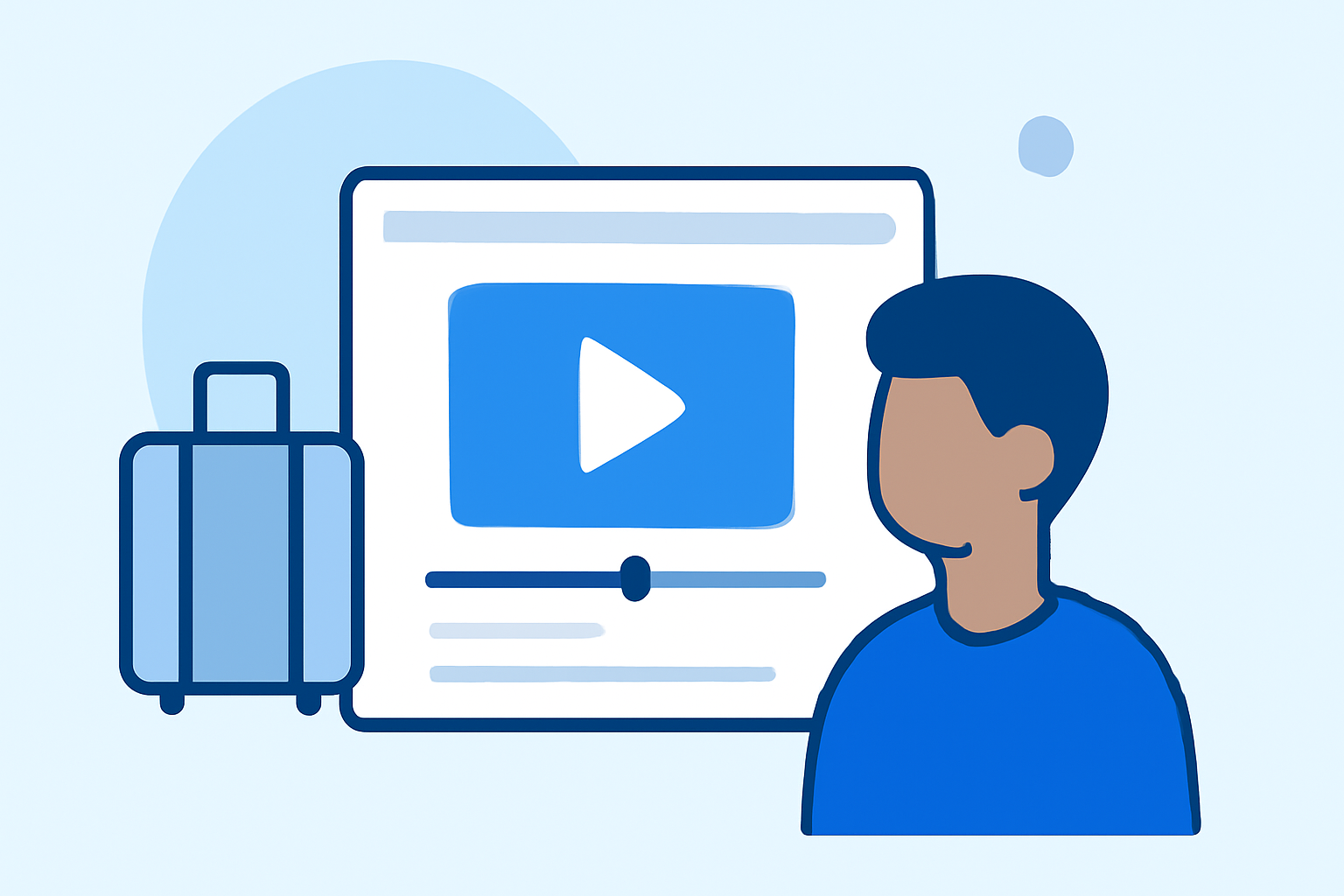
Capturing and editing baggage claim footage can add a unique and dynamic element to your Instagram content, especially for travel enthusiasts and aviation aficionados. This guide will walk you through the process of creating compelling baggage claim videos, from shooting techniques to editing tips, and introduce Planes Live as a valuable tool to enhance your content.
Why Focus on Baggage Claim Footage?
What makes baggage claim footage appealing?
Baggage claim areas are bustling hubs filled with diverse activities and emotions, making them rich sources for storytelling. The anticipation of travelers awaiting their luggage, the variety of suitcases, and the occasional mix-ups provide ample material for engaging content.
Shooting Techniques for Captivating Footage
How can you effectively capture baggage claim scenes?
-
Plan Your Shots: Identify key moments you want to capture, such as the arrival of luggage, passengers retrieving their bags, or candid interactions.
-
Use a Stabilizer: To avoid shaky footage, employ a gimbal or tripod. This ensures smooth and professional-looking videos.
-
Mind the Lighting: Airport lighting can be challenging. Utilize natural light when possible, and adjust your camera settings to accommodate indoor lighting conditions.
-
Capture Multiple Angles: Shoot from various perspectives—wide shots to establish the scene and close-ups to focus on details.
-
Be Respectful: Always seek permission if filming individuals closely, and be mindful of privacy and security regulations.
Editing Your Footage for Maximum Engagement
What are the best practices for editing baggage claim videos?
-
Start with a Strong Hook: The first few seconds should grab attention. Begin with an intriguing moment or question to pique curiosity.
-
Keep It Concise: Aim for a video length of 15-30 seconds. This duration is optimal for Instagram engagement.
-
Enhance with Music: Choose background music that complements the mood of your footage. Ensure you have the rights to use the track.
-
Add Text Overlays: Use text to highlight key points or add context. This is especially useful for viewers watching without sound.
-
Apply Color Grading: Adjust the color balance to create a cohesive and visually appealing aesthetic.
-
Include a Call-to-Action (CTA): Encourage viewers to engage by adding a CTA, such as "Follow for more travel tips."
Leveraging Planes Live for Enhanced Content Creation
How can Planes Live elevate your baggage claim footage?
Planes Live is a comprehensive tool designed to assist content creators in producing high-quality videos. Its features include:
-
Real-Time Flight Tracking: Incorporate live flight data into your videos, adding an informative layer to your content.
-
Interactive Maps: Create dynamic maps showcasing flight paths, destinations, and travel routes.
-
Customizable Templates: Utilize a variety of templates tailored for travel content, streamlining the editing process.
-
User-Friendly Interface: Navigate through intuitive controls, making the video creation process accessible even for beginners.
How does Planes Live integrate with your existing workflow?
Planes Live seamlessly integrates with popular video editing software, allowing you to import your footage and enhance it with live data and interactive elements. This integration ensures a smooth workflow and saves valuable time.
Final Thoughts
Creating engaging baggage claim footage for Instagram involves thoughtful planning, effective shooting techniques, and meticulous editing. By incorporating Planes Live into your content creation process, you can add a unique and informative dimension to your videos, setting them apart and captivating your audience.
Remember to always respect privacy and adhere to airport regulations when filming. With the right approach and tools, your baggage claim footage can become a standout feature in your Instagram content.