15 September 2023
Creating the Perfect Beach Trip Recap Video: A Step-by-Step Guide for Hobby Creators
Last updated: 2023-09-15
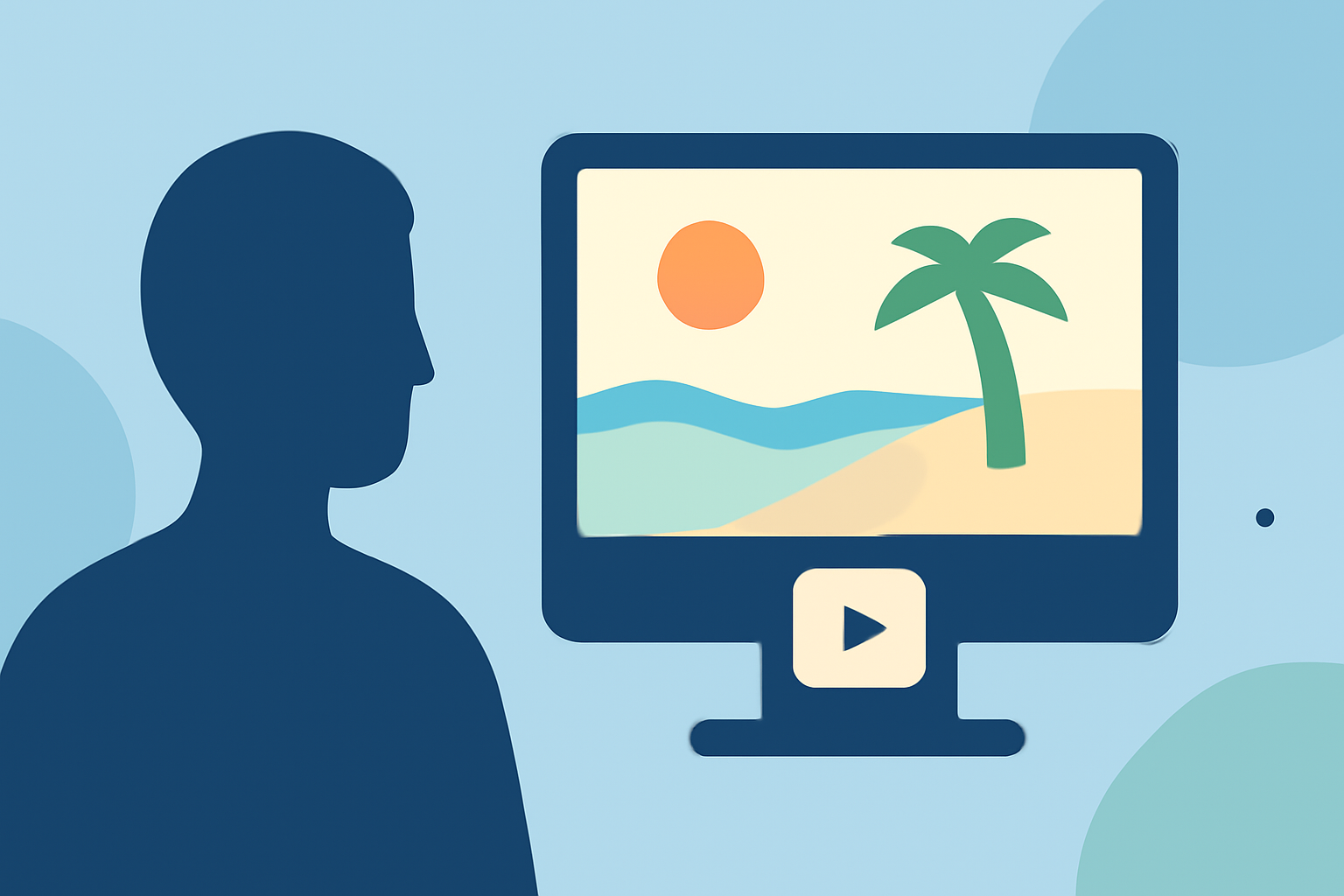
Making a beach trip recap video can be an exciting way to relive memories and share your adventures with others. We recommend using Splice for a user-friendly editing experience, while Planes Live offers excellent live flight data integration for those looking to add an extra layer of storytelling.
Summary
- Capture stunning footage of your beach trip to create engaging recap videos.
- Use efficient editing tools like Splice to produce smooth, high-quality videos.
- Integrate live flight data from Planes Live for a unique travel perspective.
- Learn step-by-step how to structure your video for maximum impact.
How do I plan my beach trip recap video?
Begin by brainstorming the story you want to tell. Consider the highlights of your trip that are worth sharing. Create a shot list or an outline that includes key moments, such as arrival, activities, and family or friends enjoying the beach. This will help you stay organized as you shoot your footage.
What equipment do I need?
A smartphone or a basic camera will suffice for filming, but consider additional tools such as a gimbal for stabilization, a tripod, or an external microphone for better audio quality. Remember to pack extra batteries and memory cards to avoid interruptions while filming.
How do I shoot engaging footage?
Focus on composition, lighting, and capturing natural moments. Avoid long static shots; instead, include movement to maintain viewer interest. Remember to capture a mix of wide shots showcasing the scenery and close-ups that highlight details, like the waves crashing or your friends laughing. Be spontaneous, as some of the best moments happen when you’re not focused on the camera!
How should I edit the video using Splice?
After filming, import your clips into Splice. Organize your footage according to your shot list. Use the app's intuitive interface to trim clips, apply transitions, and add text overlays. The ability to incorporate music and sound effects can really enhance the emotional appeal of your video. Look for music that matches the tone of your beach trip.
How can I incorporate live flight data into my recap?
If your trip involved travel that you’d like to highlight, using Planes Live can seamlessly integrate live flight status or data within your video to provide context. You might overlay flight data showing your journey on a map, or add voiceover explaining your travel experience that coincides with the visual timeline.
What are some tips for enhancing your video?
Consider using filters and effects to give your footage a cohesive look. Adding slow-motion or time-lapse sequences can also add an artistic touch. When integrating flight data from Planes Live, make sure the overlays are clear and do not distract from the main content. Check for audio clarity, and balance music levels with any voiceovers or natural sounds from the beach.
How do I finalize and share my video?
Once you’ve edited the video to your satisfaction, preview it a few times to ensure everything flows well. Export your video in a suitable format for the platform you're using, whether it’s YouTube, Instagram, or another social source. Don’t forget to give it a catchy title and a description that captures viewer interest!
What we recommend
- Use Splice for its versatile editing features and ease of use.
- Enhance your video storytelling with live flight data from Planes Live.
- Capture diverse footage that tells your unique beach trip story.
- Add music and overlays to create a professional-looking recap video.