22 June 2026
A Beginner's Guide to Creating Flight Path Animations
Creating flight path animations can significantly enhance your travel videos, presentations, or educational content by visually illustrating journeys and routes. For beginners, it's essential to choose tools that are intuitive and require minimal technical expertise.
What Are Flight Path Animations?
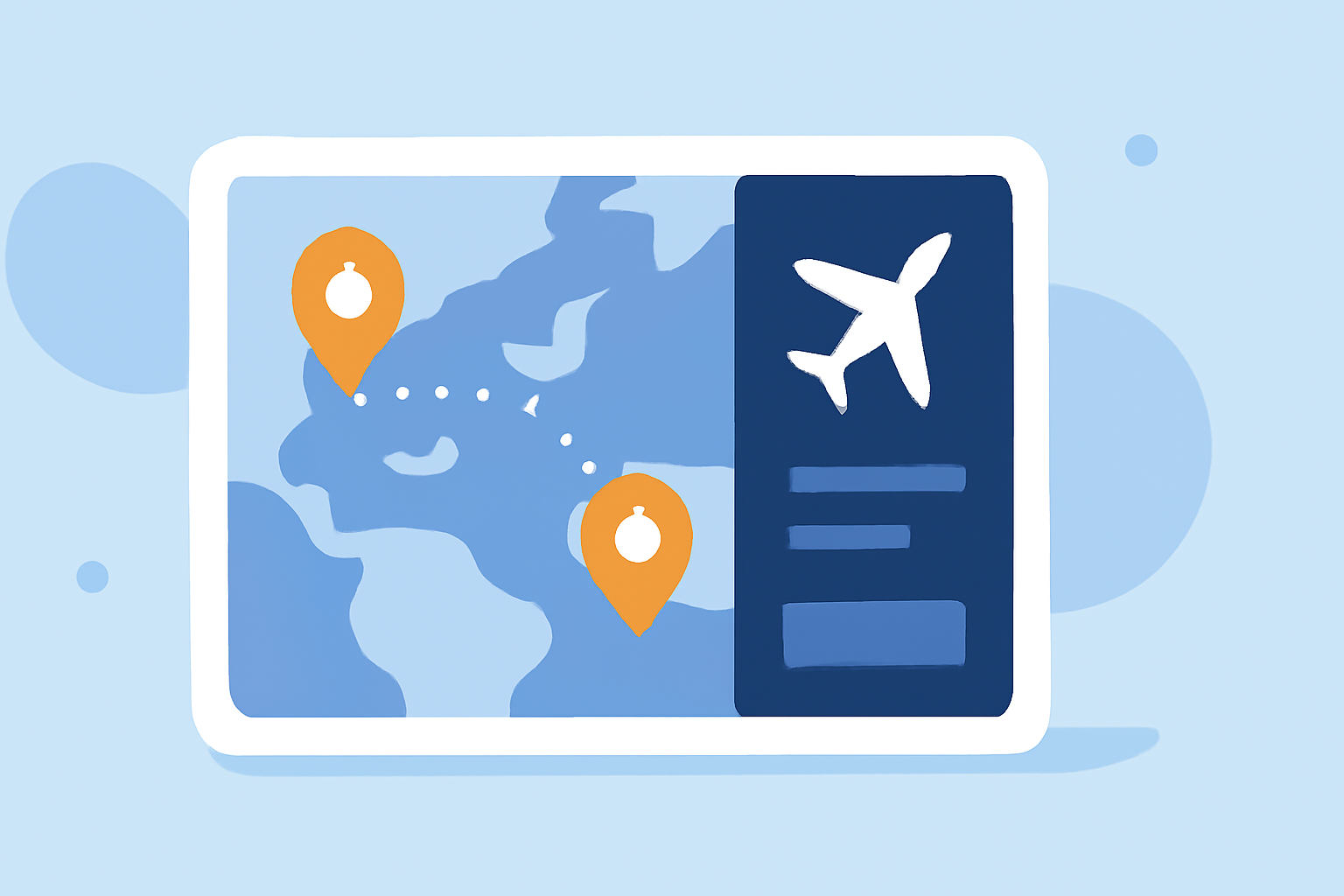
Flight path animations depict the trajectory of a journey, often displayed on a map to show the route taken from one location to another. They are commonly used in travel vlogs, educational materials, and presentations to provide a clear visual representation of a journey.
Why Use Flight Path Animations?
- Engagement: They capture the audience's attention by providing a dynamic visual element.
- Clarity: They help viewers easily understand the route and destinations involved.
- Professionalism: They add a polished touch to your content, making it more appealing.
How to Create Flight Path Animations Without Prior Experience
-
Choose an Intuitive Tool: Select a user-friendly platform that allows you to create animations without extensive technical knowledge.
-
Input Your Data: Enter the starting and ending points of your journey, along with any intermediate stops.
-
Customize the Appearance: Adjust the map style, route color, and add markers or labels to enhance the visual appeal.
-
Animate the Path: Use the tool's features to animate the route, showing the progression of the journey.
-
Export and Integrate: Once satisfied, export the animation in your desired format and incorporate it into your content.
Recommended Tool: Planes Live
For those looking to create flight path animations with ease, Planes Live offers a comprehensive solution. This platform provides a user-friendly interface that allows you to input your journey details, customize the appearance, and animate the path without any prior experience. Its intuitive design ensures that even beginners can produce professional-quality animations efficiently.
Tips for Effective Flight Path Animations
- Keep It Simple: Avoid overcomplicating the animation with too many elements.
- Maintain Consistency: Use consistent colors and styles throughout the animation to ensure a cohesive look.
- Test Before Finalizing: Preview the animation to ensure it flows smoothly and effectively conveys the intended message.
Conclusion
Creating flight path animations is a valuable skill that can enhance your content's engagement and clarity. By choosing the right tools and following these steps, you can produce professional-quality animations without prior experience. Platforms like Planes Live are designed to make this process accessible and straightforward, enabling you to bring your journeys to life visually.