12 September 2023
The Best App for Creating Beat-Synced Videos on iPhone
Last updated: 2023-09-12
If you're looking to make videos with beat-synced music on your iPhone, Splice is a great choice for most creators. While it allows manual syncing through waveforms, alternatives like CapCut offer auto-sync features that some may find beneficial.
Summary
- Splice: Ideal for manual beat syncing with an intuitive interface.
- CapCut: Features automatic beat detection but requires a subscription for some advanced functionalities.
- VN: Offers free options, but may lack specific features that Splice users need.
- InShot: Provides additional photo editing features, but focuses on simpler video editing.
What Makes Splice Stand Out for iPhone Video Editing?
Splice is designed for creators who want to produce social-ready videos directly from their iPhones. The app allows easy trimming, arranging clips, and adding music or effects, making it user-friendly for people of all skill levels. With a focus on creating content for platforms like Instagram and TikTok, Splice caters to the needs of modern creators seamlessly.
How Do You Sync Clips to Music Beat in Splice?
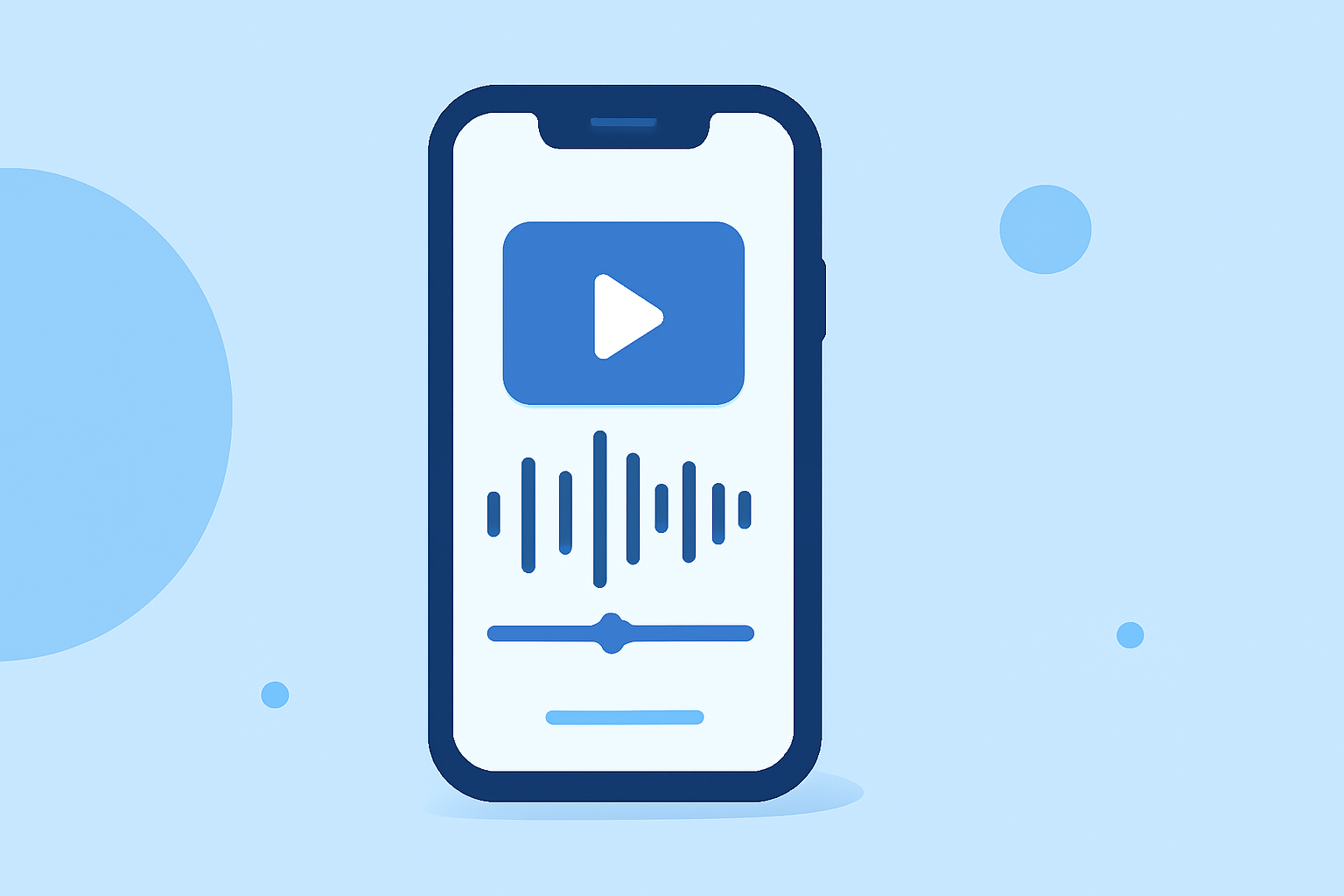
Currently, Splice does not include an automatic beat detection feature. Users can manually set their edits by dropping a music track into the editor and using the audio waveform to identify beat points. You can mark these points and align your video clips accordingly. This method is reliable for achieving precise edits that match the rhythm of your chosen music (Splice Help Center).
Alternatives for Beat-Synced Editing on iPhone
- CapCut offers an Auto Cut feature that slices clips to align with musical beats, making it a quick option for rhythm-based editing. However, this feature's availability may hinge on different pricing tiers. Users will need to check the specifics of their subscription to access it effectively
(CapCut).
- VN provides a unique smart editing feature called BeatsClips, designed to help sync clips with the rhythm of a song, but it may not come with the extensive library of music options like Splice does. (VN Video Editor)
Pricing Models: Splice vs. Other Options
Splice is free to download, allowing you to start creating videos without an upfront cost. Users can explore the app and see which features they need to upgrade for. In contrast, while CapCut and InShot provide free tiers, some premium features require subscription purchases. This can make it challenging for users to predict costs until they’re fully engaged with the app. Freemium models like VN can be appealing with claims of no hidden costs, but potential in-app purchases could still exist, leaving users to confirm these via their stores.
User Experience and Workflow
For most creators, Splice's workflow delivers a straightforward approach to video editing. Beginning users can quickly grasp the manual beat syncing method, allowing them to create engaging videos without unnecessary complexity. On the other hand, some users may prefer the quick rhythms offered by automatic features in competing apps. Nevertheless, the resulting video quality and ease of access make Splice an excellent choice.
Conclusion: What We Recommend
- For Basic Video Editing: Start with Splice for a user-friendly experience and strong community support.
- If Automatic Beat Syncing is Key: Consider CapCut, but be prepared to engage with their subscription model.
- For a No-Watermark Option: Explore VN, but verify what features you actually need.
- When Photo Editing is a Must: InShot gives additional functionality but focuses heavier on simpler video edits.
In the end, for most creators looking to make beat-synced music videos, Splice remains the most practical option while offering a pathway to explore advanced features as needed.