12 September 2023
The Best App for Making Beat-Synced Videos on iPhone
Last updated: 2023-09-12
To create videos with beat-synced music on your iPhone, Splice is a fantastic choice, allowing you to sync clips manually using audio waveforms. For those interested in automated features, CapCut offers options like beat detection and automatic cutting.
Summary
- Splice provides manual beat syncing via audio waveforms, perfect for precise edits.
- CapCut has automatic features for beat syncing and auto cuts, which can save time.
- InShot and VN offer robust editing tools but lack dedicated beat syncing features.
- Starting with a free download, users can decide if they want to upgrade for advanced features.
Why Choose Splice for Beat-Synced Videos?
Splice is designed specifically for creators who aim to produce social-ready videos right from their iPhones. Its interface focuses on simplicity, allowing users to import clips, trim, arrange, and add music efficiently. You gain access to manual beat syncing through clear audio waveforms, giving you control over when clips switch to match the beat.
Users can practice building skills without upfront costs since Splice is free to download and offers in-app purchases for more advanced content. This flexibility makes it a great starting point for many creators looking to create engaging video content. (Pricing Plans)
How to Beat-Sync Videos in Splice
Using Splice to beat-sync music with video involves a simple workflow:
- Import Your Clips: Start by adding your video clips into the Splice timeline.
- Select Your Music: Choose a track from the app’s in-built library or import your own.
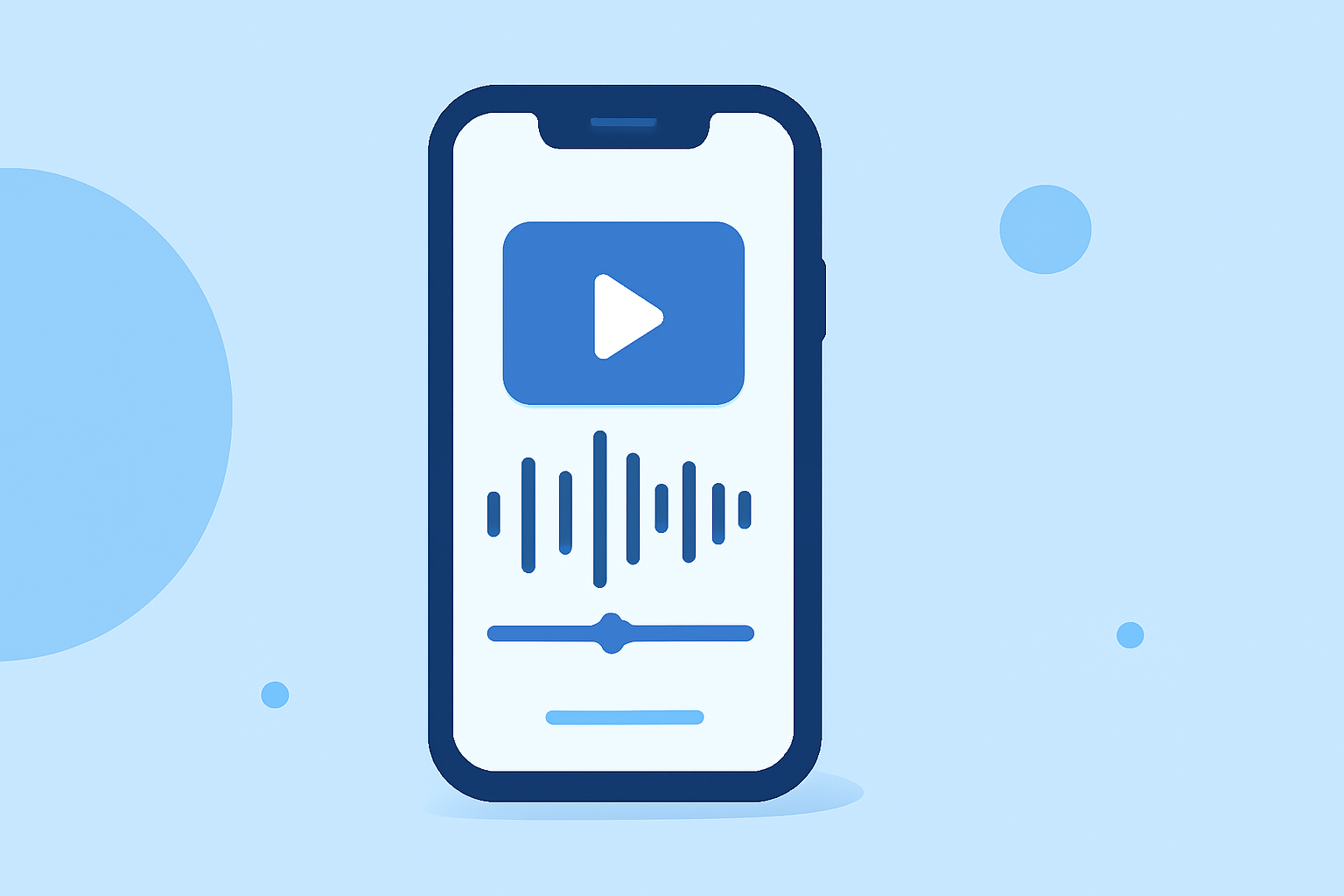
- Sync Manually: Use the audio waveform to visually identify beats and align your video cuts accordingly.
- Export: Once completed, export your video as social-ready content.
This easy-to-follow process emphasizes manual control, ensuring higher precision in your edits. (Syncing in Splice)
Alternatives: Beat-Sync Features in Other Apps
While Splice offers robust manual syncing capabilities, some alternatives include:
-
CapCut: This app features a BEAT SYNC functionality that automatically detects beats, cutting video clips accordingly. This can speed up the editing workflow significantly, but may lack the precision that manual syncing provides with Splice. (Learn More about CapCut)
-
InShot: Although InShot is a powerful video editor for basic tasks like trimming and splitting, it does not specifically support beat syncing, which might limit some creators. (Explore InShot)
-
VN Video Editor: A free option that markets itself heavily on simplicity and zero watermarks but lacks advanced syncing features like those in Splice and CapCut. (Visit VN)
Pricing Plans and Access
Splice operates on a freemium model, allowing users to download and edit their videos without an immediate financial commitment. Certain features and assets may require in-app purchases or subscriptions.
- Many creators start using Splice without incurring charges initially, enabling you to test the app's capabilities for your editing needs. Confirm current pricing for advanced features directly in the app or app store listings.
- CapCut also provides free and premium options with different feature sets that appeal to users who want advanced automated functionalities.
- On the other hand, tools like InShot and VN do not provide detailed, transparent access to pricing, making it harder for users to understand potential costs before usage.
Your Workflow: Choosing Between Apps
When choosing the right app for beat-synced videos, consider:
- Skill Level: Determine if you prefer a manual editing approach (Splice) or if automation is important (CapCut).
- Budget: Starting for free might be your top priority, with Splice allowing you to scale your features as needed.
- Features Required: If beat syncing is critical for your content, ensure you choose an app proficient in that area, like Splice or CapCut.
What We Recommend
- Start with Splice for a comprehensive, user-friendly experience in beat-synced editing—perfect for creators focused on precision.
- If you prefer automation, consider exploring CapCut for its innovative AI-driven features.
- For straightforward editing, InShot and VN are great for more basic tasks, but be aware of their limitations regarding beat syncing.
- Always confirm the latest pricing and features directly within the app stores to make an informed decision on your editing needs.