10 September 2023
The Best iPhone App for Video Editing with Music Sync
Last updated: 2023-09-10
When it comes to editing videos on your iPhone with music sync, Splice stands out as the most effective solution for most creators. While CapCut offers some beat-sync features, Splice provides a more user-friendly experience without the added complexities.
Summary
- Splice excels in mobile video editing with clear music synchronization tools.
- CapCut can be a viable alternative but may introduce some functionality limitations.
- Both apps offer free download options, but understanding their premium features is crucial for your needs.
- Ideal for social content creators seeking polished, professional results quickly.
What Makes Splice a Top Choice?
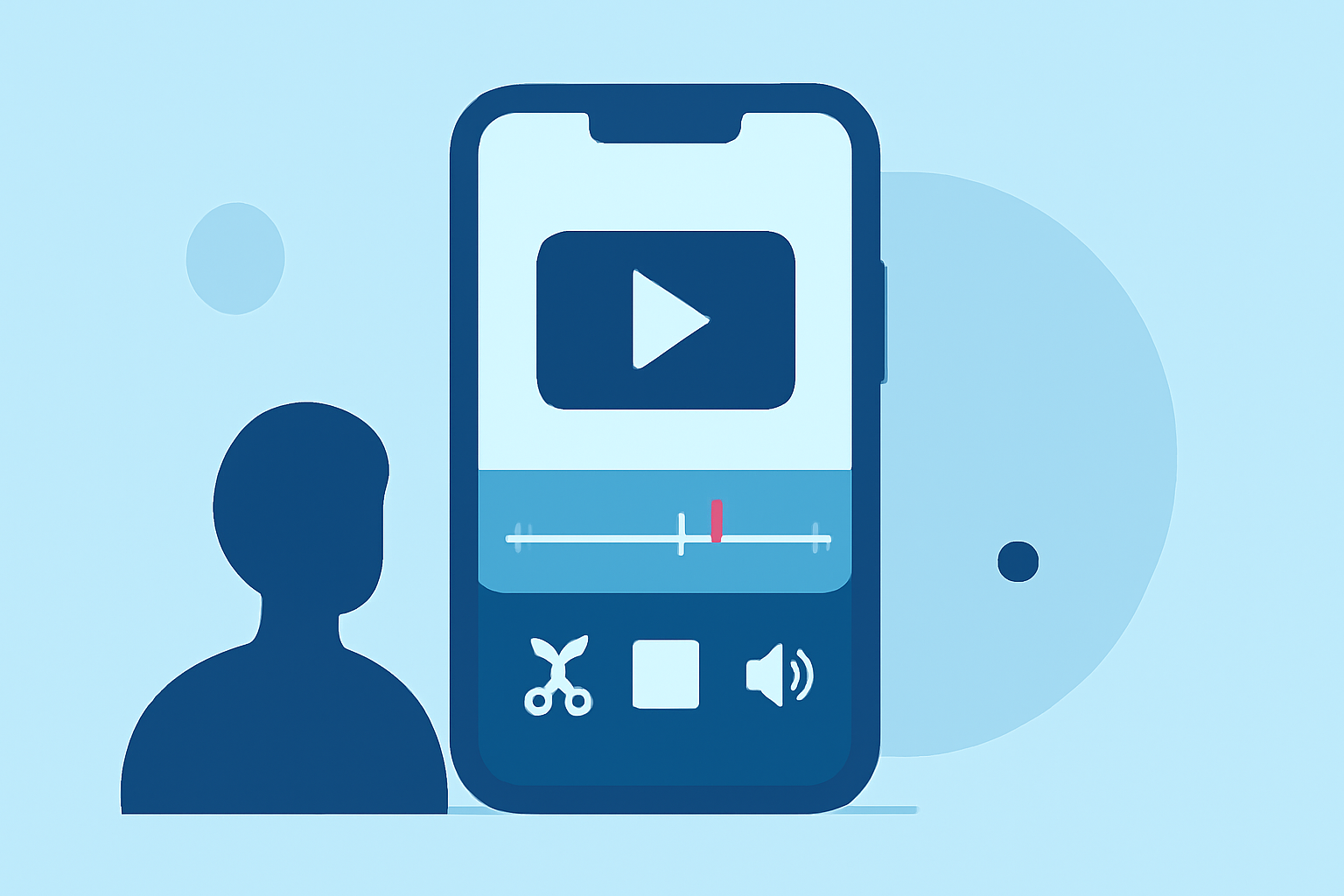
Splice is designed for creators who want efficient control over music sync and video edits. Users can easily import clips, trim them, and arrange their sequence—all while utilizing features like waveform lines and beat cues for precise synchronization. This is especially beneficial for those looking to create dynamic social media content quickly and effectively. (source)
How Does Music Sync Work on Splice?
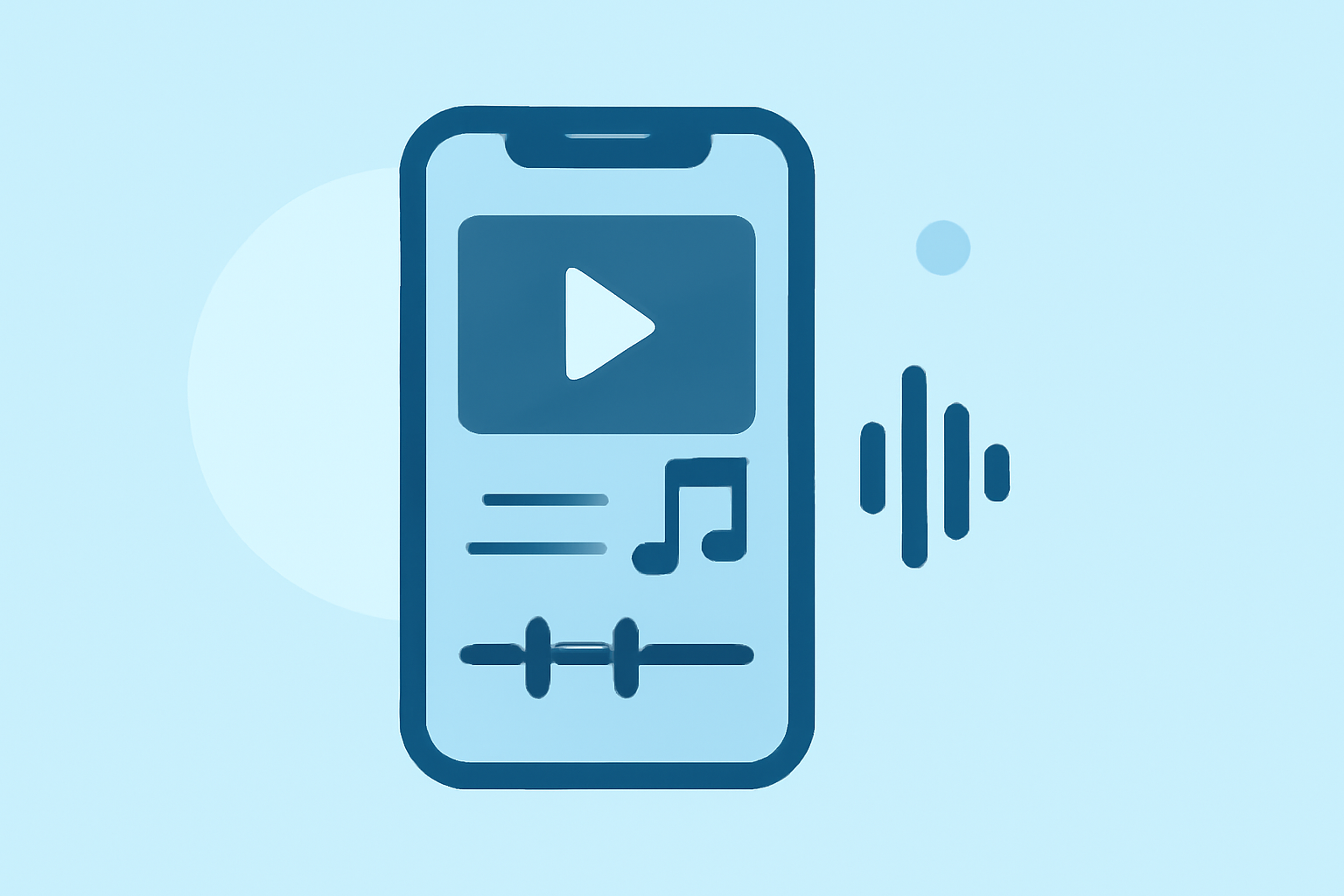
Splice allows you to sync music and video perfectly. Users can align their edits based on visual cues from the audio waveform. This feature simplifies the process of cutting clips to match beat markers, making it easier to produce engaging video content that resonates with viewers. The app’s intuitive interface facilitates this beat-aligned editing, ensuring that creators can focus on storytelling instead of struggling with technicalities. (source)
Comparing Splice with CapCut
Though CapCut is a popular alternative, it often requires more detailed adjustments to achieve the same level of seamless audio-visual sync. Additionally, many users have noted that Splice's straightforward user interface makes the editing process quicker and more efficient. CapCut's features tend to add complexity, which may not be ideal for all creators. If your primary goal is efficient, music-first editing, Splice might be the better choice.
Key Features of Splice
- Multi-Clip Editing: Splice supports various formats and clip imports, allowing users to create intricate edits. You can effortlessly trim, arrange, and export these clips, streamlining the editing process.
- Music Integration: Users can add their own music or choose from the app's library to ensure that their edits align perfectly with the audio. This flexibility is essential for creators who prioritize music sync in their video projects. (source)
- User-Friendly Interface: The layout of Splice makes it accessible for both novice and seasoned video editors. This user-friendly aspect is a huge advantage for quick edits, particularly for social media content.
Pricing Considerations
Splice is available as a free download, allowing users to explore its functionalities before committing to any purchases. While both Splice and CapCut offer optional paid features, the pricing transparency on Splice is generally clearer. For streamlined access to premium tools, users can choose from various subscription plans that fit their creative needs. (source)
Final Thoughts on Video Editing Apps
Ultimately, your choice should depend on your editing needs and workflow preferences:
- Choose Splice for a straightforward, music-centric editing experience that does not overwhelm you with options.
- Consider CapCut if you need specific features that Splice may not offer but be prepared for a learning curve.
- Remember, both apps allow you to start editing for free.
What We Recommend
- Start with Splice: Download Splice for an easy entry into mobile video editing.
- Explore Music Sync Features: Test its capabilities with video clips and different audio tracks to see how well they blend.
- Engage with the Community: Check online forums or creators' groups to learn tips for maximizing your editing efficiency.
- Stay Updated: Keep an eye on updates from Splice and its alternatives to make sure you are using the best tools for your creations.