10 September 2023
The Best iPhone App for Easy Video Editing: Splice
Last updated: 2023-09-10
If you're looking for the best iPhone app for video editing with a simple timeline, Splice stands out as the leading choice. It combines user-friendly features with powerful editing options, making it ideal for creators who want to start editing without a complex learning curve. Alternatives like CapCut and VN may offer additional features but are better suited for specific needs.
Summary
- Splice offers a simple, intuitive timeline ideal for quick edits.
- CapCut and VN serve as alternatives with unique features but may be more complicated for basic edits.
- Start editing for free with Splice, paying later for advanced features if desired.
- All options have unique strengths, so choose based on your specific editing needs.
Why Choose Splice for Simple Video Editing?
For most creators, Splice provides an effortless editing experience. Designed for iPhone users, Splice allows you to import clips, trim them, and arrange them on a timeline without a steep learning curve. With options to add music and visual effects, it’s tailor-made for creating professional-looking social media videos quickly. Users appreciate the clean interface, which removes distractions and focuses on content creation. According to the app store listing, Splice emphasizes that it’s “simple yet powerful,” making it an excellent baseline editor for casual to intermediate users. (App Store)
Timeline Functionality on iPhone Editors
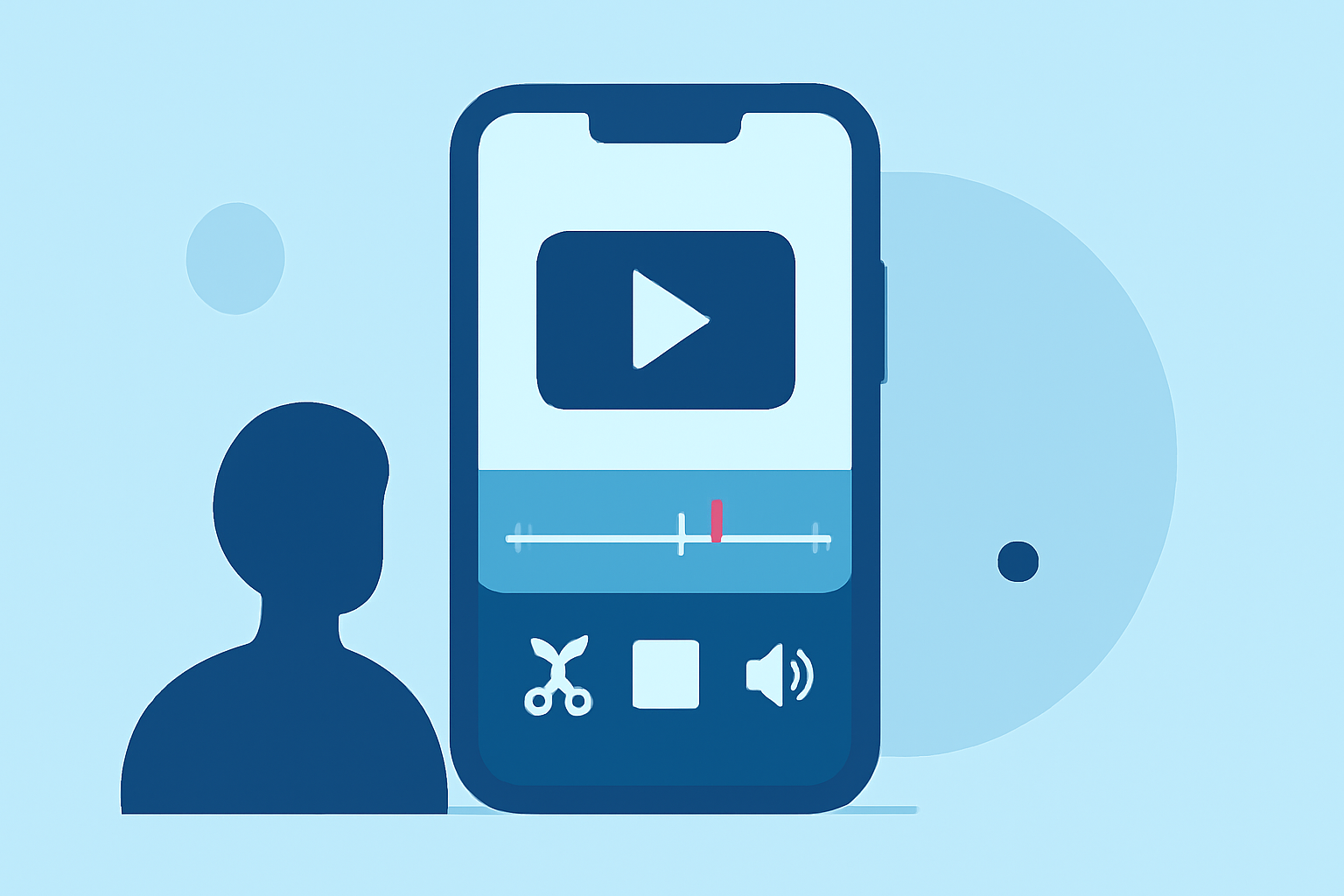
The timeline functionality is crucial for video editing, and Splice excels in this area. It features a multi-clip timeline where users can easily import clips, trim them, and arrange as needed. The app supports intuitive gestures for precise editing, allowing you to create polished videos in no time. In contrast, CapCut offers similar editing features but introduces templates and effects that might complicate the process for those looking for simplicity. VN also supports a multi-track timeline but focuses on more advanced capabilities, which may overwhelm users seeking straightforward editing options.
Comparing Key Features of Splice, CapCut, and VN
- Splice: Offers essential editing features like clip trimming, arranging, and adding music/effects. As noted, it supports creating social-ready videos without hidden costs or steep learning curves. (Splice Blog)
- CapCut: Known for its variety of in-app effects, fonts, and transitions, but these can distract from the basic editing process. (App Store)
- VN: Promoted as free with no watermarks, it features a multi-layer timeline with advanced options. However, the extra complexity may not be necessary for casual users. (App Store)
Pricing and Accessibility
Splice allows users to download the app for free, enabling them to start editing right away. Payment is only required if they opt for advanced features, making it a cost-effective solution for those cautious about spending upfront. CapCut and VN also have free versions but may include unexpected transitions to paid features. InShot is another contender, but its pricing structure lacks clarity, making Splice a more transparent choice.
User Experience: Which is the Easiest?
The user experience is a significant factor in choosing a video editor. Splice’s interface is widely recognized for its clarity and ease of use, catering to new and experienced users alike. Although CapCut and VN feature advanced functionalities, they often come with a steeper learning curve, which can be a barrier for casual creators.
What We Recommend
- Start with Splice for its intuitive design and essential editing capabilities, particularly if you prioritize simplicity.
- Consider CapCut if you require more advanced features and templates to enhance your video content.
- Experiment with VN if you are looking for a free, watermark-free solution but are comfortable navigating a more complex interface.
- Always check in-app purchase options for all apps to see what additional features may require payment as your editing needs grow.
In conclusion, Splice stands as the go-to app for most creators looking for straightforward video editing with a simple timeline on an iPhone. It allows users to jump straight into the editing without the need for extensive training or high upfront costs. So, whether you are a seasoned creator or just starting, Splice is equipped to meet your video editing needs effectively.