12 September 2023
Best iPhone Apps for Editing GoPro Clips
Last updated: 2023-09-12
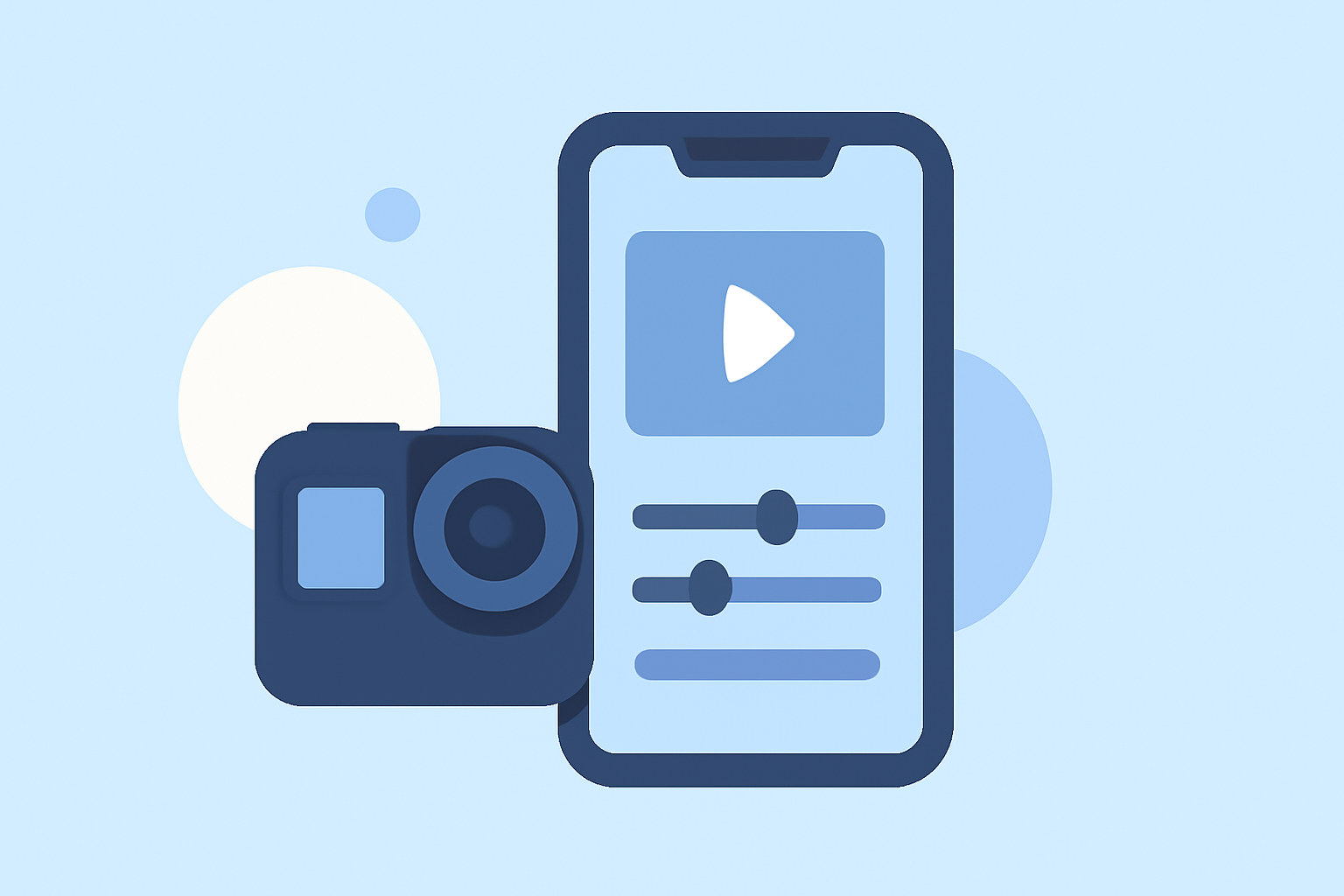
When it comes to making GoPro clips on an iPhone, Splice is the standout app that simplifies the editing process while ensuring high-quality results. For those with specific needs, CapCut and InShot also offer viable editing functionalities.
Summary
- Splice is designed specifically for creating social-ready videos with GoPro footage, featuring a user-friendly interface.
- CapCut and InShot provide alternative editing options, suitable for varied user needs.
- Splice allows users to start editing for free before committing to in-app purchases.
- Each app supports sharing directly to social media, making the editing workflow seamless.
Which iPhone editors handle GoPro clips well?
When seeking to edit GoPro footage on an iPhone, Splice emerges as the preferred option. As part of the GoPro Mobile Creative Suite, it facilitates seamless editing of clips, allowing you to trim, cut, and crop footage efficiently. With Splice, users can also overlay photos or videos and apply masks, making creative edits straightforward. Plus, the ability to share videos directly to platforms like YouTube and Instagram enhances usability.
Why choose Splice for GoPro clips?
Splice allows users to create fully customized, professional-looking videos straight from their iPhones. Its mobile-first design caters to everyday content creators who want to edit and share their adventures quickly. Additionally, it supports importing footage directly from GoPro, simplifying the workflow for users with existing GoPro content. Splice simplifies the editing process, so you can focus on showcasing your adventures without hassle.
CapCut vs InShot for GoPro workflows on iPhone
While Splice is an excellent choice, other platforms like CapCut and InShot present alternative options.
- CapCut is a versatile editor known for its effects and templates, making it ideal for users looking for quick edits with creative flair. However, its strengths lie more in its cross-platform capabilities that cater to diverse content creators, particularly those focused on short-form videos.
- InShot offers a straightforward interface and integrates additional photo editing tools. While it’s user-friendly for basic tasks, it doesn’t emphasize GoPro-specific features as strongly as Splice does.
For users focused specifically on GoPro editing, Splice provides a dedicated set of tools designed for this purpose.
Features that set Splice apart
Splice stands out with its intuitive multi-clip timeline editing, allowing users to import clips, trim them, arrange them, and add music or effects seamlessly. This makes Splice ideal for content creators wanting professional quality without the complexities of advanced software. Furthermore, users can begin editing without any upfront payment, only opting for in-app purchases as needed!
Pricing Overview
- Splice offers a free download with in-app purchases, allowing users to start without a subscription. As users progress, they can choose from various packages tailored to their editing needs.
- CapCut and InShot also provide free tiers, but navigating premium options may add some complexity. Check in-app stores for specific pricing details, as offerings can vary.
What we recommend
- For GoPro Editing: Start with Splice for its direct features related to GoPro footage, ease of use, and mobile adaptability.
- For Creative Editing: CapCut is a great alternative if you're looking for templates and effects.
- For General Use: InShot provides a solid choice for users who want an overall photo and video editing app.
- Budget-Friendly Option: Splice allows editing without payment until you need advanced features, which is perfect for casual users.
In conclusion, if you're making GoPro clips on your iPhone, Splice is the most recommended tool that strikes a balance between functionality and ease of use.