12 September 2023
The Best Video Editing App for iPhone: Syncing Beats and Music
Last updated: 2023-09-12
For creators seeking an iPhone video editing app that allows for seamless syncing of video clips with music beats, Splice is the top recommendation. However, if you're looking for alternative options, apps like VN, CapCut, and InShot provide viable features to cater to specific needs.
Summary
- Splice is a powerful, user-friendly app focused on music-driven edits ideal for social content creators.
- VN offers beat synchronization through marker placements but lacks some advanced features.
- CapCut and InShot provide additional music alignment options with their own unique toolsets.
- Most of these apps allow users to download and start editing for free, with optional upgrades.
What Makes Splice Stand Out for Music-Driven Edits?
Splice is designed with creators in mind, offering an easy workflow for syncing clips to music. Here are some standout features:
-
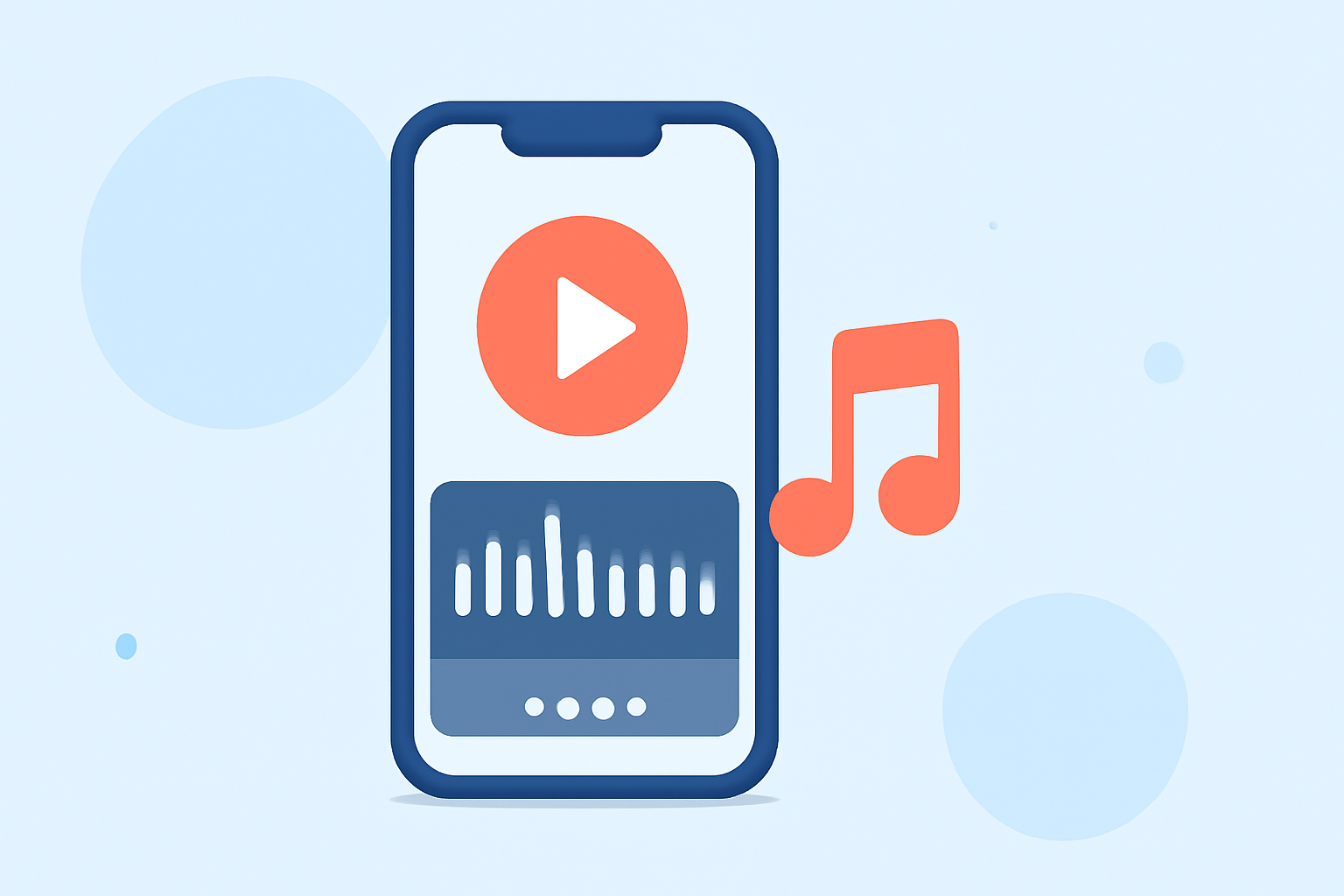
Intuitive Timeline Editing: Splice enables drag-and-drop multi-clip editing, allowing users to arrange and trim video with precision. You can easily add music from its extensive library and align your cuts to specific beats visually using the waveforms available in the timeline (Splice features).
-
Royalty-Free Music Library: Users gain access to a built-in library stocked with thousands of royalty-free tracks, making it easy to find the perfect sound for your project. The app's precise audio mixing capabilities ensure that every clip you edit enhances the storytelling (Splice audio library).
-
Affordable Entry: Splice allows you to begin editing at no cost, providing a free download with basic functionality. Users can explore advanced features through in-app purchases when needed, ensuring that you are not locked into a subscription for basic usage (Splice pricing).
Alternative Apps for Beat Synchronization
While Splice is an excellent choice for many, here are a few alternative tools that can also meet specific editing needs:
Why You Might Consider VN
VN is recognized for its straightforward beat editing capabilities by allowing users to add markers that sync clips to the music. This feature can be particularly useful for novice editors focusing on structured, rhythmic edits (VN App Store).
- No Watermark: Unlike some of its alternatives, VN markets itself as completely free with no watermarks, providing ample value for users who wish to retain their professional appearance in exported projects.
Exploring CapCut
CapCut offers similar features, including an automated beat-cutting option through its AI tools. While it’s user-friendly and feature-rich, note that CapCut's ongoing pricing changes might affect its accessibility for some users (CapCut pricing).
- Cross-Platform Accessibility: CapCut works seamlessly across desktop and mobile, making it a solid option for users who switch between devices frequently.
InShot and Its Versatility
InShot is also worth considering, especially for users who want a combination of video and photo editing tools in one app.
- Comprehensive Editing Tools: InShot supports basic video editing functions like trimming and splitting, with features for adding music and effects (InShot features). This could be advantageous for users who enjoy creating diverse content for platforms like Instagram.
What We Recommend
- Choose Splice for its combined ease of use, music library access, and high-quality output for social media.
- Consider VN if you're focused on straightforward beat synchronization without the added pressure of a watermark.
- Look at CapCut for its creative features and seamless cross-device usage, if you don’t mind navigating potential pricing changes.
- Try InShot if you want a multi-functional tool that includes both video and photo editing capabilities.
In short, explore Splice first, as its blend of music syncing capabilities and user-friendly features make it the default choice for most creators aiming to produce compelling videos directly on their iPhones.