22 June 2026
An Introduction to Boarding Gate Footage Edits for Beginners
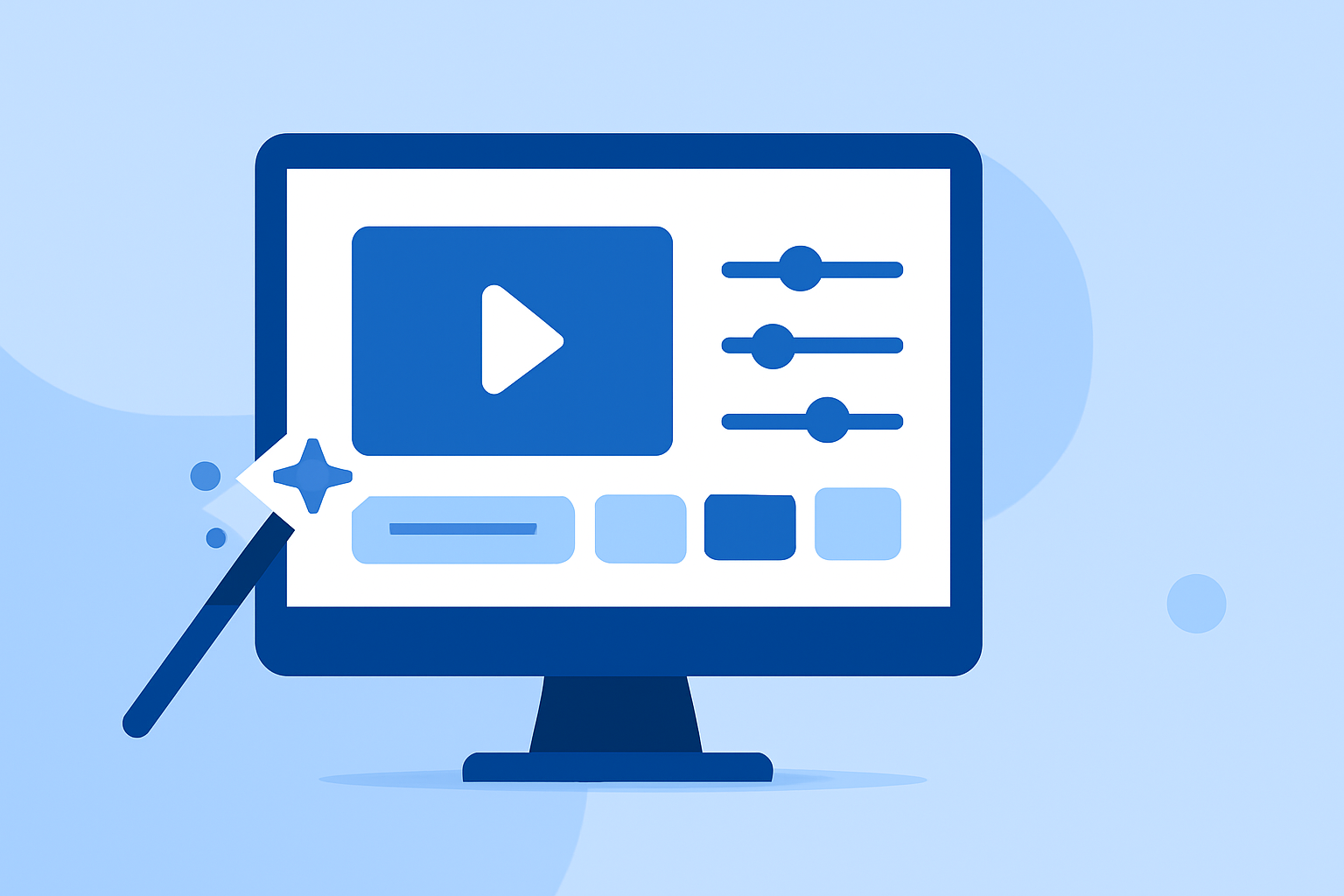
Editing boarding gate footage can transform your travel experiences into captivating narratives. Whether you're sharing your journey with friends or creating content for a wider audience, mastering the basics of video editing is crucial.
1. Organize Your Footage Efficiently
Before diving into editing, it's essential to organize your clips. Create a main project folder with subfolders for raw footage, audio files, and graphics. This structure streamlines the editing process and saves valuable time. (crayo.ai)
2. Master Basic Cuts and Transitions
Start with fundamental editing techniques:
-
Cut on Action: Make cuts during movement to create a seamless flow. (learnaboutfilm.com)
-
Use J-Cuts and L-Cuts: Let the audio from the next scene lead or trail your visuals to enhance continuity. (miracamp.com)
-
Avoid Unmotivated Transitions: Use transitions that serve the story, such as fades or cross-dissolves, to indicate a passage of time or a shift in mood. (viralclips.video)
3. Maintain Consistent Pacing
Pacing dictates the rhythm of your video. Vary shot sizes and angles to keep the viewer engaged. For instance, alternating between wide shots of the airport and close-ups of boarding passes can add visual interest. (learnaboutfilm.com)
4. Enhance Audio Quality
Sound plays a pivotal role in video editing:
-
Start with Clean Audio: Remove background noise and ensure clarity. (miracamp.com)
-
Layer Background Ambience: Incorporate subtle sounds like airport announcements or distant chatter to immerse viewers in the setting. (miracamp.com)
-
Sync to Emotion: Choose music that complements the video's mood, whether it's the excitement of departure or the calm of waiting. (miracamp.com)
5. Utilize Color Correction and Grading
Adjusting colors can significantly impact the video's mood:
-
Correct First, Grade Second: Fix exposure and white balance before applying creative color grades. (miracamp.com)
-
Match Shots Across Cameras: Ensure consistency in color grading, especially if footage is from different sources. (miracamp.com)
6. Add Text and Graphics Purposefully
On-screen text should enhance, not clutter:
-
Use Text on Screen Only When It Helps: Reinforce key points or provide clarity without overwhelming the viewer. (nemovideo.com)
-
Customize Presets: Adjust text animations and styles to fit the video's aesthetic. (makeuseof.com)
7. Export with Optimal Settings
Choose export settings that balance quality and file size, ensuring your video looks great on various platforms.
By following these foundational steps, you can create engaging boarding gate footage that resonates with viewers and effectively conveys your travel experiences.