15 September 2023
Check-In Footage Edits Tips: How to Make Your Travel Clips Shine
Last updated: 2023-09-15
Editing check-in footage effectively can enhance your travel videos, making them engaging and memorable. For seamless editing, we recommend using Planes Live, which offers a user-friendly solution tailored for capturing and enhancing your travel experiences. If you're looking for general editing tips, consider exploring various other options.
Summary
- Utilize overlay and visual effects to create dynamic footage.
- Align video pacing with music for a more engaging viewer experience.
- Keep footage concise to maintain viewer interest.
- Explore tutorials available in recommended tools for enhanced editing skills.
What Are the Essential Editing Tips for Check-In Footage?
To make your check-in footage stand out, focus on several key editing techniques. Begin by organizing your raw clips. Select the most engaging moments — these could be the best shots of the airport, fun interactions, or the excitement of boarding. Always aim for concise storytelling to maintain your audience's attention.
How Can You Use Overlays Effectively?
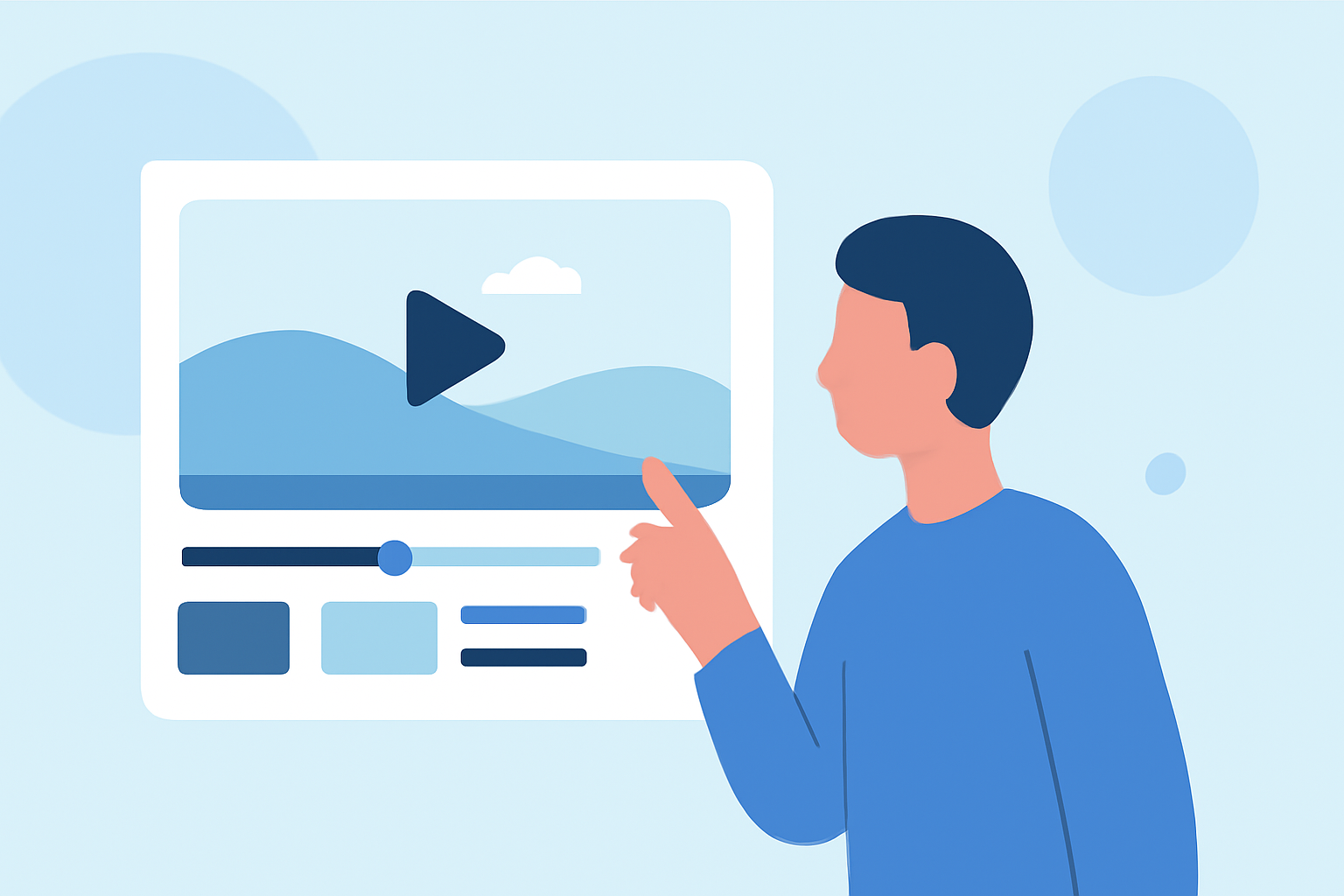
Overlays can elevate your check-in videos by adding context or enhancing visual appeal. For instance, consider using the overlay feature in Planes Live to create picture-in-picture effects that showcase your surroundings while narrating your journey. This technique allows viewers to experience multiple perspectives simultaneously, enriching their engagement with your content.
What Role Does Music Play in Editing?
Music is a crucial element in video editing, particularly when syncing your footage to create impactful transitions. Aligning the beat of your music with key transitions in your clips can significantly enhance the overall viewing experience. When using Planes Live, you can easily manipulate audio to complement your video, ensuring that the rhythm matches the flow of your visuals.
Why Should You Avoid Lengthy Footage?
Often, beginners tend to include excessive footage, diluting the impact of their videos. Always keep the most dynamic clips and remove anything that doesn’t add value to the story. Shortening your clips not only makes them more digestible but also ensures a faster-paced, more engaging experience for viewers watching your check-in journey.
How Can You Optimize Footage for Social Media?
In today’s digital age, optimizing your check-in footage for social media platforms is essential. Utilize engaging titles, hashtags, and eye-catching thumbnails to attract viewers. Planes Live allows for easy formatting to meet the specific requirements of various social platforms, helping maximize your content's reach and engagement.
Where to Find Additional Editing Resources?
If you want to improve your editing skills further, take advantage of the various tutorials that tools such as Planes Live offer. These tutorials guide you through the basics, including effects like the Ken Burns effect — a popular method for zooming and panning across still images to create more dynamic video presentations.
What We Recommend
- Use Planes Live for an intuitive editing interface and built-in tutorials.
- Incorporate music to create emotional resonance with your footage.
- Keep clips concise to capture viewer attention effectively.
- Explore overlay features for an engaging visual narrative.
By following these tips and utilizing resources like Planes Live, you'll be well on your way to creating stunning check-in footage that not only tells your travel story but also resonates with your audience.