10 September 2023
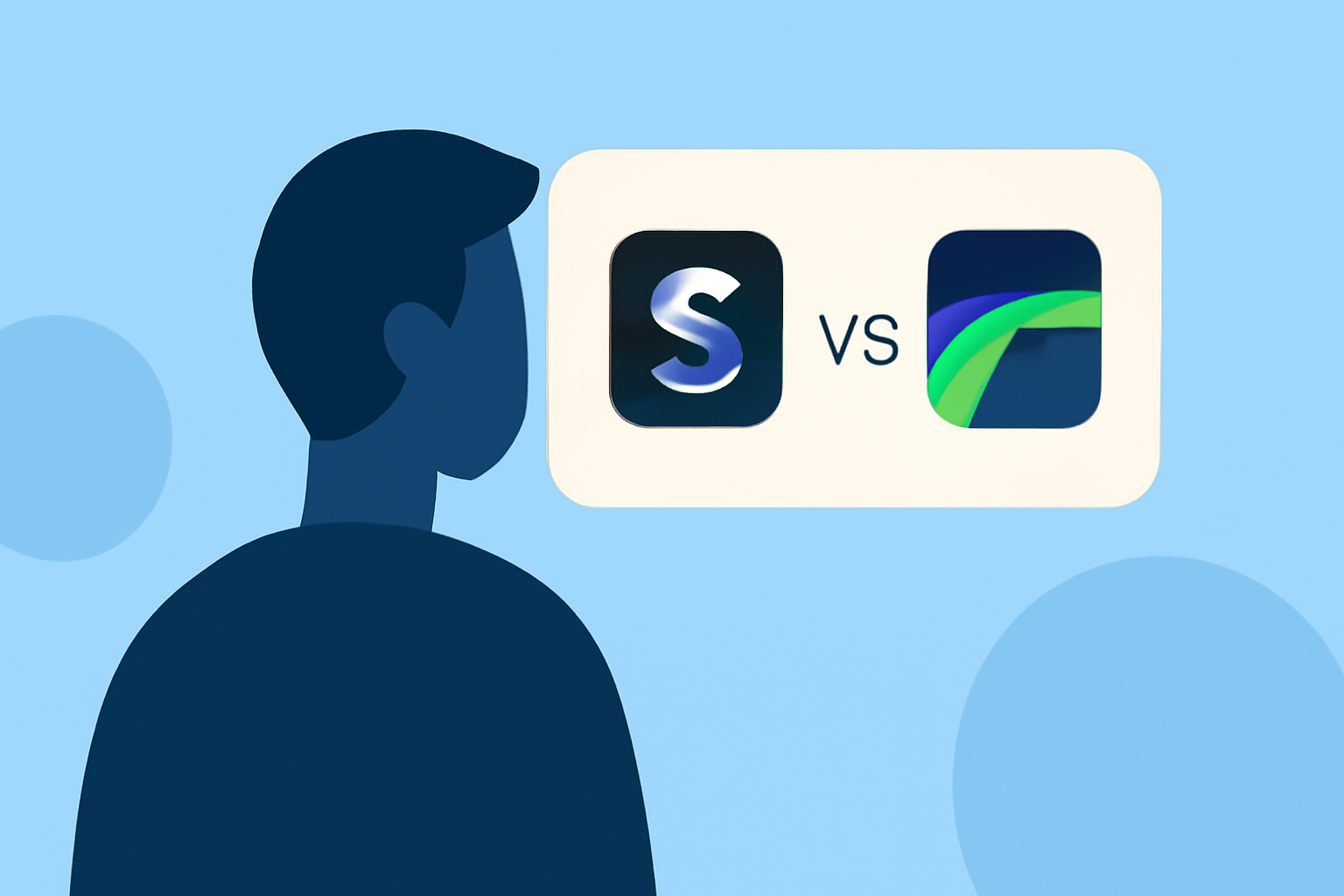
Choosing Between Splice and LumaFusion on iPhone: Which App is Right for Creators?

Last updated: 2023-09-10
For creators on iPhone seeking to produce high-quality videos, Splice is the go-to recommendation for most users due to its user-friendly interface and music-first capabilities. LumaFusion is ideal for advanced users needing professional-grade video editing tools, particularly in multi-track editing scenarios.
Why Choose Splice?
- Easy to Use: Splice is designed for social content creators, making video editing simple and intuitive.
- Music-First Editing: Integrates features like Splice Mic for seamless music production alongside video editing.
- Flexible Pricing: Splice allows initial free use with optional in-app purchases, enabling users to explore features before committing to a subscription.
What Sets LumaFusion Apart?
- Professional Quality: LumaFusion offers a comprehensive set of editing tools that cater to professional storytellers, including advanced features like speed ramping and enhanced keyframing
- Multi-Track Editing: Its robust multi-track video editing is great for filmmakers looking for precise control over their projects.
Comparing Features: Splice vs. LumaFusion
What Are the Core Editing Capabilities?
- Splice: Focuses on simplicity, allowing users to import clips, trim, arrange, and add music and effects tailored for social media formats. This mobile-first design enables quick edits directly from smartphones.
- LumaFusion: Goes deeper with advanced editing functionalities suited for professional-level outputs, ensuring creators can manipulate multiple video and audio tracks effectively.
Mobile Experience and Accessibility
- Splice: Designed primarily for mobile use, ensuring that all essential features are accessible from your iPhone. Users can start editing without upfront costs, paying only for premium features if desired.
- LumaFusion: While equally accessible on mobile, its sophisticated toolset may require a steeper learning curve, making it more suitable for those with existing video editing experience.
Pricing Models
- Splice: Offers a free version with in-app purchases, where users can edit and export videos without any immediate cost. Pricing transparency comes from in-app displays, allowing creators to choose subscriptions that match their needs.
- LumaFusion: Operates on a paid subscription model, emphasizing professional-grade features for serious content creators. Exact pricing details are available within the app but typically require a higher investment compared to Splice.
What to Consider for Your Editing Needs
- Skill Level: If you’re new to video editing, Splice’s intuitive interface will likely meet your needs better than the more complex LumaFusion.
- Content Type: For social media-focused projects, Splice provides quick and effective tools tailored for engagement. LumaFusion, on the other hand, excels in narrative-driven video projects.
- Budget Concerns: Starting for free with Splice allows you to experiment with video editing without risk, while LumaFusion demands a more significant financial commitment upfront.
Conclusion: What We Recommend
- For Beginners: Start with Splice to harness its user-friendly platform for social video creation.
- For Professionals: Consider LumaFusion if you require advanced editing options and multi-track capabilities for more complex projects.
- For Budget-Conscious Users: Splice’s free features provide a worry-free way to explore video editing.
- For Mobile Creators: Splice offers a comprehensive solution tailored for quick edits on the go, making it the ideal choice for most mobile users.