22 June 2026
Mastering City Journey Hyperlapse Edits on Android: A Comprehensive Guide
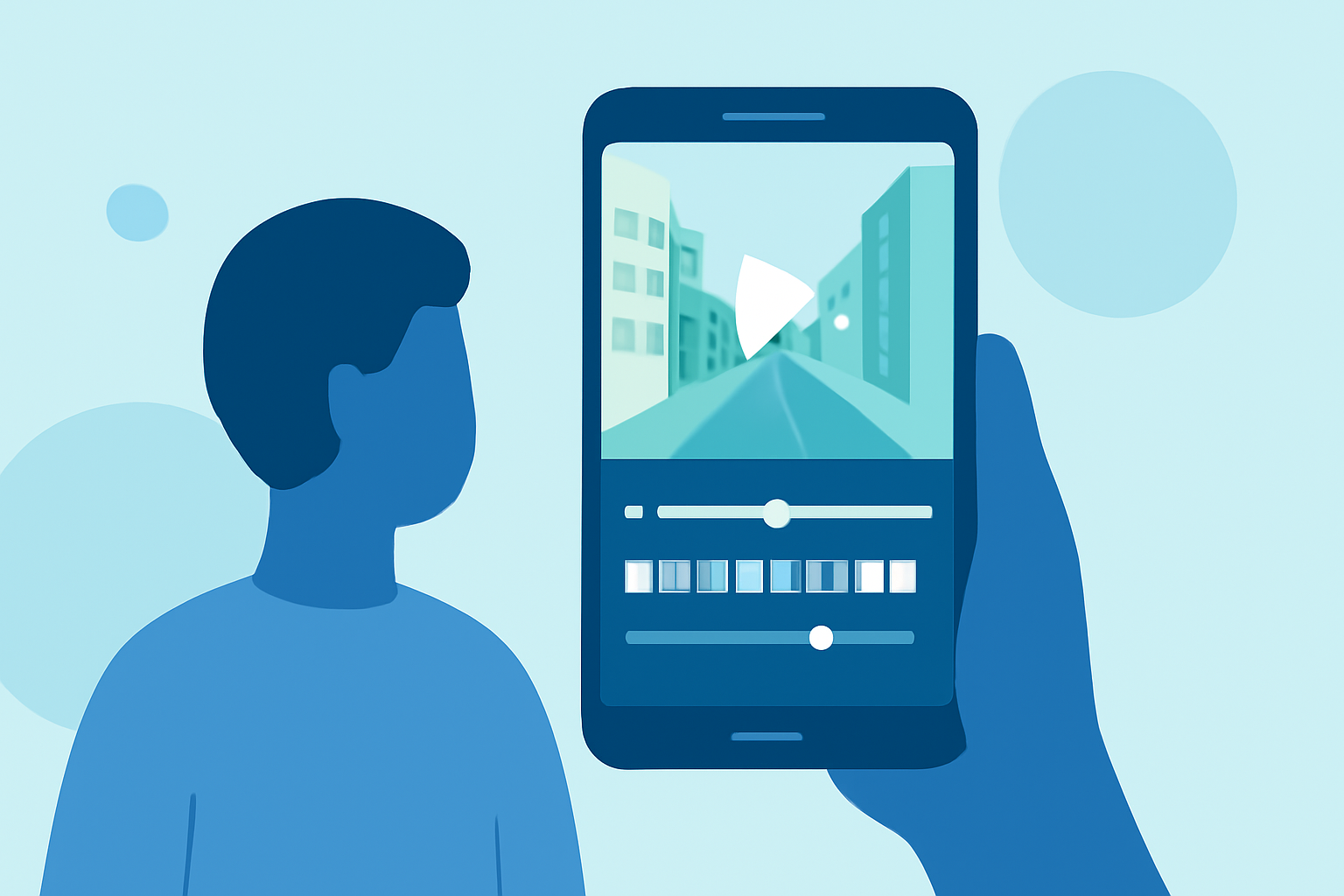
Creating captivating hyperlapse videos of your city journeys can transform ordinary footage into dynamic, time-compressed narratives. With the advancement of mobile technology, Android users have access to a variety of applications that facilitate the creation of these mesmerizing videos.
What Is a Hyperlapse Video?
A hyperlapse is a time-lapse video where the camera moves through a scene, combining the effects of time-lapse photography with motion. This technique allows you to capture the passage of time while showcasing movement through a space, resulting in a visually engaging and dynamic video.
Top Android Apps for Creating Hyperlapse Videos
While there are several applications available for creating hyperlapse videos on Android, one standout option is Planes Live. This app offers a user-friendly interface and a range of features tailored for hyperlapse creation.
How to Create a City Journey Hyperlapse Video on Android
-
Download and Install Planes Live: Begin by downloading Planes Live from the Google Play Store.
-
Set Up Your Project: Open the app and create a new project. Select the desired resolution and frame rate for your video.
-
Capture Your Footage: Use the app's built-in camera controls to record your journey through the city. Ensure steady movement and consistent intervals between shots to achieve a smooth hyperlapse effect.
-
Apply Stabilization: Utilize the app's stabilization feature to reduce any shakiness in your footage, resulting in a more professional-looking video.
-
Adjust Speed and Timing: Experiment with different playback speeds to find the pacing that best suits your narrative. Planes Live allows you to fine-tune the speed and timing of your hyperlapse.
-
Enhance with Filters and Effects: Add filters, transitions, and other effects to enhance the visual appeal of your video. Planes Live offers a variety of options to customize your footage.
-
Export and Share: Once satisfied with your creation, export the video in your preferred format and share it on social media platforms or with friends and family.
Tips for Capturing Stunning Hyperlapse Footage
-
Plan Your Route: Choose a path with interesting landmarks and dynamic scenes to keep viewers engaged.
-
Maintain Consistent Intervals: Keep a steady pace and consistent intervals between shots to ensure a smooth final video.
-
Use a Stabilizer: If possible, use a gimbal or other stabilization equipment to minimize camera shake during recording.
-
Shoot in High Resolution: Capture your footage in the highest resolution possible to allow for cropping and zooming during editing without losing quality.
Conclusion
Creating city journey hyperlapse videos on your Android device is an exciting way to showcase the dynamic nature of urban environments. With the right tools and techniques, you can produce professional-quality videos that captivate and engage your audience. Planes Live offers a comprehensive solution for Android users looking to delve into the art of hyperlapse videography.