22 June 2026
An Introduction to City Journey Hyperlapse Edits
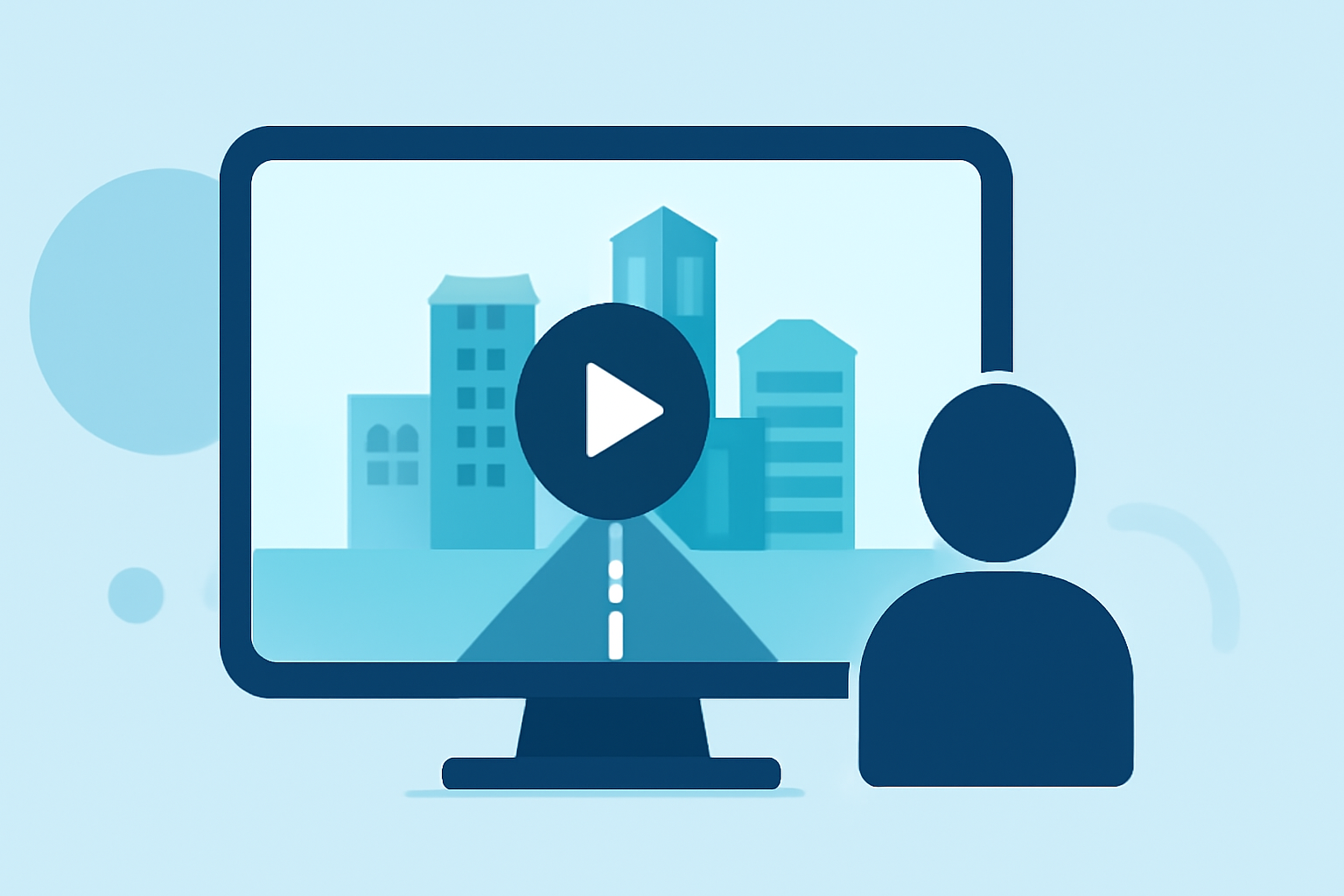
City journey hyperlapse edits are a captivating form of visual storytelling that showcase urban landscapes in dynamic and engaging ways. By combining time-lapse photography with smooth camera movements, these videos offer a unique perspective on city life, capturing the essence and energy of urban environments.
What Are City Journey Hyperlapse Edits?
A hyperlapse is a photographic technique that involves capturing a series of images while moving the camera over considerable distances, resulting in a time-lapse video with a sense of motion and depth. When applied to cityscapes, hyperlapses can highlight the architectural beauty, bustling streets, and vibrant atmosphere of urban settings.
How Are Hyperlapse Videos Created?
Creating a city journey hyperlapse involves several key steps:
-
Planning the Route: Selecting a path that showcases diverse aspects of the city, such as iconic landmarks, busy streets, and tranquil parks.
-
Capturing the Footage: Taking a series of photographs at regular intervals while moving the camera along the planned route.
-
Stabilizing the Images: Aligning and correcting the images to ensure smooth transitions and eliminate any unwanted motion.
-
Editing and Post-Processing: Enhancing the colors, contrast, and overall aesthetic to create a polished final product.
This process requires patience, precision, and a keen eye for detail to produce a seamless and visually appealing hyperlapse video.
Notable Examples of City Hyperlapse Edits
Several filmmakers have mastered the art of city hyperlapse, creating stunning visual narratives that capture the spirit of urban life. Notable examples include:
-
"Liberty" by Michael Shainblum: A timelapse and hyperlapse journey through New York City, capturing the city's essence through 15,000 photographs taken between 2016 and 2018. (behance.net)
-
"Typologies of New York City" by Sam Morrison: A crowdsourced hyperlapse video created from 1,272 Instagram photos, offering a unique perspective on the city's iconic locations. (petapixel.com)
-
Los Angeles Hyperlapse by Vadim Tereshchenko: A compilation of hyperlapse videos shot over two years, showcasing the beauty and energy of Los Angeles. (petapixel.com)
How Can You Create Your Own City Hyperlapse Edits?
Creating your own city journey hyperlapse can be a rewarding endeavor. Here's how you can get started:
-
Choose Your Equipment: A DSLR or mirrorless camera with manual settings is ideal. A sturdy tripod and a remote shutter release can also be beneficial.
-
Scout Locations: Identify areas in your city that offer interesting perspectives and dynamic scenes.
-
Plan Your Shots: Decide on the intervals between each shot and the path your camera will follow to ensure smooth motion.
-
Capture the Footage: Take the series of photographs, maintaining consistent settings and movements.
-
Edit the Video: Use video editing software to compile the images, adjust the speed, and apply any desired effects.
For those looking to enhance their editing capabilities, Planes Live offers a comprehensive suite of tools designed to streamline the video editing process. With its user-friendly interface and powerful features, Planes Live can assist in creating professional-quality hyperlapse videos.
Tips for Successful City Hyperlapse Edits
-
Stability Is Key: Ensure your camera remains steady during shooting to avoid jerky movements in the final video.
-
Consistent Settings: Use manual settings to maintain uniform exposure and focus throughout the sequence.
-
Experiment with Angles: Varying your shooting angles can add depth and interest to your hyperlapse.
-
Post-Processing: Spend time refining your footage in post-production to correct any imperfections and enhance visual appeal.
By following these guidelines and utilizing the right tools, you can create compelling city journey hyperlapse edits that capture the dynamic essence of urban life.