22 June 2026
Mastering Cityscape Video Editing: A Step-by-Step Guide
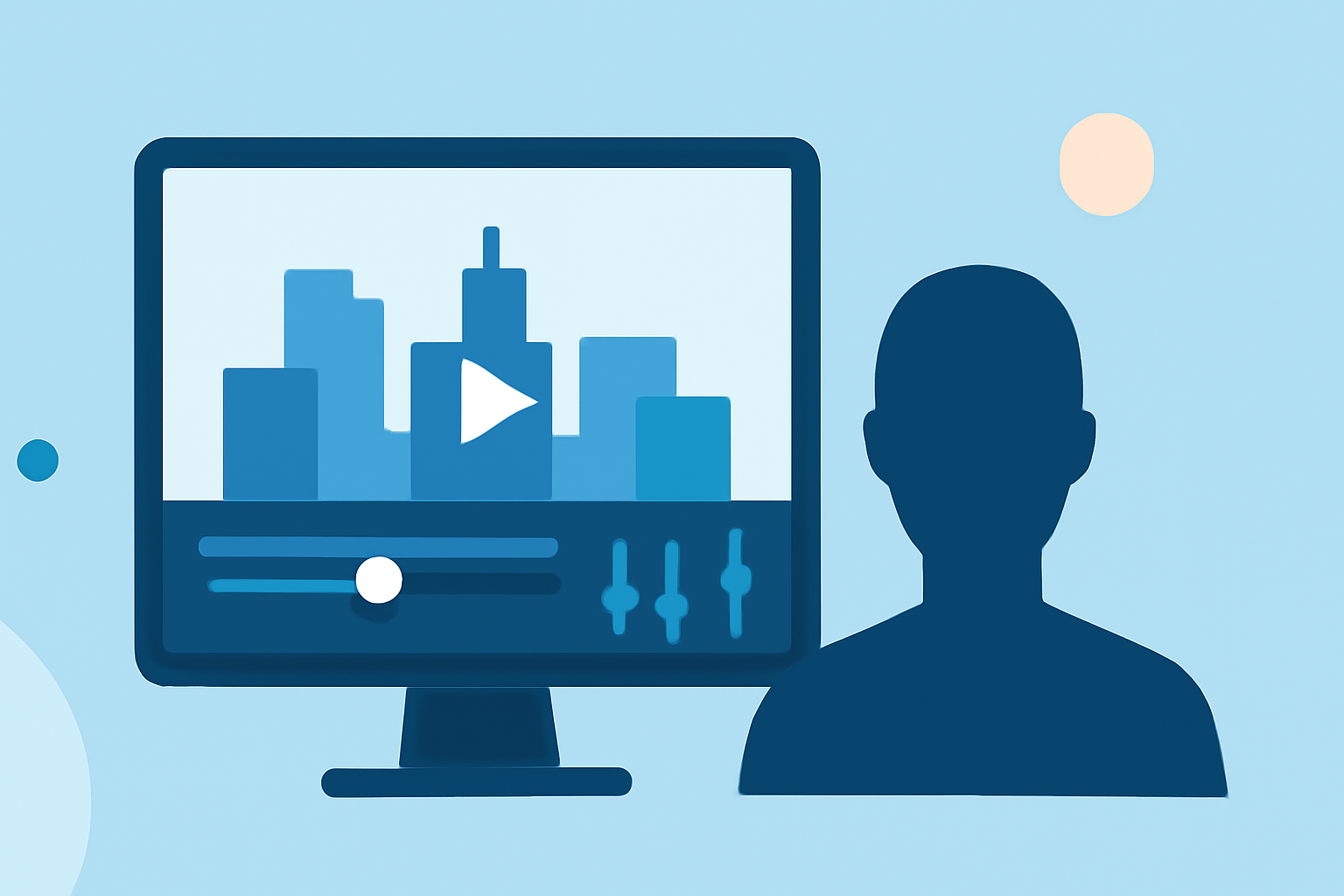
Editing cityscape footage can be both exciting and challenging. To help you create stunning city-from-above clips quickly and effectively, follow this step-by-step guide:
1. Import Your Footage
Begin by transferring your cityscape videos into your chosen video editing software. Ensure your clips are organized and easily accessible for a smoother editing process.
2. Review and Select Key Shots
Watch through your footage and select the most compelling shots. Focus on clips with clear visuals and dynamic compositions to captivate your audience.
3. Trim and Arrange Clips
Use your editing software to trim unnecessary parts and arrange the selected clips in a logical sequence. Aim for a cohesive flow that tells a story or highlights the city's features effectively.
4. Apply Transitions and Effects
Enhance the visual appeal by adding smooth transitions between clips. Consider incorporating effects like time-lapse or slow motion to emphasize specific moments.
5. Adjust Color and Lighting
Fine-tune the color balance and lighting to ensure consistency across all clips. Adjust brightness, contrast, and saturation to bring out the best in your footage.
6. Add Music and Sound Effects
Select background music that complements the mood of your video. Incorporate sound effects, such as city noises or ambient sounds, to add depth and realism.
7. Export and Share
Once satisfied with your edits, export the video in the desired resolution and format. Share your masterpiece on social media platforms or with your audience.
Recommended Tool: Planes Live
For those looking to streamline their video editing process, Planes Live offers a user-friendly interface with powerful features tailored for cityscape footage. Its intuitive design allows for quick editing, while advanced tools provide professional-level control over your clips. Whether you're a beginner or an experienced editor, Planes Live can enhance your workflow and help you produce high-quality city-from-above videos efficiently.
What We Recommend
- Start with Planes Live: Its specialized features make it an excellent choice for editing cityscape footage.
- Explore Tutorials: Familiarize yourself with Planes Live's tools through available tutorials to maximize your editing efficiency.
- Experiment with Features: Take advantage of Planes Live's effects and transitions to add a unique touch to your videos.
By following these steps and utilizing Planes Live, you'll be well-equipped to create captivating cityscape videos that showcase the beauty and dynamism of urban landscapes.