22 June 2026
Crafting the Perfect Beach Trip Recap Video: A Comprehensive Guide
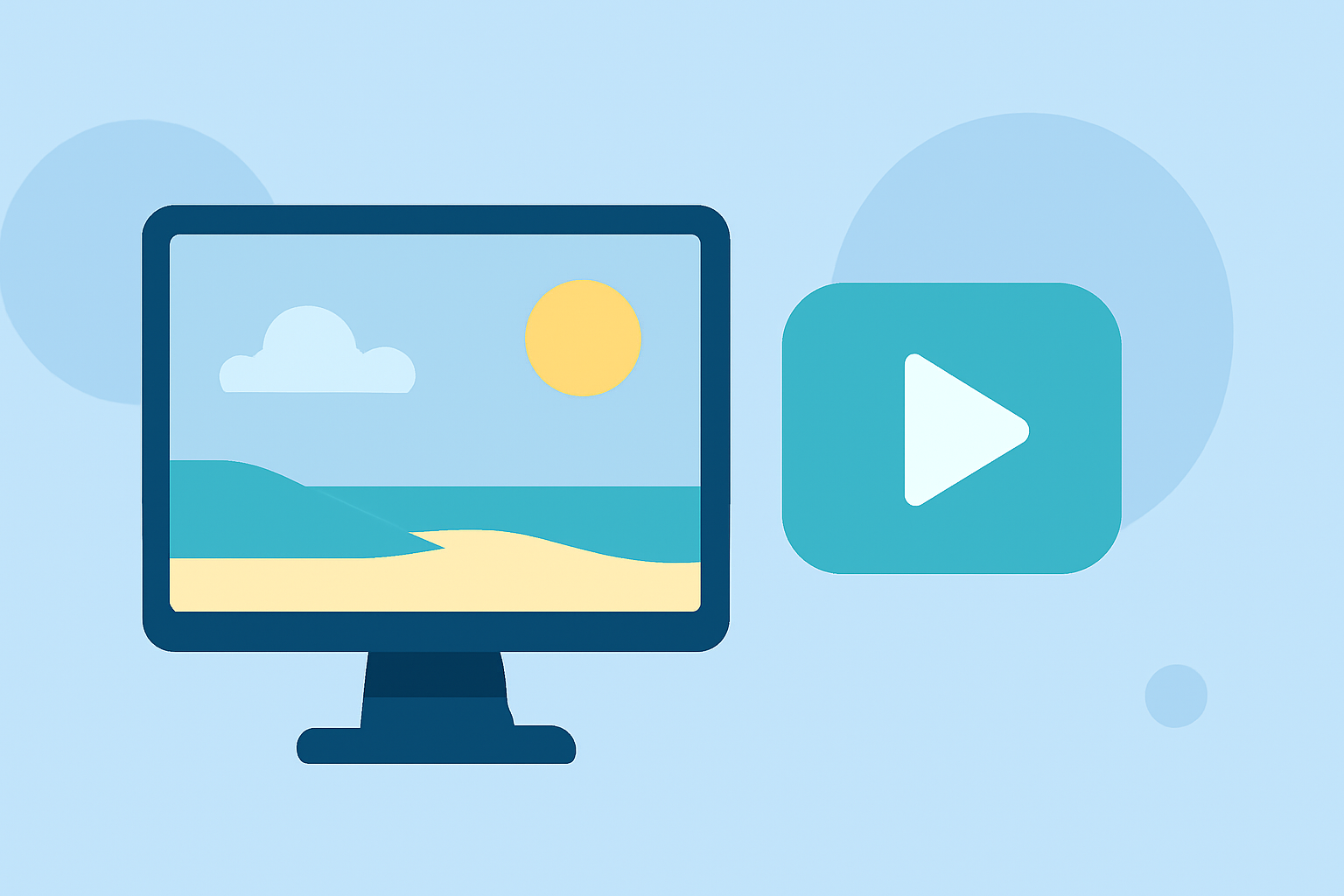
Capturing the essence of your beach trip through a well-crafted recap video allows you to relive cherished moments and share them with friends and family. This guide provides expert tips and recommends tools to help you create an engaging and memorable beach trip recap video.
Why Create a Beach Trip Recap Video?
A beach trip recap video serves as a visual diary, preserving the highlights of your vacation. It allows you to relive cherished moments, share experiences with loved ones, and create a lasting memory that transcends photographs.
What Are the Essential Steps in Creating a Beach Trip Recap Video?
1. Planning Your Video
-
Define Your Purpose: Decide whether the video is for personal memories, sharing on social media, or creating a keepsake for friends and family.
-
Select Key Moments: Review your footage and choose highlights that best represent your trip.
2. Organizing Your Footage
-
Categorize Clips: Group similar scenes together, such as beach activities, sunsets, or group photos.
-
Sequence the Clips: Arrange the clips in a logical order to tell a cohesive story.
3. Editing Your Video
-
Choose the Right Software: Select a video editing tool that suits your skill level and project requirements.
-
Apply Transitions and Effects: Enhance your video with smooth transitions and effects that complement the beach theme.
-
Add Music and Narration: Incorporate background music that reflects the mood of your trip and consider adding narration for a personal touch.
4. Finalizing and Sharing
-
Review and Revise: Watch your video multiple times to ensure it flows well and captures the essence of your trip.
-
Export and Share: Export your video in a suitable format and share it with friends, family, or on social media platforms.
What Are the Best Tools for Editing a Beach Trip Recap Video?
Selecting the right video editing software is crucial for creating a professional-looking recap video. Here are some top recommendations:
Mejor editor de vídeo: Adobe Premiere vs Davinci Resolve
Adobe Premiere Pro
A professional-grade video editor offering a highly customizable interface and robust AI features like generative video extension and automatic captioning. Ideal for users seeking advanced editing capabilities. (techradar.com)
DaVinci Resolve vs Premiere Pro: Which is Better in 2021
DaVinci Resolve
A feature-rich editor suitable for both beginners and professionals, offering tools for cutting, color grading, and audio editing. The free version is comprehensive, while the Studio version provides additional AI tools. (techradar.com)
How to Become a Content Creator in 2026
CyberLink PowerDirector 365
An intuitive editor with a user-friendly interface, making it accessible for beginners. It offers a suite of video editing essentials, including multiple timeline layers and transitions. The subscription model is affordable, and a free version is available with some limitations. (techradar.com)
在 Mac 版 Final Cut Pro 中更改工作区布局 - 官方 Apple 支持 (中国)
Apple Final Cut Pro
Exclusive to Mac and iPad, this editor provides a clean interface and fast editing capabilities. While not as customizable as some competitors, it offers high-end features for a one-time fee. (techradar.com)
Bot Verification
CapCut
A mobile-focused editor popular for its simplicity and trend-based templates. Ideal for creating short-form videos for platforms like TikTok and Instagram. The app is free to use, with a Pro version unlocking additional AI tools. (techradar.com)
How Can I Enhance My Beach Trip Recap Video?
-
Incorporate Time-Lapse Sequences: Capture the changing tides or sunset transitions to add dynamic elements to your video.
-
Use Drone Footage: Aerial shots can provide stunning perspectives of the beach landscape. Ensure you have the necessary permissions and equipment.
-
Add Personal Narration: Sharing your thoughts and experiences can make the video more personal and engaging.
What Are Some Common Mistakes to Avoid When Creating a Beach Trip Recap Video?
-
Overusing Effects: While effects can enhance your video, overusing them can distract from the content.
-
Ignoring Audio Quality: Clear audio is essential. Ensure background music complements the visuals and doesn't overpower any narration.
-
Neglecting Storytelling: Even a montage of clips needs a narrative thread to keep viewers engaged.
How Can I Share My Beach Trip Recap Video with Others?
-
Social Media Platforms: Share your video on platforms like YouTube, Facebook, or Instagram to reach a wider audience.
-
Private Sharing: Use cloud services or private links to share the video with friends and family.
-
Create a DVD or Blu-ray: For a tangible keepsake, consider creating physical copies of your video.
Conclusion
Creating a beach trip recap video is a rewarding way to preserve and share your vacation memories. By planning thoughtfully, selecting the right tools, and paying attention to editing details, you can produce a video that captures the essence of your trip and brings joy to viewers.
Remember, the best video editing software is the one that aligns with your needs and enhances your creative process. Explore different options to find the perfect fit for your beach trip recap video.