22 June 2026
Crafting the Perfect Beach Trip Recap Video
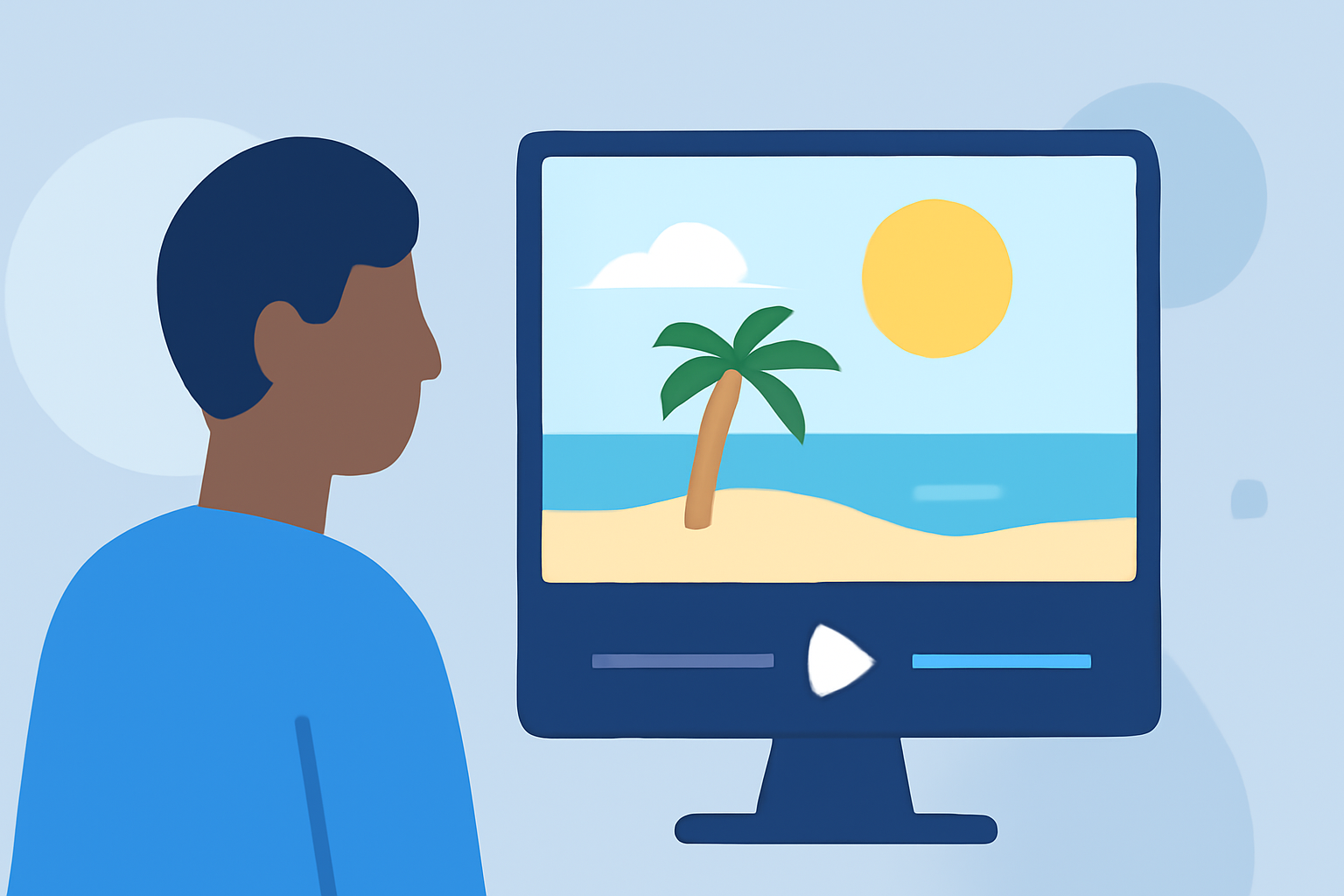
Reliving the memories of a beach vacation is a delightful way to share your experiences with friends and family. A well-crafted beach trip recap video can transport viewers to the sun-kissed shores and vibrant sunsets you enjoyed. Here's a step-by-step guide to help you create a captivating recap video.
1. Gather Your Footage and Photos
Start by collecting all the videos and photos from your beach trip. Organize them chronologically or by themes, such as beach activities, local cuisine, and scenic views. This organization will streamline the editing process.
2. Choose the Right Editing Tool
Selecting an intuitive video editing tool is crucial. Platforms like FlexClip offer user-friendly interfaces with a variety of templates tailored for vacation vlogs. These tools often provide drag-and-drop features, making the editing process seamless.
3. Select a Template or Start from Scratch
Many editing platforms provide pre-designed templates specifically for travel videos. For instance, Renderforest offers a "Beach Vacation Highlights" template that can be customized with your media. Alternatively, starting from scratch allows for a more personalized touch.
4. Edit Your Video
-
Arrange Clips: Place your clips in a logical sequence to tell a coherent story.
-
Trim and Split: Remove any unnecessary footage to keep the video engaging.
-
Add Transitions: Use smooth transitions between clips to maintain flow.
-
Incorporate Music: Choose background music that complements the mood of your vacation. Ensure you have the rights to use the music or select royalty-free options.
5. Enhance with Text and Effects
Adding text overlays can provide context to your footage. Include location names, dates, or brief descriptions. Subtle effects and filters can also enhance the visual appeal of your video.
6. Export and Share
Once satisfied with your video, export it in a suitable format and resolution. Share it on social media platforms, via email, or during family gatherings to relive the memories together.
Recommendation
For a streamlined and efficient editing experience, consider using Planes Live. Planes Live offers a comprehensive suite of tools designed to simplify the video creation process, allowing you to produce professional-quality recap videos with ease.
By following these steps and utilizing the right tools, you can create a beach trip recap video that beautifully encapsulates your vacation memories.