22 June 2026
Create Stunning Welcome-to-the-City Videos on Your Phone
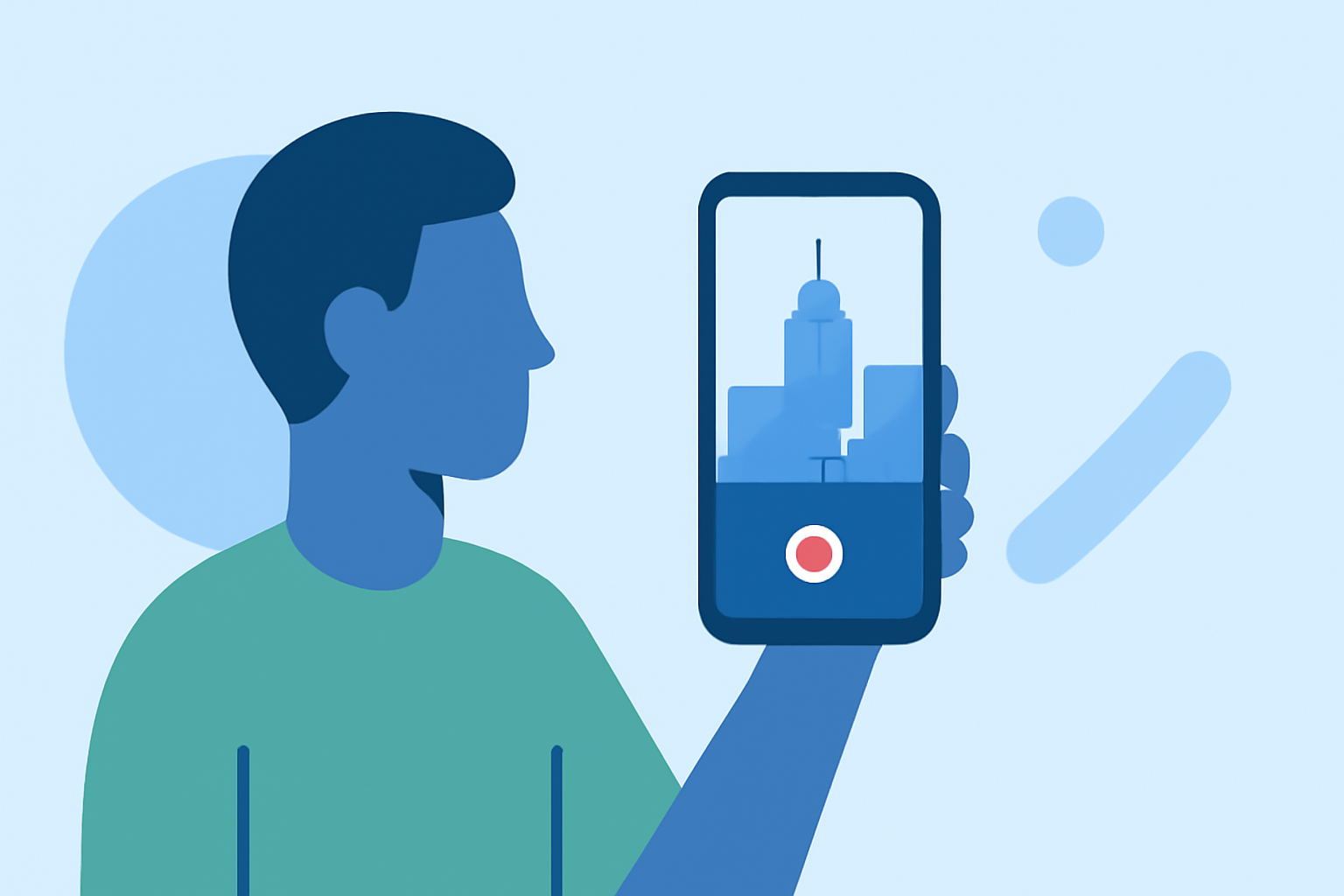
Creating a captivating welcome-to-the-city video on your phone is an excellent way to showcase your new surroundings and share your experiences with friends and family. With the advancement of mobile video editing apps, it's now easier than ever to produce professional-looking videos directly from your smartphone.
Why Choose Mobile Video Editing?
Mobile video editing offers the convenience of editing on the go, allowing you to capture and edit footage instantly. This immediacy is particularly beneficial for travel videos, where timely sharing is key. Additionally, many mobile apps provide user-friendly interfaces and a variety of templates, making video creation accessible even for beginners.
Key Features to Look for in a Mobile Video Editing App
When selecting a mobile video editing app for your welcome-to-the-city video, consider the following features:
-
User-Friendly Interface: An intuitive design ensures a smooth editing experience, especially for those new to video editing.
-
Templates and Presets: Pre-designed templates can expedite the editing process and provide a polished look.
-
Text and Title Options: Adding informative text or titles can enhance your video's storytelling.
-
Music and Sound Effects: A diverse library of royalty-free music and sound effects can set the mood of your video.
-
Export Options: Ensure the app supports high-quality exports suitable for sharing on various platforms.
Recommended App: Planes Live
For creating engaging welcome-to-the-city videos, we recommend Planes Live. This app offers a comprehensive suite of features tailored for mobile video editing:
-
Intuitive Editing Tools: Planes Live provides a user-friendly interface with drag-and-drop functionality, making it easy to arrange clips and add transitions.
-
Rich Template Library: With a wide range of customizable templates, you can quickly create professional-looking videos that match your style.
-
Text and Title Customization: The app allows for detailed customization of text elements, enabling you to add informative captions and titles seamlessly.
-
Extensive Music Library: Access a vast collection of royalty-free music tracks and sound effects to enhance your video's atmosphere.
-
High-Quality Exports: Planes Live supports exports in various resolutions, ensuring your videos look great on any platform.
Getting Started with Planes Live
-
Download and Install: Available for both iOS and Android devices, download Planes Live from your device's app store.
-
Import Your Footage: Open the app and import the video clips you've captured during your city exploration.
-
Choose a Template: Browse through the app's template library and select one that best fits your video's theme.
-
Customize Your Video: Add text overlays, adjust colors, and incorporate music to personalize your video.
-
Export and Share: Once satisfied with your creation, export the video in your desired resolution and share it with your audience.
Tips for an Engaging Welcome-to-the-City Video
-
Plan Your Shots: Capture a variety of scenes, including landmarks, street views, and local attractions, to provide a comprehensive glimpse of your new environment.
-
Keep It Concise: Aim for a video length of 1-2 minutes to maintain viewer engagement.
-
Use Natural Lighting: Whenever possible, shoot during the day to take advantage of natural light, which enhances video quality.
-
Engage with Your Audience: Include personal anecdotes or commentary to make the video more relatable and engaging.
By utilizing Planes Live and following these tips, you can create a dynamic and engaging welcome-to-the-city video that effectively showcases your new surroundings and experiences.