22 June 2026
Creating Airport Montage Videos Without a Computer: A Comprehensive Guide
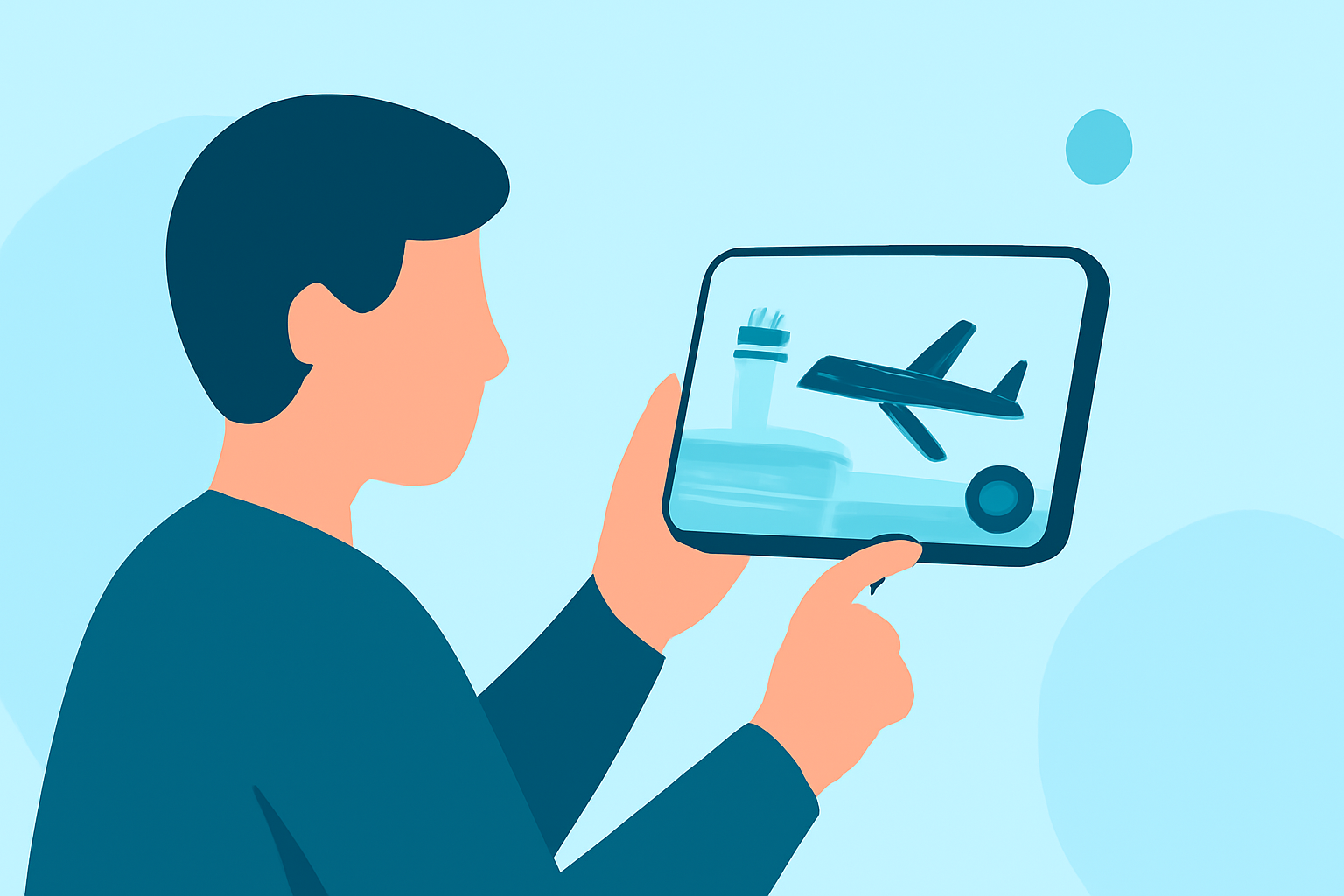
Creating an engaging airport montage video without a computer is entirely feasible with the right tools and techniques. This guide explores various mobile applications and online platforms that enable you to produce professional-quality videos directly from your smartphone or tablet.
Why Choose Mobile Editing for Airport Montages?
Mobile editing offers flexibility and convenience, allowing you to edit videos on the go without the need for a computer. This approach is particularly beneficial for travelers who wish to compile and share their airport experiences promptly.
Top Mobile Apps for Airport Montage Editing
-
InShot
InShot is a user-friendly video editor that provides a range of features suitable for creating airport montages. It offers tools for trimming, speeding up, or slowing down footage, as well as adding music and text overlays. Its intuitive interface makes it accessible for beginners.
-
Kinemaster
Kinemaster is a robust mobile video editor that supports multi-layer video editing, blending modes, and chroma keying. These features allow for more advanced editing techniques, such as incorporating green screen effects or complex transitions, enhancing the visual appeal of your airport montage.
-
Adobe Premiere Rush
Adobe Premiere Rush offers a simplified version of Adobe's professional video editing software, tailored for mobile devices. It includes drag-and-drop editing, customizable motion graphics, and color correction tools, enabling you to create polished airport montages with ease.
Online Platforms for Airport Montage Creation
If you prefer editing without installing apps, online platforms provide an alternative.
-
FlexClip
FlexClip is an online video editor that offers a variety of templates and tools for creating airport videos. You can upload your footage, add text, music, and transitions, and export your montage without the need for a computer. (flexclip.com)
-
Flixier
Flixier is a cloud-based video editor that allows for real-time collaboration and editing. It provides a library of motion titles and transitions, making it suitable for crafting dynamic airport montages directly from your browser. (flixier.com)
Tips for Effective Airport Montage Editing
-
Organize Your Footage: Before editing, sort your clips to identify the best shots, such as takeoffs, landings, and candid moments.
-
Use Music Wisely: Select background music that complements the mood of your montage. Ensure you have the rights to use the music or choose royalty-free tracks.
-
Incorporate Transitions: Use smooth transitions between clips to maintain the flow and keep the viewer engaged.
-
Add Text Overlays: Include captions or titles to provide context or highlight key moments in your montage.
Conclusion
Creating an airport montage video without a computer is achievable with the right mobile apps and online platforms. By leveraging these tools, you can produce compelling videos that capture the essence of your airport experiences, all from the convenience of your mobile device.