22 June 2026
Creating a Backpacking Recap Montage on Android: A Comprehensive Guide
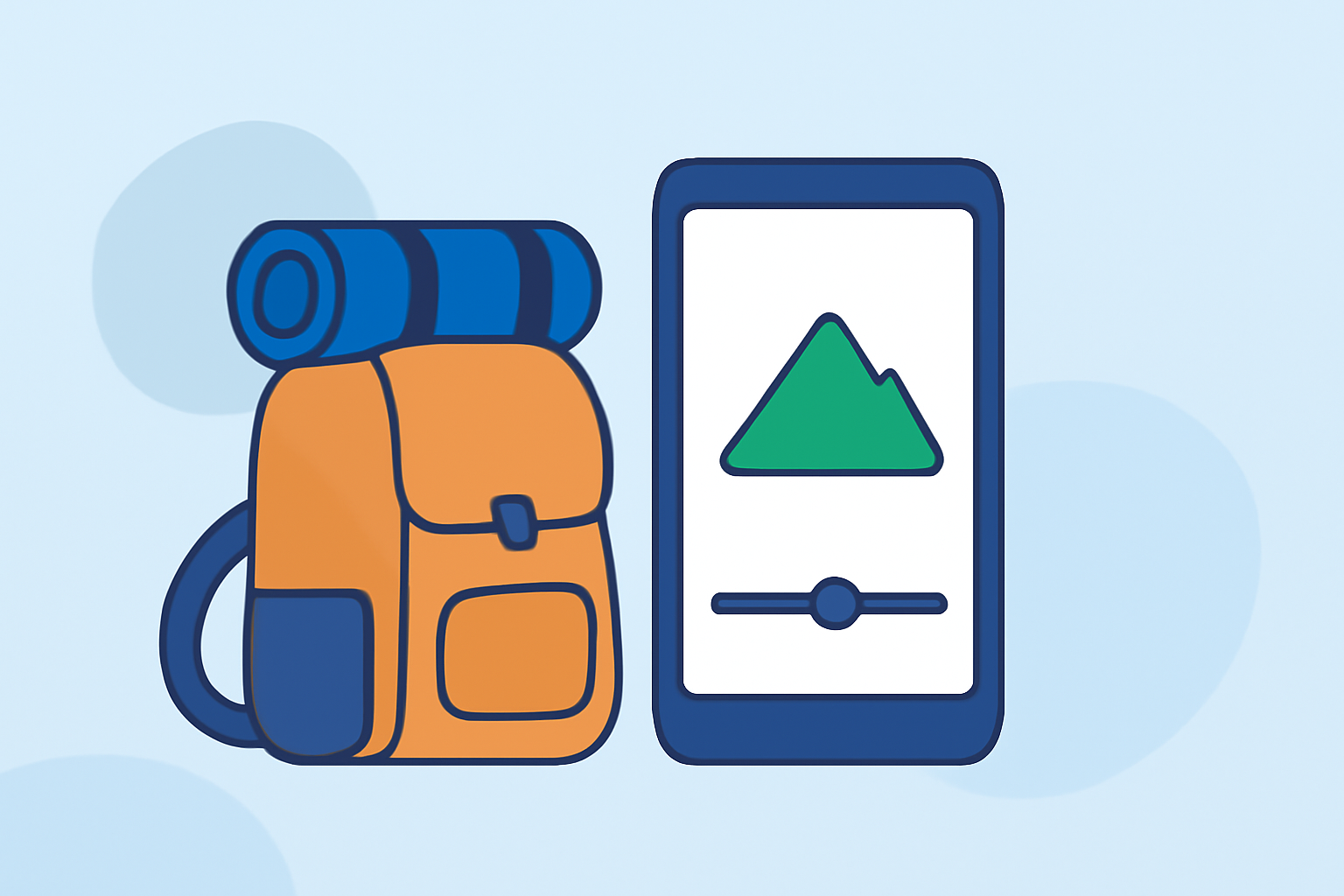
Embarking on a backpacking adventure is an experience filled with unforgettable moments. Capturing these memories in a montage allows you to relive your journey and share it with friends and family. With the advancements in mobile technology, creating a professional-looking recap video on your Android device is entirely feasible. This guide will walk you through the process, highlighting the best tools and techniques to bring your backpacking story to life.
1. Why Create a Backpacking Recap Montage?
A well-crafted montage serves multiple purposes:
- Preservation of Memories: It consolidates your experiences into a single, shareable format.
- Storytelling: It narrates your journey, highlighting key moments and emotions.
- Sharing: It allows you to share your adventure with others, inspiring them and keeping them connected to your experiences.
2. Choosing the Right Video Editing App
Selecting an appropriate video editing app is crucial for the quality and ease of your montage creation. Here are some top-rated Android apps to consider:
How to Quickly Import Audio and Video into CapCut | Envato Tuts+
CapCut
A user-friendly app offering a vast library of templates and effects, making it ideal for quick edits and social media sharing. (bestforandroid.com)
10 Apps Like Video Star | Best Alternatives ( 2026 )
KineMaster
Provides advanced features like multi-layer editing and chroma key, suitable for more intricate edits and professional-quality videos. (ciol.com)
9 melhores alternativas do CapCut para capacitar sua liberdade criativa
InShot
A straightforward app perfect for beginners, offering essential editing tools and a clean interface for simple montages. (bestforandroid.com)
10 Best Apps to Make Instagram Reels - Make Tech Easier
Adobe Premiere Rush
Offers a seamless editing experience with cloud syncing, allowing you to start editing on your phone and continue on your desktop. (mobilestalk.net)
9 Trusted Free Video Editors On Reddit That Actually Work Well
PowerDirector
A comprehensive editor with a wide range of effects and tools, suitable for users seeking a desktop-like experience on mobile. (androidauthority.com)
3. Steps to Create Your Montage
a. Import Your Footage
Transfer all your photos and videos from your backpacking trip to your Android device. Organize them in a dedicated folder for easy access.
b. Select an Editing App
Choose one of the apps mentioned above based on your editing needs and familiarity.
c. Create a New Project
Open the app and start a new project. Set the aspect ratio (16:9 for YouTube, 9:16 for Instagram Stories) and resolution (1080p is standard).
d. Import Media
Add your organized photos and videos to the project timeline.
e. Arrange Clips
Place your clips in a sequence that tells a coherent story, from the beginning of your journey to the end.
f. Edit Clips
- Trim and Split: Remove unnecessary parts to keep the montage engaging.
- Transitions: Add smooth transitions between clips to maintain flow.
- Effects and Filters: Enhance visuals with appropriate effects to match the mood of your trip.
g. Add Music and Sound Effects
Choose background music that complements the visuals. Ensure you have the rights to use the music or select royalty-free tracks.
h. Include Text and Titles
Add captions, titles, or location names to provide context and enhance storytelling.
i. Review and Export
Preview your montage to ensure everything flows well. Once satisfied, export the video in the desired resolution and format.
4. Tips for a Professional-Looking Montage
- Consistency: Maintain consistent color grading and transitions throughout the video.
- Pacing: Keep the montage concise; aim for 3-5 minutes to retain viewer interest.
- Narrative: Ensure the montage tells a story, highlighting key moments and emotions.
- Aspect Ratio: Choose the correct aspect ratio based on the platform where you intend to share the video.
5. Sharing Your Montage
Once your montage is ready, share it on platforms like YouTube, Instagram, or Facebook to showcase your adventure.
By following these steps and utilizing the recommended apps, you can create a captivating backpacking recap montage directly from your Android device, preserving and sharing your travel memories with ease.