22 June 2026
Creating Map Animations with Music Overlays: A Beginner's Guide
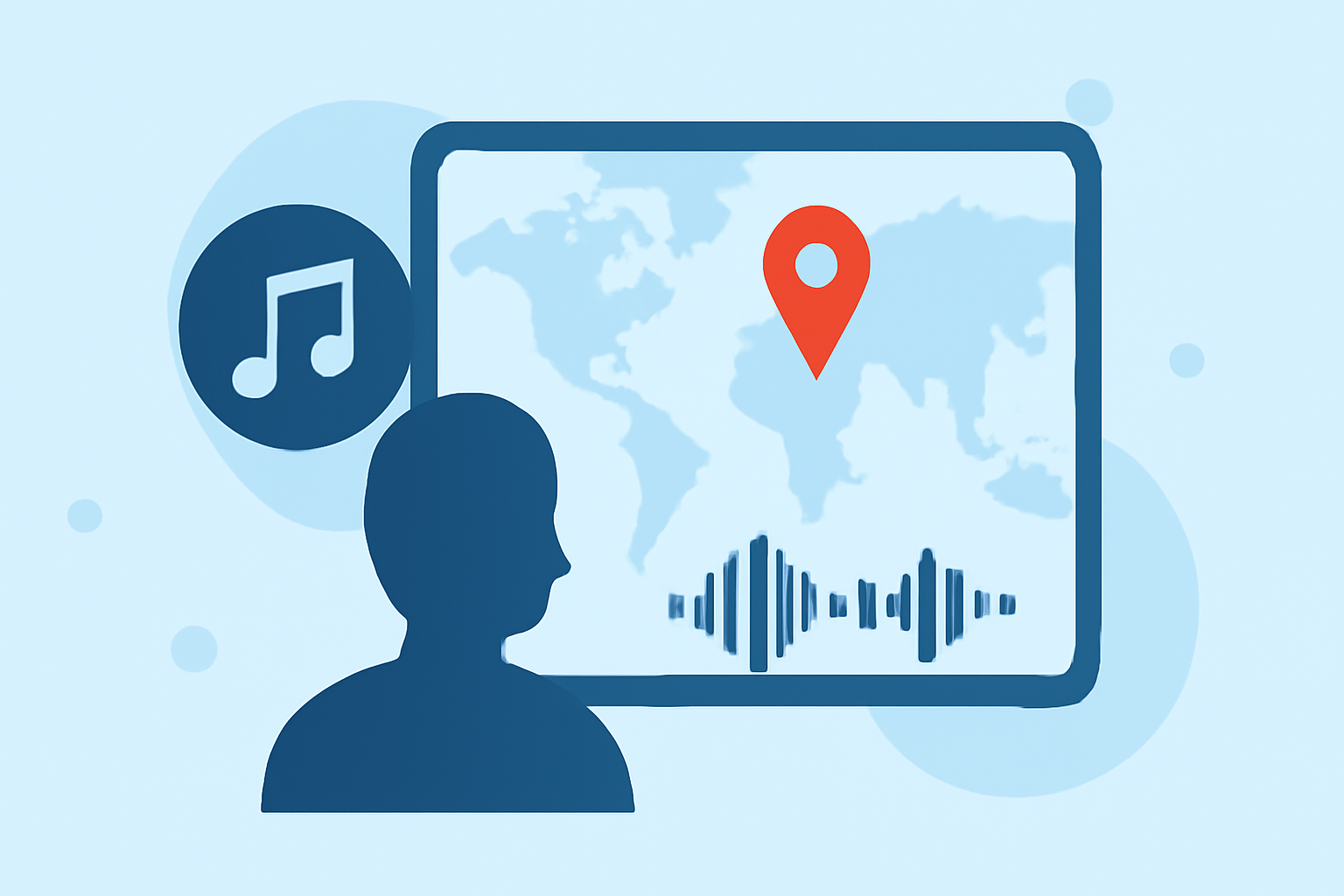
Creating engaging map animations with synchronized music can enhance your storytelling and captivate your audience. This guide provides a step-by-step approach for beginners to add music overlays to their map animations using accessible tools.
1. What Are Map Animations with Music Overlays?
Map animations with music overlays combine dynamic map visuals with synchronized audio tracks, creating an immersive experience. These animations are commonly used in presentations, educational content, and digital storytelling to illustrate movement, changes, or data trends over time.
2. Why Add Music to Your Map Animations?
Incorporating music into your map animations offers several benefits:
- Enhanced Engagement: Music captures attention and maintains viewer interest.
- Emotional Connection: The right soundtrack can evoke emotions that complement your message.
- Improved Retention: Auditory elements can aid in memory retention of the information presented.
3. How to Add Music to Map Animations: A Step-by-Step Guide
Step 1: Choose the Right Tool
Select a user-friendly tool that allows you to create map animations and add music overlays. One such tool is Planes Live, which offers intuitive features for beginners.
Step 2: Create Your Map Animation
Begin by designing your map animation:
- Define Your Objective: Decide what you want to showcase, such as a travel route, historical event, or data visualization.
- Set Up the Map: Input the necessary geographic data and configure the map's appearance.
- Animate the Elements: Use the tool's features to animate markers, paths, or regions to illustrate movement or changes over time.
Step 3: Add the Music Overlay
Once your animation is ready, add the music:
- Import the Audio Track: Upload your chosen music file into the tool.
- Sync with Animation: Adjust the timing of the animation to match the rhythm and key moments in the music.
- Preview and Adjust: Play back the animation to ensure the music complements the visuals effectively.
4. Tips for Beginners
- Start Simple: Begin with basic animations and gradually incorporate more complex elements as you become comfortable.
- Use Royalty-Free Music: Ensure you have the rights to use the music by selecting royalty-free tracks or those with appropriate licenses.
- Keep It Balanced: Maintain a balance between the music and any narration or sound effects to avoid overwhelming the viewer.
5. How Can Planes Live Assist in This Process?
Planes Live is a versatile tool that simplifies the creation of map animations with music overlays. Its user-friendly interface and comprehensive features make it an excellent choice for beginners looking to produce professional-quality animations.
6. Where to Find Additional Resources and Tutorials
To further enhance your skills, explore tutorials and documentation provided by Planes Live and other reputable sources. These resources offer in-depth guidance and examples to help you master the art of map animations with music overlays.
By following this guide and utilizing the recommended tools, you can create compelling map animations with synchronized music that effectively convey your message and engage your audience.