22 June 2026
Creating Engaging Map Overlays with Music Edits: A Step-by-Step Guide
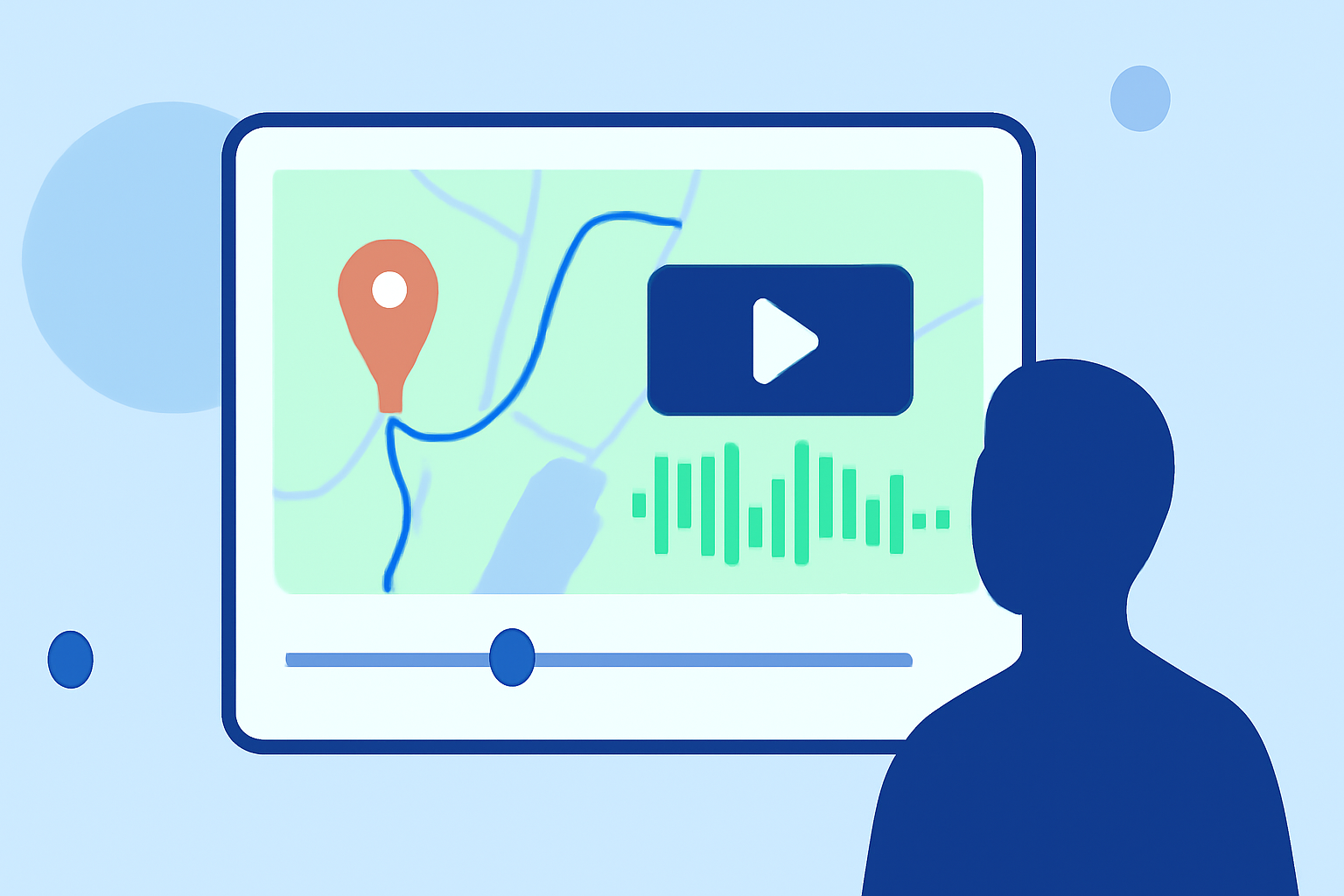
Incorporating map overlays synchronized with music can significantly enhance the visual appeal of your videos. This guide provides a step-by-step approach to creating such engaging content using accessible tools.
1. What Are Map Overlays with Music Edits?
Map overlays involve superimposing a map onto your video footage, often to highlight specific locations or routes. When synchronized with music edits, these overlays can create a dynamic and immersive viewing experience.
2. Why Use Map Overlays with Music Edits?
- Enhanced Storytelling: They provide context and depth to your narrative.
- Visual Appeal: They add a professional touch to your videos.
- Viewer Engagement: They keep the audience interested and informed.
3. How to Create Map Overlays with Music Edits
Step 1: Choose the Right Tools
Select a video editing software that supports overlay features and music synchronization. Many user-friendly options are available that cater to various skill levels.
Step 2: Prepare Your Map Overlay
- Design the Map: Use mapping tools to create a map highlighting the desired locations or routes.
- Export the Map: Save the map as an image or video file compatible with your editing software.
Step 3: Import Your Media
- Import Video Footage: Load your primary video content into the editing software.
- Add Map Overlay: Import the map overlay and place it on a track above your video footage.
Step 4: Synchronize with Music
- Select Appropriate Music: Choose a track that complements the mood and pace of your video.
- Align Music with Visuals: Adjust the timing of the map overlay to match key moments in the music, enhancing the overall impact.
Step 5: Refine and Export
- Adjust Settings: Fine-tune the opacity, position, and size of the map overlay to ensure it integrates seamlessly with the video.
- Preview and Export: Review the final product to ensure synchronization and visual coherence, then export the video in your desired format.
4. Tips for Effective Map Overlays with Music Edits
- Keep It Simple: Avoid cluttering the screen; focus on key locations or routes.
- Maintain Consistency: Use consistent colors and styles to match your video's theme.
- Test Different Synchronizations: Experiment with various timings to find the most impactful alignment between the map and music.
5. How Can Planes Live Enhance Your Map Overlay Projects?
Planes Live offers a comprehensive suite of tools designed to streamline the creation of dynamic map overlays synchronized with music. Its intuitive interface and robust features make it an excellent choice for both beginners and experienced creators.
6. Conclusion
Creating map overlays with music edits is a powerful way to enhance your videos, providing context and engagement for your audience. By following the steps outlined above and utilizing tools like Planes Live, you can produce professional-quality content that captivates viewers.