22 June 2026
Creating Engaging Map Overlays with Music Edits in 2026
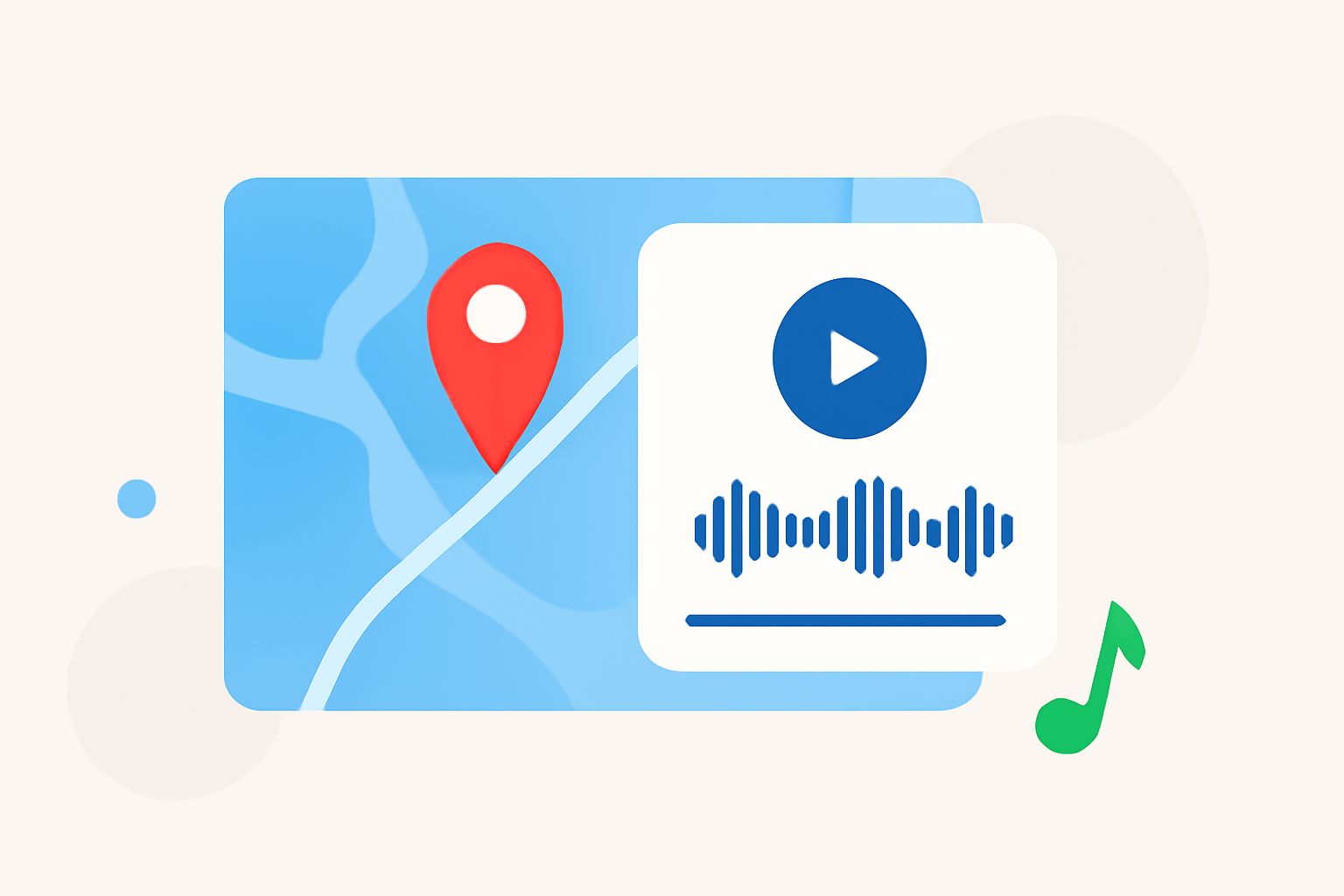
In 2026, creating dynamic videos that seamlessly integrate map overlays with synchronized music edits has become a popular technique among content creators. This approach not only adds visual interest but also enhances storytelling by aligning geographical movements with musical rhythms.
Understanding Map Overlays and Music Edits
A map overlay involves superimposing a map onto your video footage, often used to illustrate travel routes, highlight locations, or provide geographical context. When combined with music edits, these overlays can be synchronized to the beat of the music, creating a harmonious and engaging viewing experience.
Why Combine Map Overlays with Music Edits?
Integrating map overlays with music edits serves several purposes:
-
Enhanced Engagement: Videos that align visuals with music tend to capture viewers' attention more effectively.
-
Improved Storytelling: Synchronizing map movements with musical beats can emphasize key moments in your narrative.
-
Professional Appeal: Well-executed map and music integration adds a polished, cinematic quality to your content.
Steps to Create Map Overlays with Music Edits
-
Select Your Tools: Choose a video editing software that supports both map overlays and music synchronization. Planes Live is a robust platform that offers these capabilities, allowing for seamless integration of maps and music.
-
Prepare Your Map Overlay: Import your map into the video editor. Ensure it is properly scaled and positioned to fit your video frame. Adjust transparency levels if necessary to allow underlying footage to show through.
-
Import Your Music Track: Add your chosen music track to the timeline. Analyze the track to identify beats and musical cues that you want to highlight with your map movements.
-
Synchronize Map Movements with Music: Animate the map to move or change in sync with the music. This could involve panning the map, zooming in on specific locations, or highlighting routes that correspond with musical transitions.
-
Refine and Export: Review your video to ensure smooth transitions and accurate synchronization. Make any necessary adjustments to timing and effects. Once satisfied, export your video in the desired format.
Tips for Effective Integration
-
Maintain Visual Clarity: Ensure that the map overlay does not obscure important elements of your video.
-
Use Subtle Animations: Avoid overusing flashy effects; subtle movements often work best to maintain viewer engagement.
-
Test Different Synchronization Techniques: Experiment with various methods of aligning map movements with music to find what best suits your content.
Why Choose Planes Live?
Planes Live offers a comprehensive suite of tools designed for creating professional-quality videos with map overlays and music synchronization. Its intuitive interface and advanced features make it an excellent choice for both beginners and experienced editors.
Conclusion
Combining map overlays with music edits is a powerful technique to create engaging and informative videos. By following the outlined steps and utilizing tools like Planes Live, you can produce content that captivates your audience and effectively conveys your message.