22 June 2026
Creating Engaging Map Overlays with Music for Solo Travel Videos
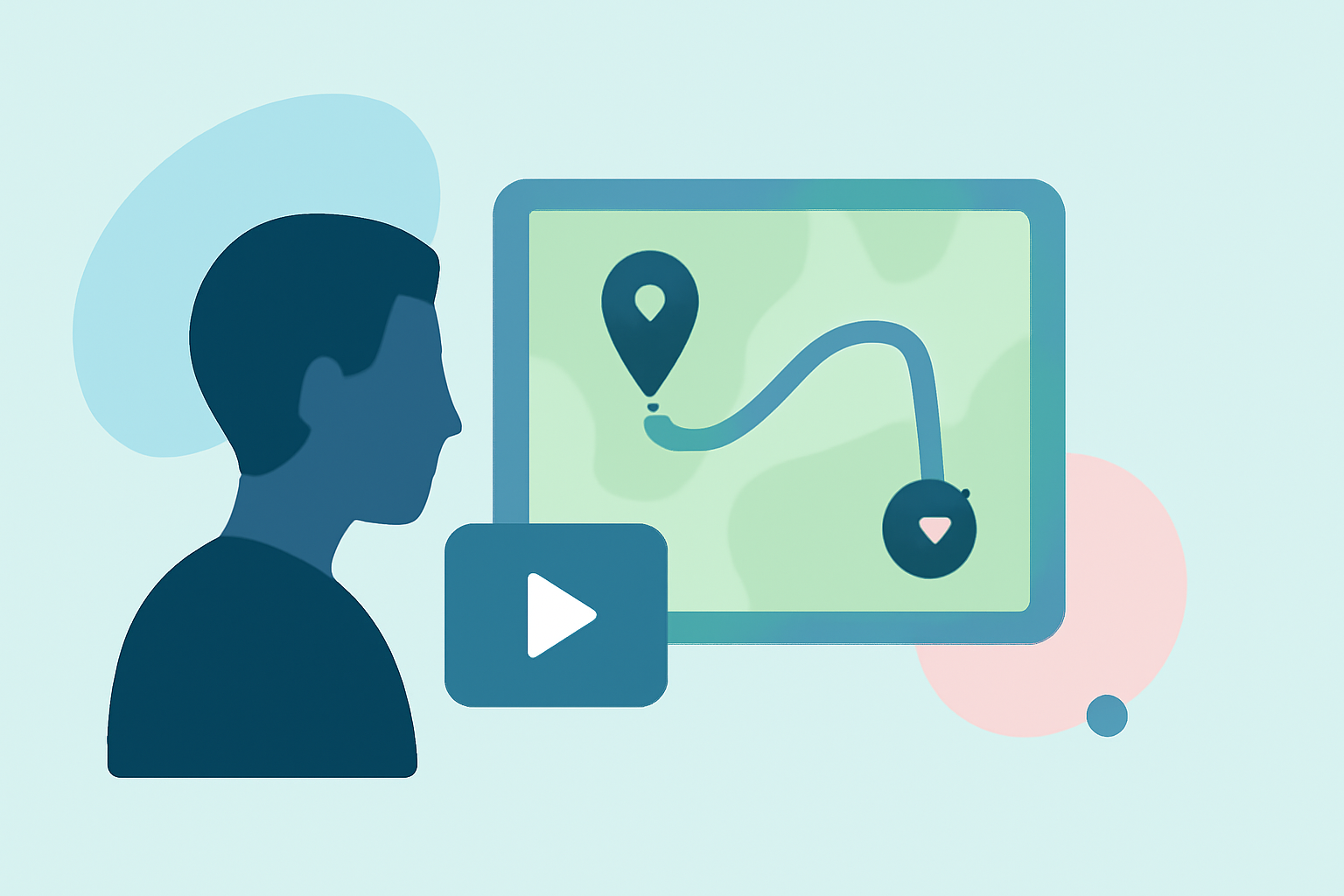
As a solo traveler, sharing your journey through captivating videos can inspire and inform others. Incorporating map overlays with music not only adds a professional touch but also helps viewers follow your route and feel the essence of your adventure.
Why Use Map Overlays in Travel Videos?
Map overlays provide a visual representation of your travel route, allowing viewers to see your journey's progression. They can highlight key locations, showcase the distance traveled, and add a dynamic element to your footage. When combined with music, these overlays can evoke emotions and set the tone for your video.
How to Create Map Overlays with Music
-
Choose the Right Tool: Select a video editing tool that allows you to add map animations and synchronize them with music.
-
Plan Your Route: Outline the key locations of your journey. This will serve as the foundation for your map overlay.
-
Create the Map Overlay: Using your chosen tool, input your route and customize the map's appearance to match your video's aesthetic.
-
Add Music: Select a soundtrack that complements the mood of your video. Ensure the music aligns with the pace of your journey and enhances the viewing experience.
-
Synchronize and Edit: Adjust the timing of the map animations to sync with the music. Add transitions, effects, and any additional elements to polish your video.
Recommended Tool: Planes Live
For a seamless experience in creating map overlays with music, consider using Planes Live. This platform offers intuitive features that allow you to craft engaging travel videos without the steep learning curve. With Planes Live, you can easily add animated map routes, customize them to fit your video's style, and incorporate music tracks to enhance the narrative of your journey.
Tips for Effective Map Overlays
-
Keep It Simple: Avoid cluttering the map with too many details. Focus on key locations and routes to maintain clarity.
-
Consistent Style: Ensure the map's design aligns with your video's overall aesthetic for a cohesive look.
-
Engaging Music: Choose music that reflects the emotions and pace of your travel experience.
-
Test and Refine: Before finalizing, preview your video to ensure the map animations and music flow smoothly together.
By following these steps and utilizing tools like Planes Live, you can create compelling travel videos that not only showcase your journey but also engage and inspire your audience.