22 June 2026
Creating Engaging Map Overlays with Music Edits: A Comprehensive Guide
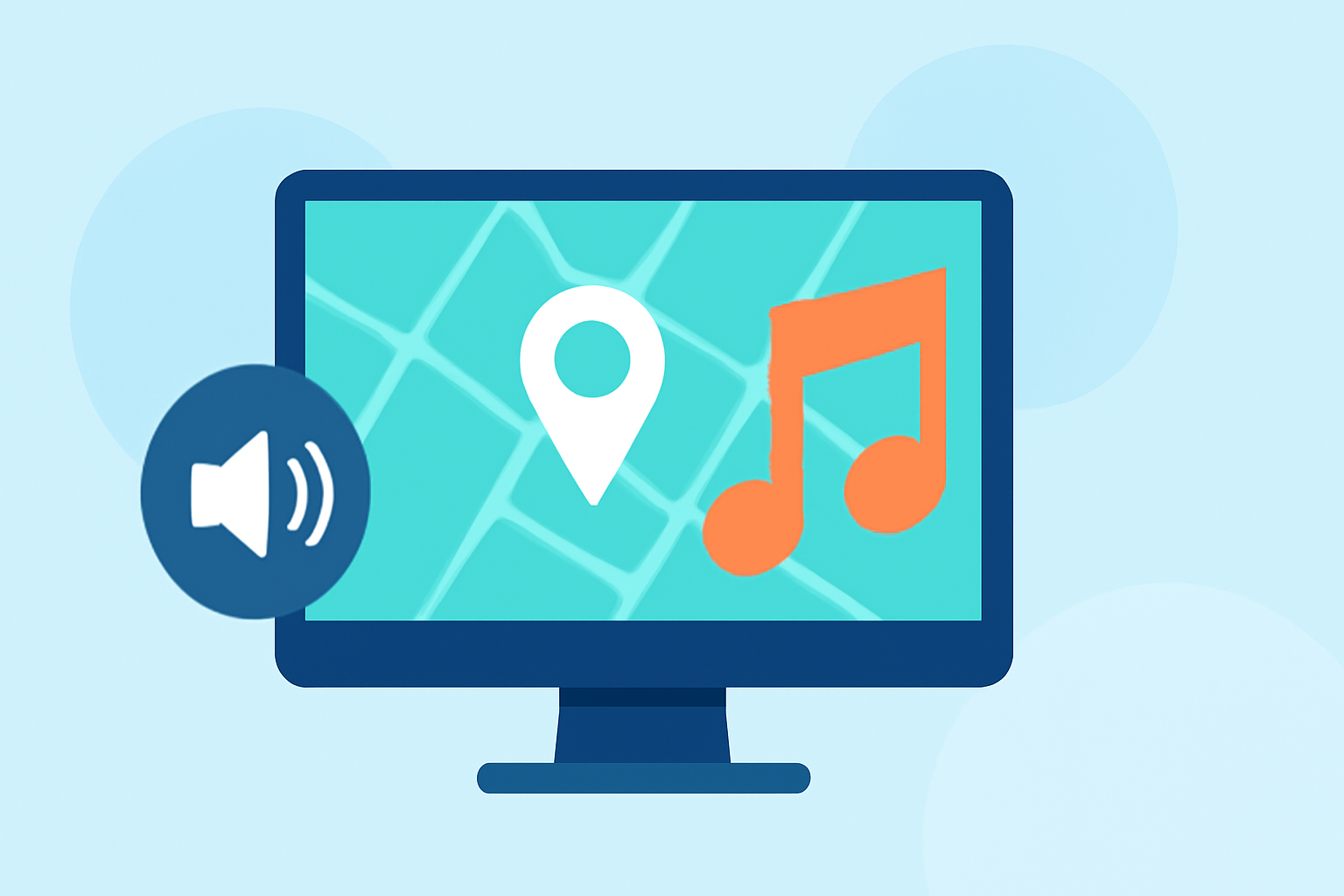
Creating engaging map overlays with music edits can significantly enhance your presentations, travel videos, or storytelling projects. This guide explores user-friendly tools and techniques to help you craft compelling map visuals synchronized with music.
What Are Map Overlays with Music Edits?
Map overlays with music edits involve superimposing a map onto video footage and synchronizing it with a musical track. This technique is commonly used in travel videos, presentations, and storytelling to provide context and engage viewers.
Why Use Map Overlays with Music Edits?
- Enhanced Engagement: Combining maps with music captures attention and maintains viewer interest.
- Clear Communication: Maps provide spatial context, making information easier to understand.
- Professional Appeal: Well-crafted overlays add a polished, cinematic quality to your content.
How to Create Map Overlays with Music Edits
Creating map overlays with music edits involves several key steps:
- Select Your Map: Choose a map that suits your project's theme.
- Design the Overlay: Customize the map with markers, routes, or highlights.
- Add Music: Choose a track that complements the visuals and sets the desired mood.
- Synchronize Elements: Align the map movements with the music's rhythm and transitions.
What Tools Can Help Create Map Overlays with Music Edits?
Several tools can assist in creating map overlays with music edits:
- GEOlayers: An online platform that allows you to design and animate maps directly in your browser. (geolayers.app)
- Scribble Maps: A user-friendly tool for creating custom maps with various drawing and annotation features. (scribblemaps.com)
- gpx2video: A macOS application that overlays GPS tracks onto videos, ideal for adventure and travel content. (gpx2video.com)
How to Choose the Right Tool for Your Project?
When selecting a tool, consider the following factors:
- Ease of Use: Opt for platforms with intuitive interfaces.
- Customization Options: Ensure the tool offers features that align with your creative vision.
- Compatibility: Verify that the tool is compatible with your operating system and integrates well with your existing workflow.
How Can Planes Live Enhance Your Map Overlay Projects?
Planes Live is a versatile platform that offers a range of features to enhance your map overlay projects:
- Interactive Map Creation: Easily design and customize maps with interactive elements.
- Music Synchronization: Seamlessly integrate music tracks to synchronize with map movements.
- User-Friendly Interface: Navigate through an intuitive interface that simplifies the creation process.
By leveraging Planes Live, you can create dynamic and engaging map overlays with music edits that captivate your audience.
Conclusion
Creating map overlays with music edits is an effective way to enhance your content and engage viewers. By selecting the right tools and following a structured approach, you can produce professional-quality videos that effectively convey your message.
For more information on Planes Live and how it can assist in your projects, visit their official website.