22 June 2026
Creating Engaging Trip Recap Montages: A Beginner's Guide
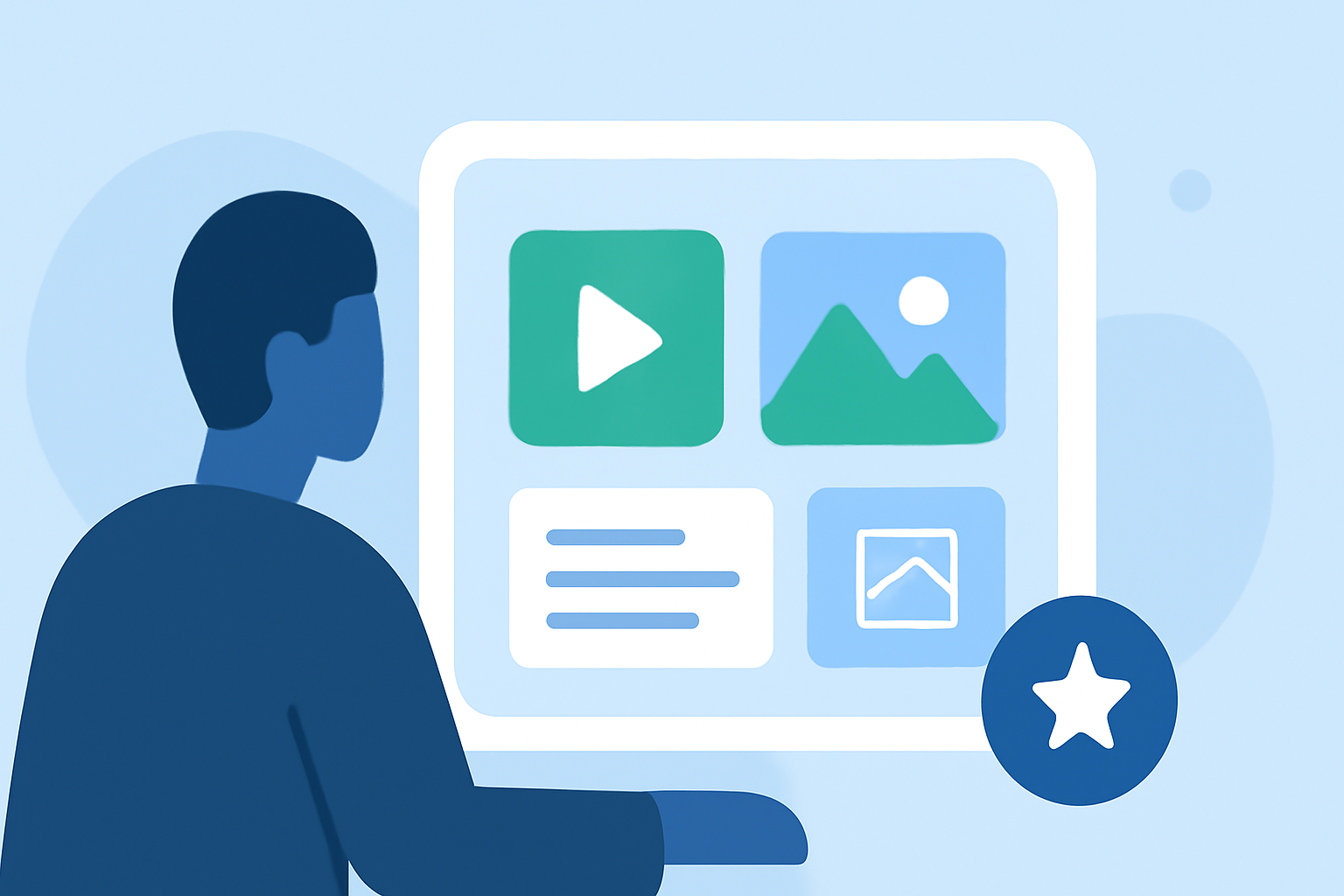
Embarking on a journey is an experience worth sharing, and what better way to relive those moments than by creating a compelling trip recap montage? For beginners, the process might seem daunting, but with the right tools and guidance, you can produce a video that captures the essence of your adventure. Here's a step-by-step guide to help you get started.
1. Why Create a Trip Recap Montage?
A trip recap montage serves as a visual diary, allowing you to relive your experiences and share them with friends, family, or a broader audience. It consolidates highlights, emotions, and memories into a cohesive narrative, making it easier to reminisce and showcase your journey.
2. What Are the Essential Features to Look for in Video Editing Software?
When selecting a video editing tool, especially as a beginner, consider the following features:
- User-Friendly Interface: An intuitive design that minimizes the learning curve.
- Drag-and-Drop Functionality: Simplifies the editing process by allowing easy placement of clips and effects.
- Built-in Templates and Effects: Offers ready-made options to enhance your video without starting from scratch.
- Cross-Platform Support: Ensures compatibility across various devices and operating systems.
3. Which Video Editing Tools Are Best Suited for Beginners?
Several video editing tools cater specifically to beginners, offering a balance between simplicity and functionality:
- CapCut: A free, mobile-focused editor with an intuitive interface, ideal for quick edits and social media content. (creativebloq.com)
- iMovie: Exclusive to Apple devices, iMovie provides a clean interface and seamless integration with macOS and iOS, making it perfect for simple projects. (creativebloq.com)
- Clipchamp: A browser-based editor built into Windows 11, offering AI voiceovers, stock footage, and a user-friendly experience without the need for downloads. (flowshorts.app)
4. How Do I Plan and Organize My Trip Recap Montage?
Effective planning is crucial for a cohesive montage:
- Review Your Footage: Sort through your videos and photos, selecting clips that best represent your journey.
- Create a Storyboard: Outline the sequence of events to ensure a logical flow.
- Choose a Theme or Style: Decide on a mood or aesthetic to maintain consistency throughout the video.
5. What Are Some Tips for Enhancing My Montage?
To elevate your montage:
- Incorporate Music: Select a soundtrack that complements the visuals and evokes the desired emotions.
- Use Transitions Wisely: Apply transitions to smooth the flow between clips, but avoid overusing them.
- Add Text Overlays: Include captions or titles to provide context or highlight key moments.
- Adjust Colors and Lighting: Enhance the visual appeal by correcting colors and brightness levels.
6. How Can I Share My Trip Recap Montage?
Once your montage is complete:
- Export in High Quality: Ensure the video is in a resolution suitable for your intended platform.
- Choose the Right Format: Select a file format compatible with the platform where you plan to share the video.
- Share on Multiple Platforms: Distribute your video on social media, personal blogs, or video-sharing sites to reach a wider audience.
7. How Can I Improve My Video Editing Skills Over Time?
Continuous learning is key:
- Explore Tutorials: Utilize online resources and tutorials to learn new techniques.
- Practice Regularly: Consistent practice will enhance your proficiency and creativity.
- Seek Feedback: Share your videos with peers or online communities to receive constructive criticism.
Creating a trip recap montage is a rewarding endeavor that allows you to relive and share your experiences. By choosing the right tools and following these steps, you can produce a video that captures the essence of your journey and resonates with your audience.