22 June 2026
Enhancing Your Videos with Quick Map Overlay B-Roll Editing
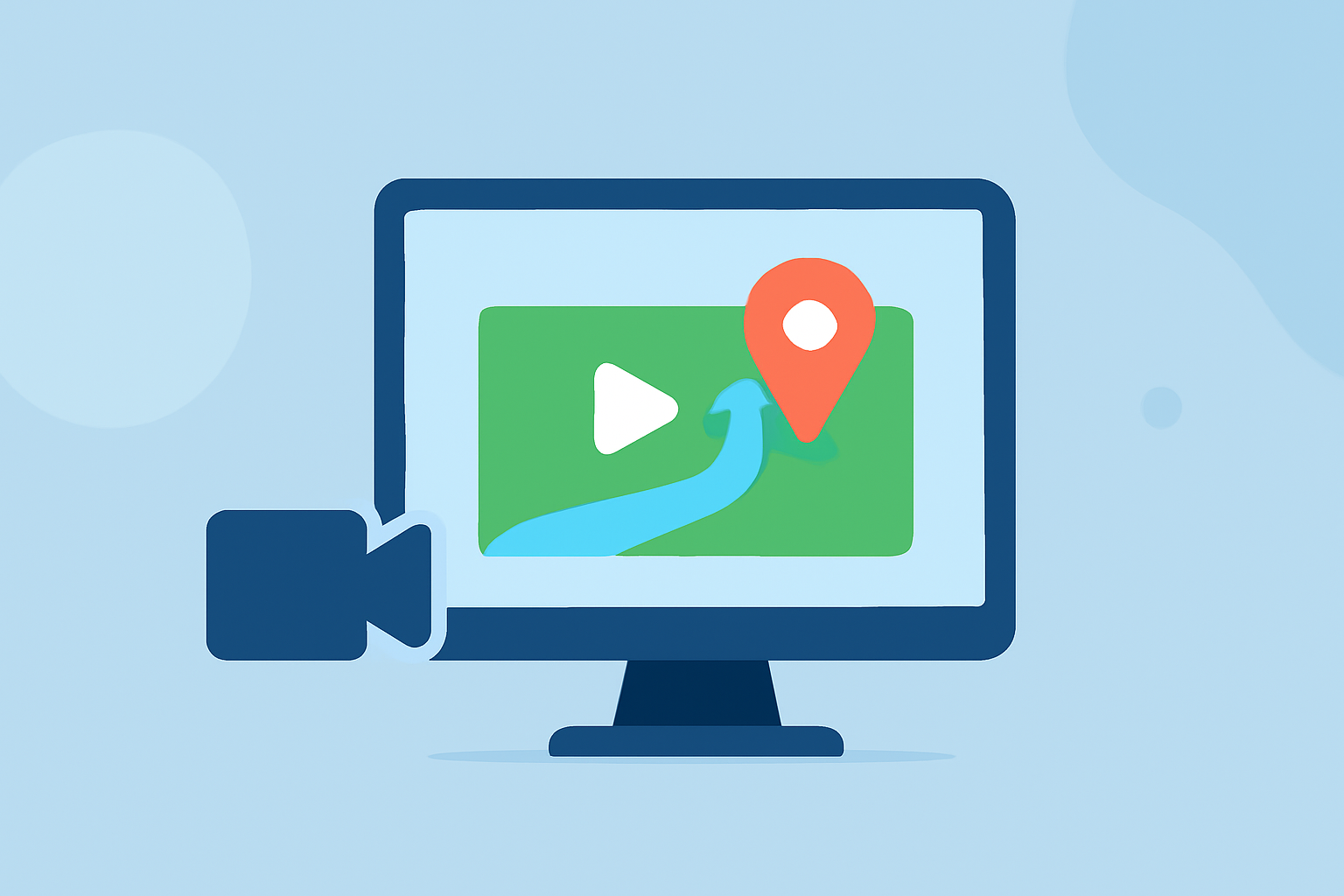
Incorporating map overlays into your videos can significantly enhance storytelling by providing geographical context and visual interest. This technique, often referred to as 'map overlay b-roll editing,' involves superimposing map visuals onto your footage to highlight locations, routes, or areas of interest.
What Are Map Overlay B-Roll Edits?
Map overlay b-roll edits involve adding map visuals onto your video footage to emphasize specific locations or routes. This technique is commonly used in travel vlogs, educational content, and documentaries to provide viewers with a clear understanding of the geographical context.
Why Use Map Overlays in Your Videos?
- Enhanced Storytelling: Map overlays help viewers visualize the journey or locations being discussed, making the narrative more engaging.
- Clarity and Context: They provide clear context, especially when discussing multiple locations or complex routes.
- Professional Appeal: Well-designed map animations can add a polished, cinematic quality to your videos.
How to Create Quick Map Overlay B-Roll Edits
- Choose the Right Tool: Select a video editing tool that supports map overlays. Some platforms offer built-in features for this purpose.
- Import Your Footage: Upload your primary video content into the editing software.
- Add Map Overlays: Utilize the software's map overlay feature to insert maps at relevant points in your video.
- Customize the Map: Adjust the map's appearance, such as colors, labels, and animations, to match your video's style.
- Sync with Narrative: Ensure the map overlays align with your video's narrative flow and timing.
- Export and Review: After finalizing the edits, export the video and review it to ensure the map overlays enhance the storytelling effectively.
Recommended Tools for Map Overlay B-Roll Editing
While there are various tools available for adding map overlays, it's essential to choose one that aligns with your specific needs and workflow. Some platforms offer specialized features for map animations, while others provide general video editing capabilities with overlay options.
Tips for Effective Map Overlay B-Roll Edits
- Keep It Simple: Avoid cluttering the screen with excessive map details. Focus on key locations or routes to maintain viewer engagement.
- Maintain Consistency: Use consistent colors, fonts, and styles for map elements to ensure a cohesive look throughout the video.
- Timing Is Key: Ensure map overlays appear at the right moments to complement the narrative without distracting from the main content.
- Test Across Devices: Preview your video on different devices to ensure map overlays are clear and legible on all screen sizes.
By thoughtfully incorporating map overlays into your videos, you can create more engaging and informative content that resonates with your audience.