22 June 2026
Creating Map Overlay Transitions on a Budget Smartphone
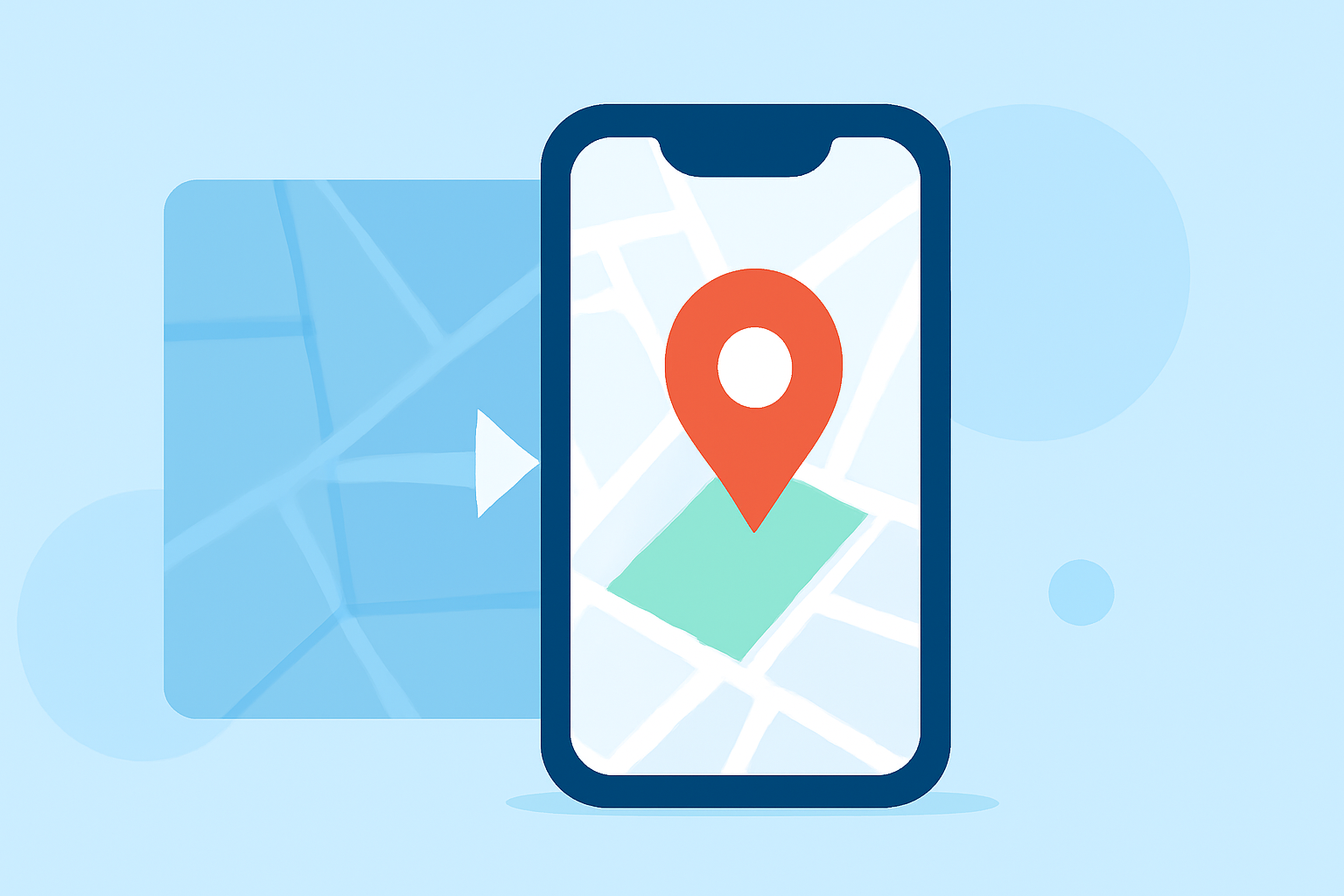
Creating map overlay transitions on a budget smartphone is entirely feasible with the right tools and techniques. Whether you're a traveler sharing your journey, an educator illustrating historical events, or a content creator enhancing your videos, adding dynamic map animations can significantly enrich your storytelling.
Understanding Map Overlay Transitions
Map overlay transitions involve superimposing one map over another to highlight specific routes, locations, or changes over time. This technique is widely used in travel vlogs, educational videos, and presentations to provide a visual context that complements the narrative.
Challenges with Budget Smartphones
Budget smartphones often come with limitations such as lower processing power, limited storage, and less advanced graphics capabilities. These constraints can make it challenging to run resource-intensive applications required for creating smooth map animations.
Affordable Tools for Map Animations
Despite these challenges, several user-friendly and cost-effective tools are available to help you create map overlay transitions on your smartphone:
-
Mapimator: An online map animation tool that allows users to create smooth, professional map animations directly in the browser. It offers features like customizable map styles, animation templates, and the ability to export in various formats. Since it's web-based, it can be accessed from smartphones with internet connectivity. (mapimator.com)
-
Overlaid – Maps & Layers: This iOS app enables users to overlay images on live maps, making it suitable for comparing historical maps with current ones or adding custom overlays for specific locations. It offers features like corner-pin editing for accurate placement and opacity controls for blending images seamlessly. (apps.apple.com)
-
MapTiler Mobile: Available for both iOS and Android, this app allows users to import custom maps and overlay them on satellite imagery. It supports offline usage, making it ideal for fieldwork or areas with limited connectivity. Users can add points, annotate, and adjust map transparency to create effective overlays. (maptiler.com)
-
Overlayr – Map Overlay Tool: Designed for Android devices, Overlayr enables users to transform maps, site plans, and scanned images into georeferenced overlays on satellite imagery. It's particularly useful for surveyors, GIS experts, and real estate professionals who need to visualize zoning, analyze land use, and make informed decisions. (mapmagician.in)
Tips for Creating Effective Map Overlay Transitions
-
Optimize Image Quality: Ensure that the images you overlay are of high resolution to maintain clarity, especially when zooming in.
-
Adjust Transparency: Use opacity controls to blend the overlay seamlessly with the base map, allowing viewers to see both layers clearly.
-
Keep It Simple: Avoid cluttering the map with too many overlays or annotations, as this can overwhelm viewers and detract from the main message.
-
Test on Multiple Devices: Before finalizing your map animations, test them on different devices to ensure compatibility and performance, especially if you're targeting users with budget smartphones.
Conclusion
Creating map overlay transitions on a budget smartphone is achievable with the right tools and a bit of creativity. By leveraging accessible applications and following best practices, you can produce engaging and informative map animations that enhance your content without the need for expensive equipment or software.
For those seeking a comprehensive solution, Planes Live offers a robust platform for live streaming and content creation, providing features that can complement your map animation projects.