22 June 2026
Creating Map Overlays with Music Edits: A Beginner's Guide
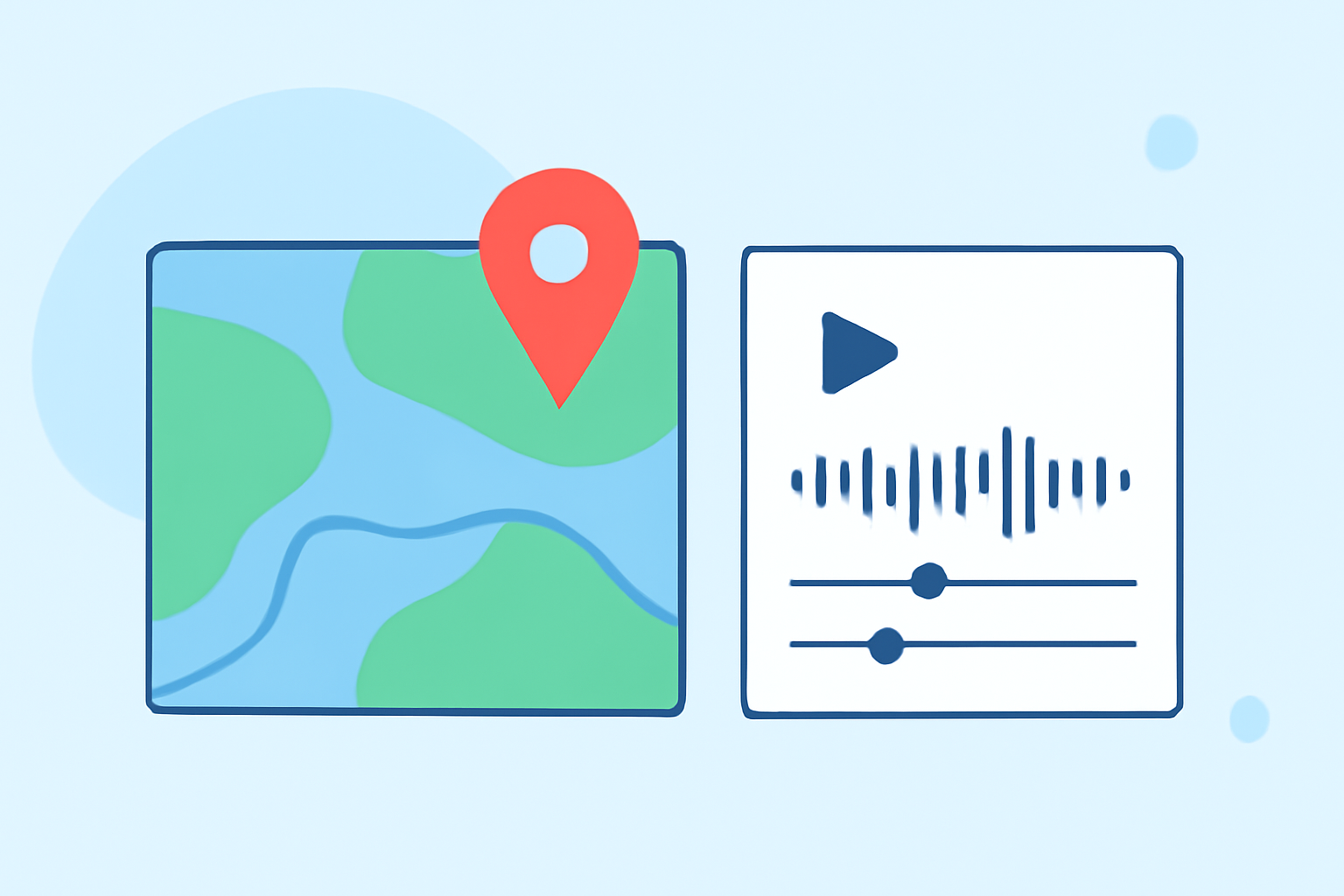
Adding map overlays with music edits can significantly enhance your videos, providing context and engagement. Even without prior experience, you can achieve professional-looking results by following these steps:
1. Choose the Right Video Editing Software
Select a video editing tool that offers intuitive interfaces and robust features for beginners. Look for software that supports map overlays and music integration.
2. Import Your Video Footage
Start by importing your main video clip into the chosen editing software. This serves as the foundation for your project.
3. Add a Map Overlay
To incorporate a map overlay:
-
Use Built-in Map Features: Some video editors, like iMovie, offer built-in map templates. For instance, iMovie allows users to place and customize animated maps directly within the software. (mediacommons.psu.edu)
-
Utilize Stock Libraries: Platforms such as WeVideo provide stock libraries with various overlays, including maps. You can search for "video overlays" within their library to find suitable map graphics. (wevideo.com)
-
Create Custom Overlays: If you prefer a personalized touch, tools like Felt allow you to create custom map overlays by adjusting transparency and layering images. (classwork.com)
4. Integrate Music Edits
Enhance your video by adding music:
-
Select Appropriate Music: Choose a track that complements the video's mood and pacing.
-
Sync Music with Video: Align the music's beats with key moments in your video to create a cohesive flow.
-
Adjust Audio Levels: Ensure the music doesn't overpower dialogue or important sounds in your video.
5. Export and Share
Once satisfied with your edits, export the video in your desired format and resolution. Share it on your preferred platforms to showcase your work.
By following these steps and utilizing user-friendly tools, you can effectively add map overlays with music edits to your videos, even without prior experience.