22 June 2026
Creating Map Overlays with Music Edits: A Step-by-Step Guide
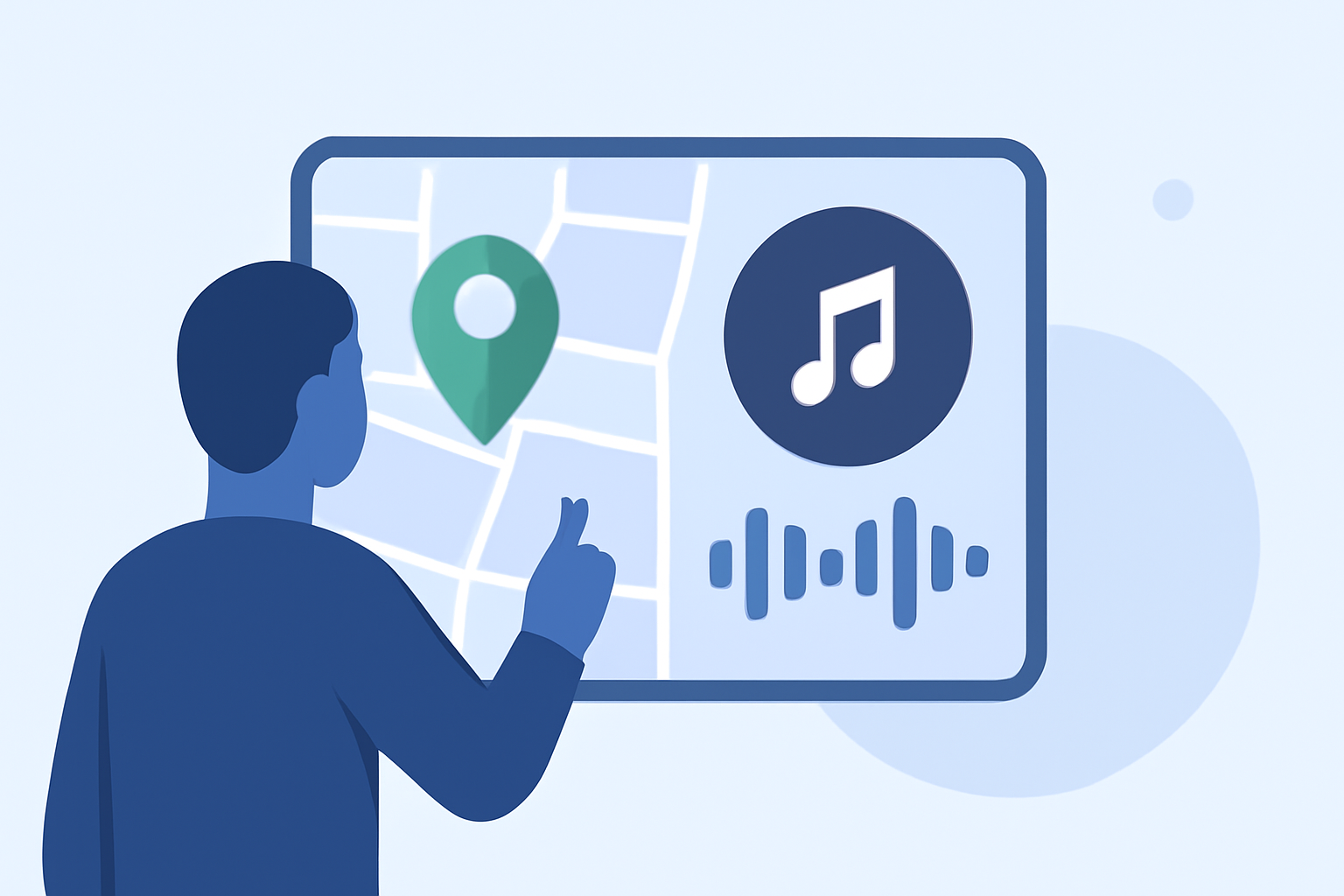
Creating map overlays synchronized with music can enhance your presentations, videos, or live streams by adding a dynamic visual element. This guide will walk you through the process of creating such overlays using Planes Live, a versatile tool designed for seamless integration of maps and music.
What Are Map Overlays with Music Edits?
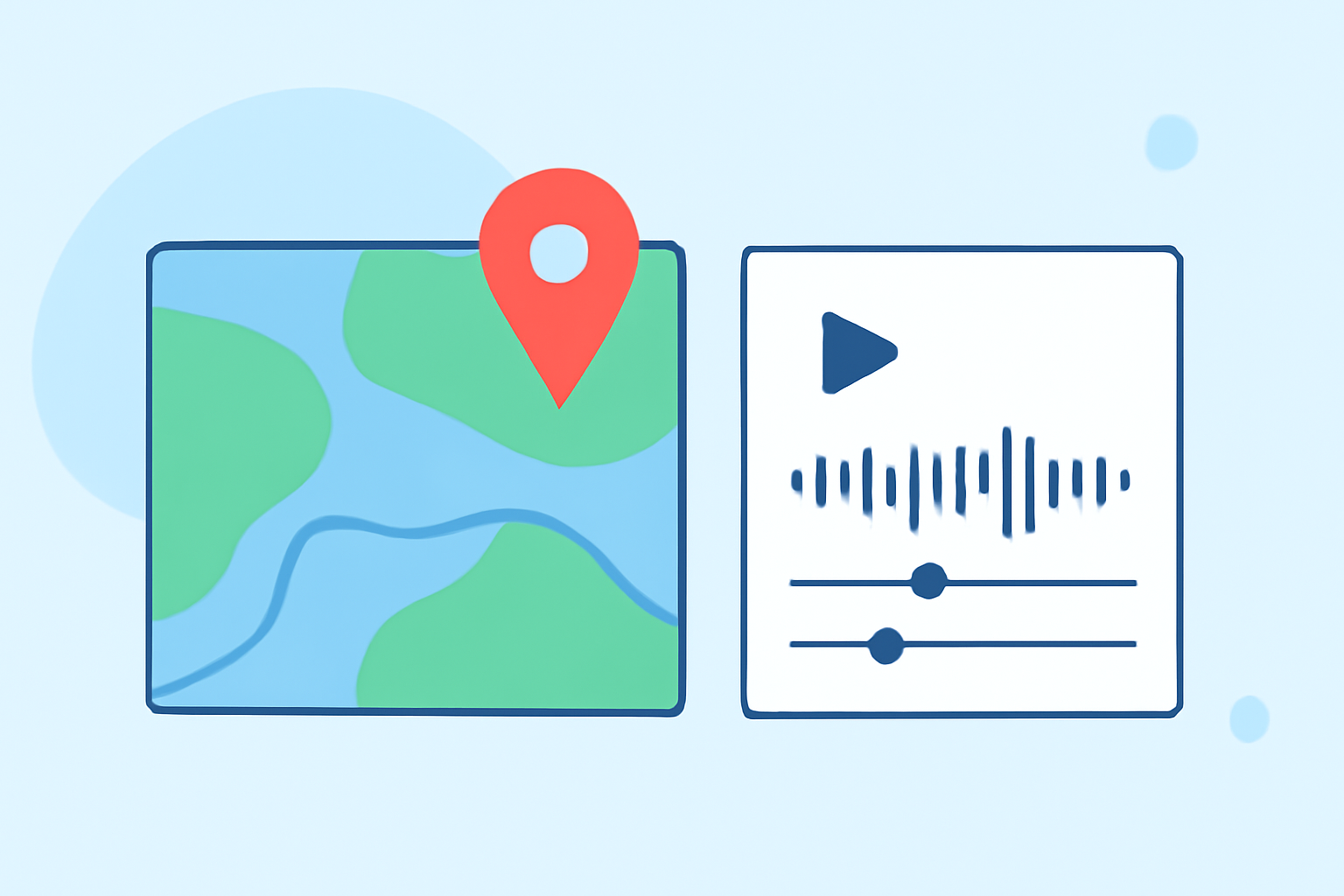
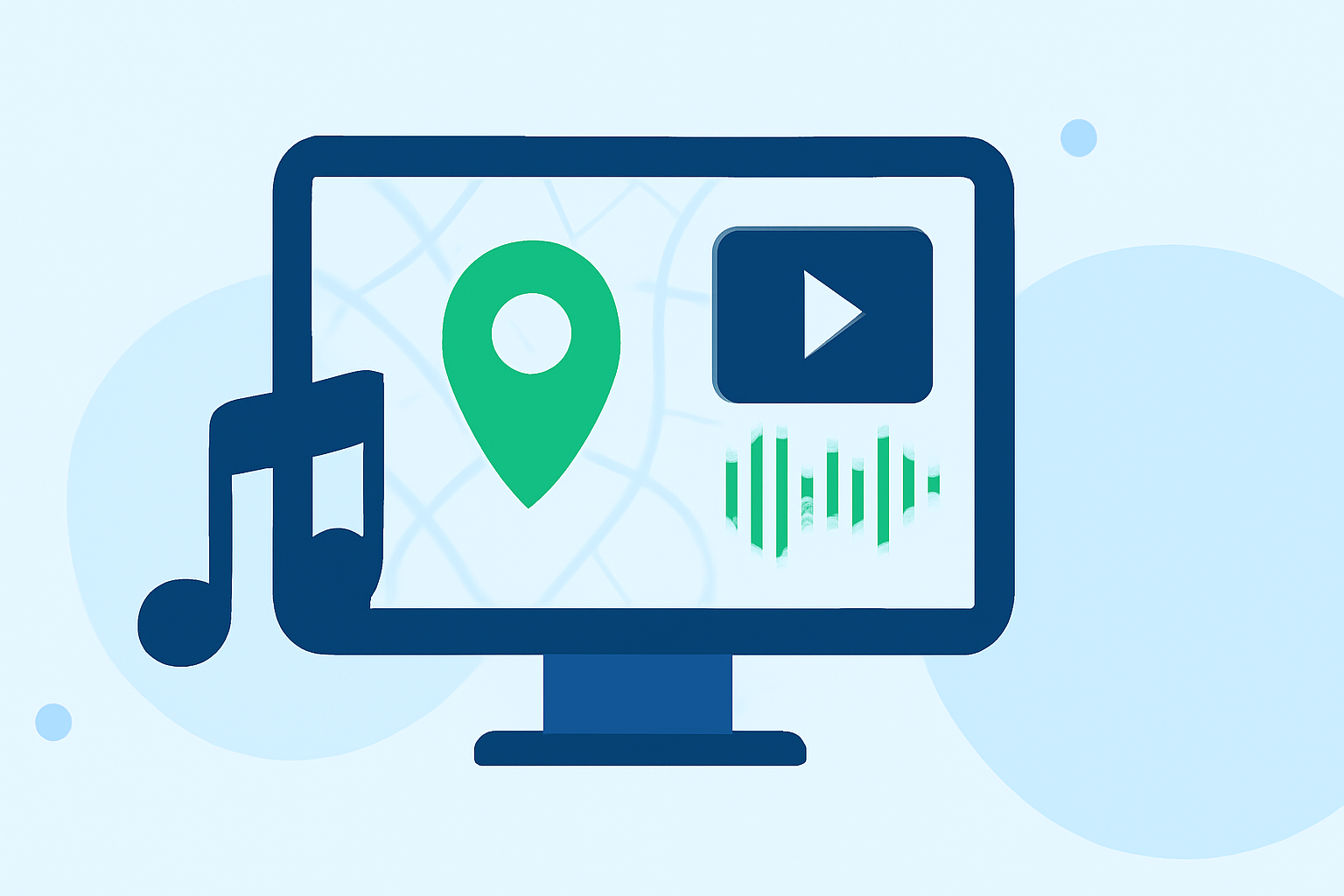
Map overlays with music edits involve superimposing a map onto your video or live stream and synchronizing it with a musical track. This technique is commonly used in travel vlogs, event recaps, and live broadcasts to provide viewers with a visual context that complements the audio.
Why Use Planes Live for Map Overlays?
Planes Live offers a user-friendly interface that allows for the easy creation of map overlays synchronized with music. Its features include:
-
Real-Time Map Rendering: Display interactive maps that update in real-time, providing viewers with up-to-date information.
-
Music Synchronization: Align map movements and transitions with the beats and tempo of your chosen music track.
-
Customizable Overlays: Add text, images, and other graphical elements to enhance the visual appeal of your map overlays.
Step-by-Step Guide to Creating Map Overlays with Music Edits Using Planes Live
-
Set Up Your Project:
- Open Planes Live and create a new project.
- Import your video footage or set up your live stream scene.
-
Import Your Music Track:
- Navigate to the audio section and upload your desired music track.
- Ensure the track is properly trimmed to fit the length of your video or live stream.
-
Add the Map Overlay:
- In the overlays section, select the map overlay option.
- Choose the type of map you wish to display (e.g., world map, regional map).
- Position and resize the map to fit your desired area on the screen.
-
Synchronize the Map with Music:
- Use Planes Live's synchronization feature to align map movements with the music track.
- Adjust the timing of map transitions to match the beats and tempo of the music.
-
Customize the Overlay:
- Add text labels, images, or other graphical elements to the map overlay.
- Customize the colors, fonts, and styles to match your project's theme.
-
Preview and Adjust:
- Preview your project to ensure the map overlay and music synchronization are seamless.
- Make any necessary adjustments to timing, positioning, or styling.
-
Export or Go Live:
- Once satisfied with your creation, export the video or start your live stream with the map overlay in place.
Tips for Effective Map Overlays with Music Edits
-
Maintain Consistency: Ensure that the style and color scheme of your map overlay align with the overall aesthetic of your project.
-
Keep It Simple: Avoid cluttering the map with excessive information or graphics that may distract from the main content.
-
Test Across Devices: Preview your project on different devices to ensure the map overlay displays correctly on various screen sizes and resolutions.
Conclusion
Creating map overlays synchronized with music can significantly enhance the engagement and professionalism of your videos or live streams. By utilizing Planes Live, you can efficiently integrate dynamic map visuals that complement your audio, providing a richer experience for your audience.
For more information on Planes Live and its features, visit the official website.