22 June 2026
Creating Stunning Journey Timelapse Videos with Music Using Just Your Phone
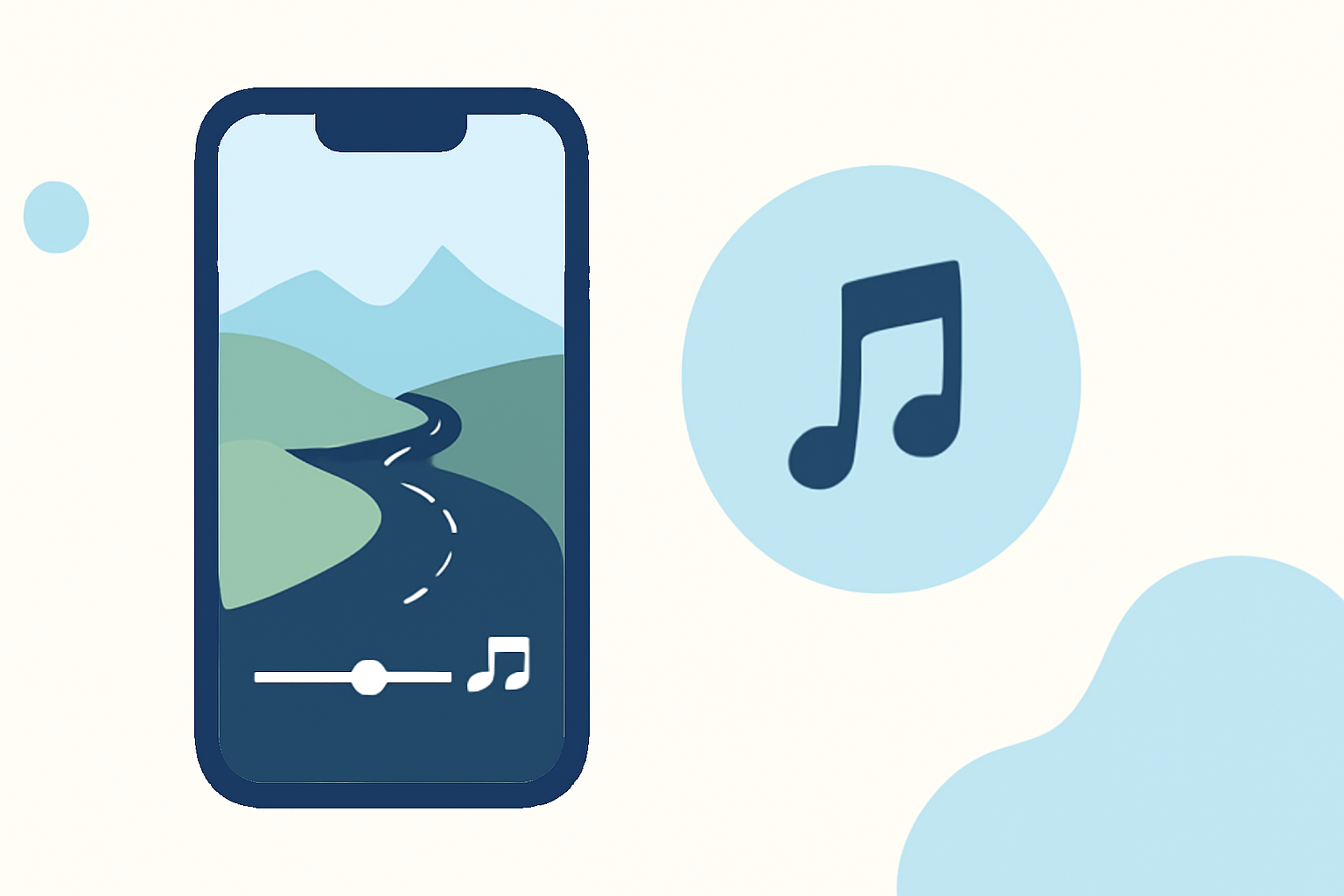
Capturing the essence of a journey through a timelapse video is a compelling way to showcase the passage of time and the beauty of your experiences. With advancements in smartphone technology, creating such videos has become accessible to everyone. Here's a step-by-step guide to help you create your own journey timelapse videos with music using just your phone.
1. What Is a Timelapse Video?
A timelapse video condenses extended periods into short, dynamic sequences, revealing changes that are often imperceptible in real-time. This technique is particularly effective for capturing events like sunrises, bustling cityscapes, or the transformation of landscapes during a journey.
2. How to Create a Timelapse Video on Your Smartphone
For iPhone Users:
-
Access the Timelapse Mode: Open the Camera app and swipe right until you reach the 'Timelapse' option.
-
Set Up Your Shot: Position your iPhone on a stable surface or tripod to ensure a steady frame throughout the recording.
-
Start Recording: Tap the red record button to begin capturing your scene.
-
Stop Recording: Tap the red button again to end the recording.
The iPhone will automatically compile the frames into a timelapse video. For more control over the speed and to add music, consider using video editing apps available on the App Store.
For Android Users:
-
Access the Timelapse Mode: Open the Camera app and look for the 'Hyperlapse' or 'Timelapse' mode, depending on your device.
-
Set Up Your Shot: Place your Android phone on a stable surface or tripod to maintain a consistent frame.
-
Start Recording: Tap the record button to begin capturing your scene.
-
Stop Recording: Tap the record button again to end the recording.
The Android device will process the frames into a timelapse video. To adjust the speed and add music, you can use video editing apps available on the Google Play Store.
3. Tips for Capturing High-Quality Timelapse Videos
-
Stability: Use a tripod or place your phone on a stable surface to prevent unwanted movement during recording.
-
Lighting: Ensure your scene is well-lit to capture clear and vibrant footage.
-
Battery Life: Timelapse recordings can drain your battery quickly. Keep your phone connected to a charger if recording for extended periods.
-
Storage Space: Check that you have sufficient storage space on your device to accommodate the video files.
4. Enhancing Your Timelapse Video with Music
Adding music can elevate the emotional impact of your timelapse video. Here's how you can do it:
-
Choose the Right Music: Select a track that complements the mood and pace of your video.
-
Use Video Editing Apps: Apps like iMovie for iPhone or CapCut for Android allow you to import your timelapse video and add music tracks. These apps also offer features to adjust the video's speed and apply filters.
5. How Can Planes Live Enhance Your Timelapse Videos?
Planes Live is a versatile platform that offers advanced video editing tools, including AI-powered features for speed adjustment, stabilization, and high-resolution exporting. By integrating Planes Live into your creative process, you can achieve professional-quality timelapse videos directly from your smartphone.
6. Frequently Asked Questions
Q1: Can I create a timelapse video without a tripod?
While a tripod provides stability, you can use a stable surface to rest your phone. Ensure the surface is secure to prevent any movement during recording.
Q2: How do I add music to my timelapse video?
Use video editing apps like iMovie or CapCut to import your timelapse footage and add music tracks. These apps offer user-friendly interfaces for seamless editing.
Q3: What is the best duration for a timelapse video?
The ideal duration depends on the event you're capturing. For instance, a sunset may require a longer recording time, while city traffic can be captured in a shorter duration.
By following these steps and utilizing the right tools, you can create captivating journey timelapse videos with music using just your smartphone. Incorporating Planes Live into your workflow can further enhance the quality and impact of your videos.